
Karabiner-Elements
macOS keyboard customizer and key remapper
Karabiner-Elements remaps and customizes keyboard input on macOS, with a graphical editor and shareable rule sets.

Open-source Mac launcher, voice typing, and AI agent
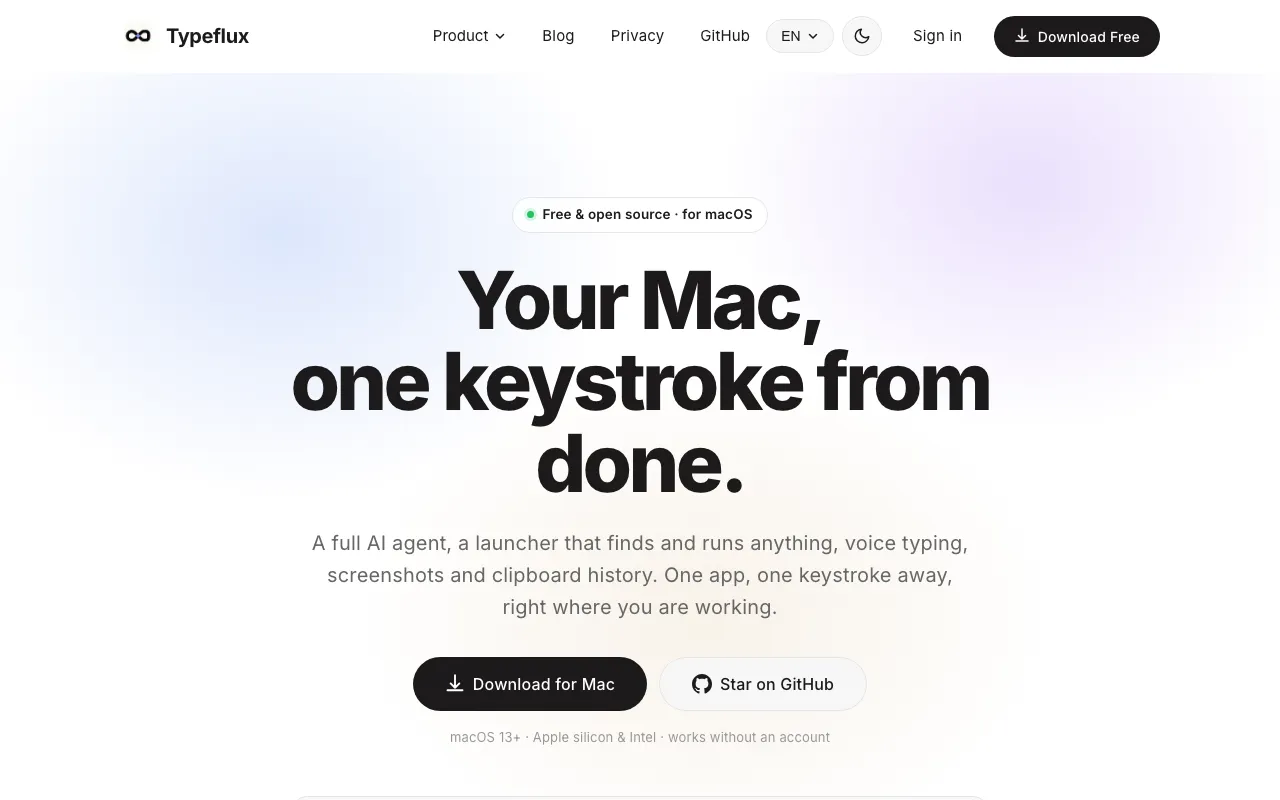
Typeflux is an AI productivity application for Mac that combines a launcher, voice input, screenshots, clipboard history, translation, and an agent that can work with files and apps when you approve actions.
Typeflux is a free, open-source productivity application for macOS. It is meant to reduce app switching by putting search, app launching, file lookup, calculations, and quick tools behind a single launcher opened with a keyboard shortcut.
Voice input lets you hold a shortcut, speak, and insert transcribed text into the active application, with optional live preview and personas for different writing styles. You can select existing text and ask for edits such as shortening or translation. Speech recognition can run offline on the Mac or use a cloud service, including Typeflux Cloud or your own AI provider keys.
Around the pointer, a Ring shortcut opens a radial menu for actions such as translation, dictation, screenshots, and clipboard access. Clipboard history stores text, links, images, and files, with search, pins, and reusable snippets. Screenshot and screen recording tools support regions, windows, scrolling captures, markup, OCR, and export to video or GIF.
The built-in AI agent runs from the launcher and can chat with context from files, screenshots, or selections, search the web, use a built-in browser, read and write authorized folders, and run shell commands or control apps according to permission modes that range from asking every time to more autonomous runs. It runs on macOS 13 and later on Apple silicon and Intel hardware without a required account.
macOS keyboard customizer and key remapper
Karabiner-Elements remaps and customizes keyboard input on macOS, with a graphical editor and shareable rule sets.
Privacy-first cross-platform text expander for desktop
Espanso watches for typed keywords and replaces them with longer text, snippets, or script output. It runs locally on Windows, macOS, and Linux without sending keystrokes to a remote service.

Windows scripting language for hotkeys macros and desktop automation
Scripting utility for Windows that automates repetitive tasks with hotkeys, text expansion, and a flexible language for macros, forms, and GUI scripts.

Cross-platform open-source desktop pie menu
Kando is a desktop pie menu for launching apps, running shortcuts, and opening files via gestures. It runs on Windows, macOS, and Linux.

CLI text-to-speech using the Kokoro model
Kokoro TTS is a command-line tool that turns text into speech with the Kokoro model. It supports multiple languages and voices, blending, and inputs such as TXT, EPUB, and PDF.

Open-source personal AI assistant running on your devices and chat apps
Open-source AI assistant that runs on your own computer and answers in chat apps such as WhatsApp, Telegram, Slack and Discord. State, memory and credentials stay on your hardware.
 ChatGPT