qmetrics.net

Karabiner-Elements

macOS keyboard customizer and key remapper

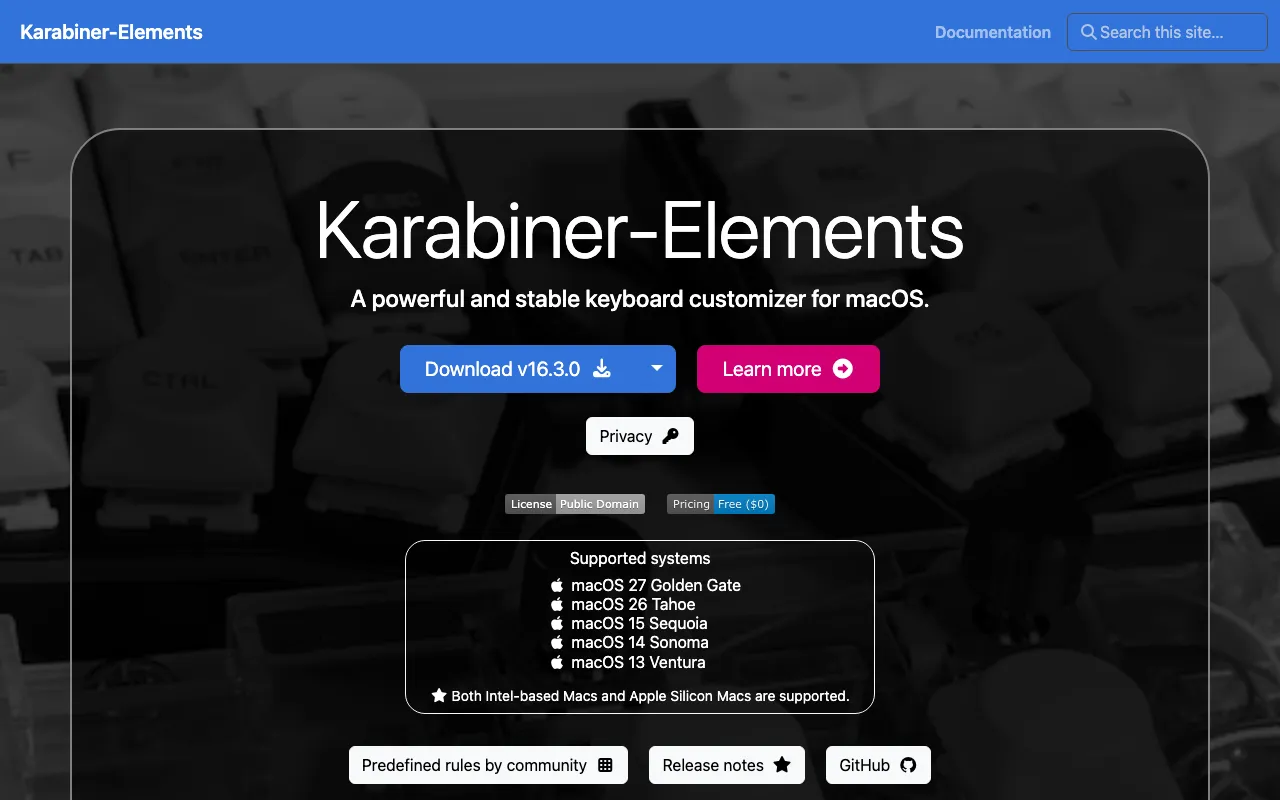
Karabiner-Elements screenshot

Karabiner-Elements remaps and customizes keyboard input on macOS, with a graphical editor and shareable rule sets.

Overview

Karabiner-Elements is a macOS application for changing how keys behave. It lets you define simple mappings through a graphical interface or adopt richer behavior with rule definitions.

The project ships with many predefined rules, including Emacs-style bindings, Vi-style bindings, mouse keys, a diamond cursor layout, and guards against accidental Command-Q quits. Community-published rules can be imported when you need ready-made profiles.

You can edit imported rules or author new ones when default behavior is not enough. Official builds install from downloadable packages or Homebrew, and recent macOS releases on both Intel and Apple Silicon hardware are listed as supported.

Background services handle low-level input, so macOS grants accessibility and related permissions during setup.

Key features

  • GUI for simple key maps
  • Large library of predefined rules
  • Import community rules online
  • Author custom modification rules
  • Emacs and Vi binding presets
  • Mouse keys and cursor layouts
  • Intel and Apple Silicon support
  • Homebrew cask installation

Use cases

  • Remap inconvenient default keys
  • Use Emacs or Vi bindings globally
  • Control the pointer from the keyboard
  • Avoid accidental application quit shortcuts

Tags

Similar software

Espanso

Privacy-first cross-platform text expander for desktop

Espanso watches for typed keywords and replaces them with longer text, snippets, or script output. It runs locally on Windows, macOS, and Linux without sending keystrokes to a remote service.

★ 14.8k⟳ 1 month agoGPL-3.0
Input & DictationDesktop/CLI app

AutoHotkey

Windows scripting language for hotkeys macros and desktop automation

Scripting utility for Windows that automates repetitive tasks with hotkeys, text expansion, and a flexible language for macros, forms, and GUI scripts.

★ 13.6k⟳ 13 days agoGPL-2.0
Input & DictationDesktop/CLI app

Kando

Cross-platform open-source desktop pie menu

Kando is a desktop pie menu for launching apps, running shortcuts, and opening files via gestures. It runs on Windows, macOS, and Linux.

★ 6.7k⟳ 10 days agoMIT
Input & DictationDesktop/CLI app

Kokoro TTS

CLI text-to-speech using the Kokoro model

Kokoro TTS is a command-line tool that turns text into speech with the Kokoro model. It supports multiple languages and voices, blending, and inputs such as TXT, EPUB, and PDF.

★ 2k⟳ 3 months agoMIT
Input & DictationDesktop/CLI app

Typeflux

Open-source Mac launcher, voice typing, and AI agent

Typeflux is an AI productivity application for Mac that combines a launcher, voice input, screenshots, clipboard history, translation, and an agent that can work with files and apps when you approve actions.

★ 372⟳ todayAGPL-3.0
Input & DictationDesktop/CLI app

OpenClaw

Open-source personal AI assistant running on your devices and chat apps

Open-source AI assistant that runs on your own computer and answers in chat apps such as WhatsApp, Telegram, Slack and Discord. State, memory and credentials stay on your hardware.

★ 395.3k⟳ todayMIT
Open Source Alternative to:ChatGPTChatGPT Plus+3