
Karabiner-Elements
macOS keyboard customizer and key remapper
Karabiner-Elements remaps and customizes keyboard input on macOS, with a graphical editor and shareable rule sets.

Windows scripting language for hotkeys macros and desktop automation
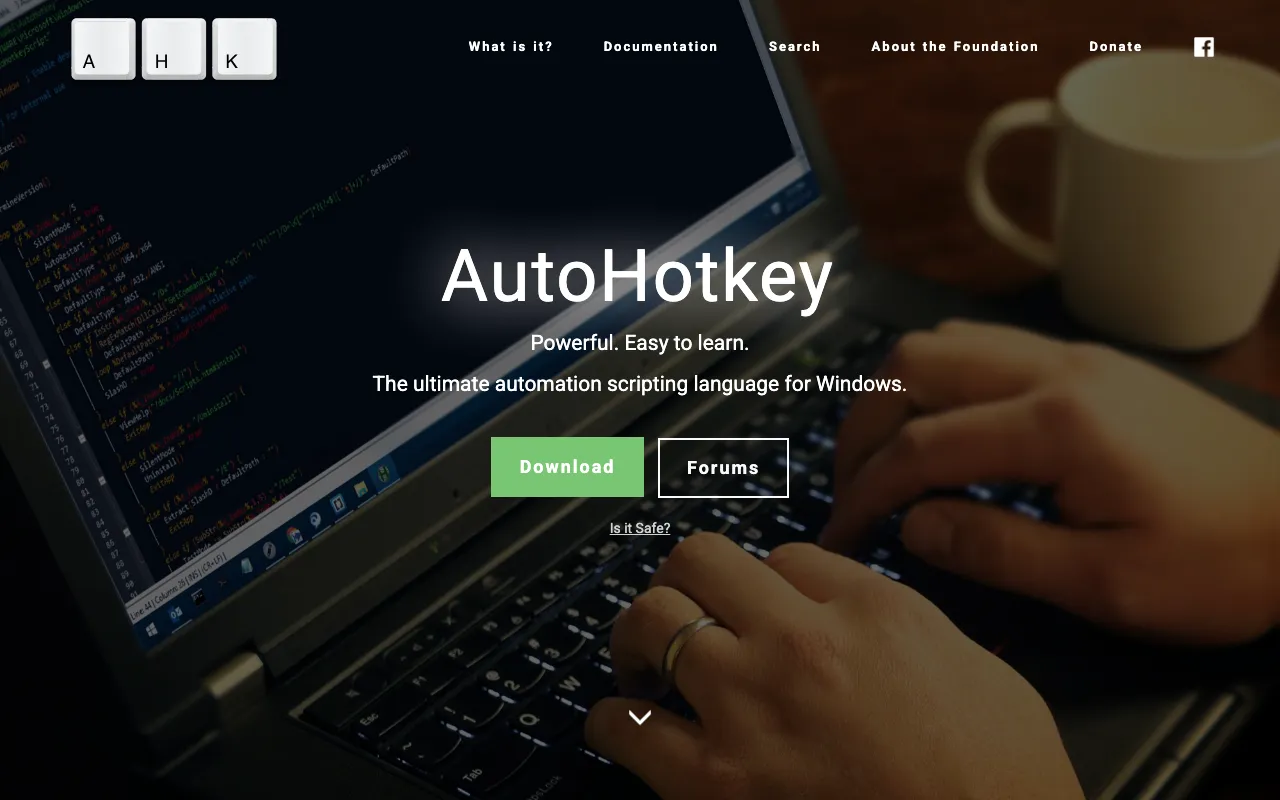
Scripting utility for Windows that automates repetitive tasks with hotkeys, text expansion, and a flexible language for macros, forms, and GUI scripts.
AutoHotkey is macro-creation and automation software for Windows driven by a dedicated scripting language. Users define keyboard shortcuts, remap keys and mouse buttons, expand abbreviations as they type, and script larger workflows from simple hotstrings to graphical interfaces.
The language supports imperative, object-oriented, and command-based styles with a syntax aimed at quick prototyping and small utilities as well as more involved automation. Typical examples include form fillers, auto-clicking, clipboard manipulation, and custom window behavior without tying everything to a single paradigm.
AutoHotkey runs out of the box after install with builds for 32-bit and 64-bit Windows. Community forums are the main support channel; v2 receives active development while v1 is no longer maintained by core developers but still has community support.
Related tooling includes script compilers such as Ahk2Exe and various community forks and language ports. Official binaries can be built from C++ sources with current Microsoft toolchains when developers need custom builds.
macOS keyboard customizer and key remapper
Karabiner-Elements remaps and customizes keyboard input on macOS, with a graphical editor and shareable rule sets.
Privacy-first cross-platform text expander for desktop
Espanso watches for typed keywords and replaces them with longer text, snippets, or script output. It runs locally on Windows, macOS, and Linux without sending keystrokes to a remote service.

Cross-platform open-source desktop pie menu
Kando is a desktop pie menu for launching apps, running shortcuts, and opening files via gestures. It runs on Windows, macOS, and Linux.

CLI text-to-speech using the Kokoro model
Kokoro TTS is a command-line tool that turns text into speech with the Kokoro model. It supports multiple languages and voices, blending, and inputs such as TXT, EPUB, and PDF.

Open-source Mac launcher, voice typing, and AI agent
Typeflux is an AI productivity application for Mac that combines a launcher, voice input, screenshots, clipboard history, translation, and an agent that can work with files and apps when you approve actions.

Open-source personal AI assistant running on your devices and chat apps
Open-source AI assistant that runs on your own computer and answers in chat apps such as WhatsApp, Telegram, Slack and Discord. State, memory and credentials stay on your hardware.
 ChatGPT