
Karabiner-Elements
macOS keyboard customizer and key remapper
Karabiner-Elements remaps and customizes keyboard input on macOS, with a graphical editor and shareable rule sets.

Cross-platform open-source desktop pie menu
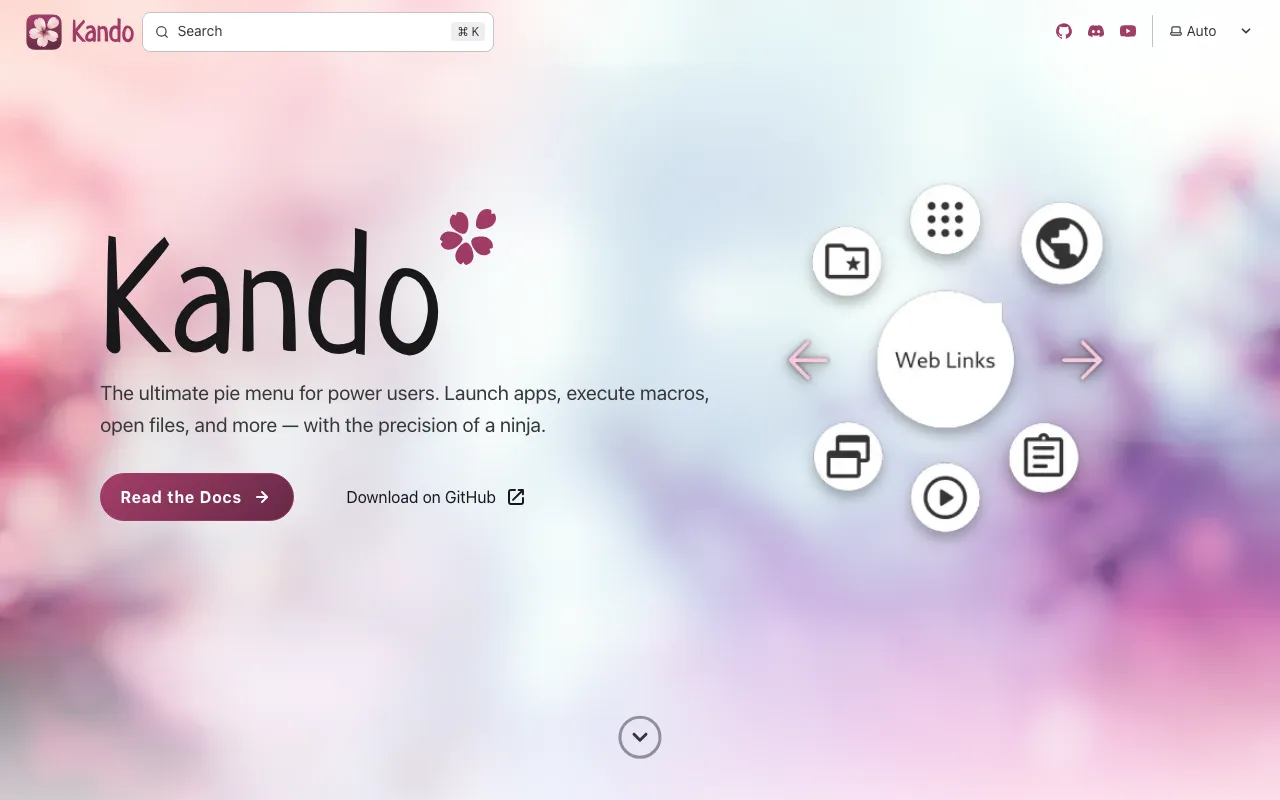
Kando is a desktop pie menu for launching apps, running shortcuts, and opening files via gestures. It runs on Windows, macOS, and Linux.
Kando is an open-source cross-platform pie menu for the desktop. It offers a radial menu interface for launching applications, simulating keyboard shortcuts, opening files, and chaining other actions.
The menu supports mouse, stylus, touch, game controller, and keyboard control. Gesture recognition helps you reach nested submenus quickly, and the full screen can act as a click target so selections do not rely on precise aiming.
You can create custom nested menus, assign icons, and tune themes, icon sets, and sound themes. Menus can vary by the active application or window so different programs can have dedicated shortcuts. A default example menu is usually opened with Ctrl+Space on most platforms.
There is no telemetry, tracking, or cloud dependency, so configuration and data stay on your machine. Install options include platform-specific packages on Windows, macOS, and Linux, including AppImage, DEB, and RPM on Linux.
macOS keyboard customizer and key remapper
Karabiner-Elements remaps and customizes keyboard input on macOS, with a graphical editor and shareable rule sets.
Privacy-first cross-platform text expander for desktop
Espanso watches for typed keywords and replaces them with longer text, snippets, or script output. It runs locally on Windows, macOS, and Linux without sending keystrokes to a remote service.

Windows scripting language for hotkeys macros and desktop automation
Scripting utility for Windows that automates repetitive tasks with hotkeys, text expansion, and a flexible language for macros, forms, and GUI scripts.

CLI text-to-speech using the Kokoro model
Kokoro TTS is a command-line tool that turns text into speech with the Kokoro model. It supports multiple languages and voices, blending, and inputs such as TXT, EPUB, and PDF.

Open-source Mac launcher, voice typing, and AI agent
Typeflux is an AI productivity application for Mac that combines a launcher, voice input, screenshots, clipboard history, translation, and an agent that can work with files and apps when you approve actions.

Open-source personal AI assistant running on your devices and chat apps
Open-source AI assistant that runs on your own computer and answers in chat apps such as WhatsApp, Telegram, Slack and Discord. State, memory and credentials stay on your hardware.
 ChatGPT