
Karabiner-Elements
macOS keyboard customizer and key remapper
Karabiner-Elements remaps and customizes keyboard input on macOS, with a graphical editor and shareable rule sets.

CLI text-to-speech using the Kokoro model
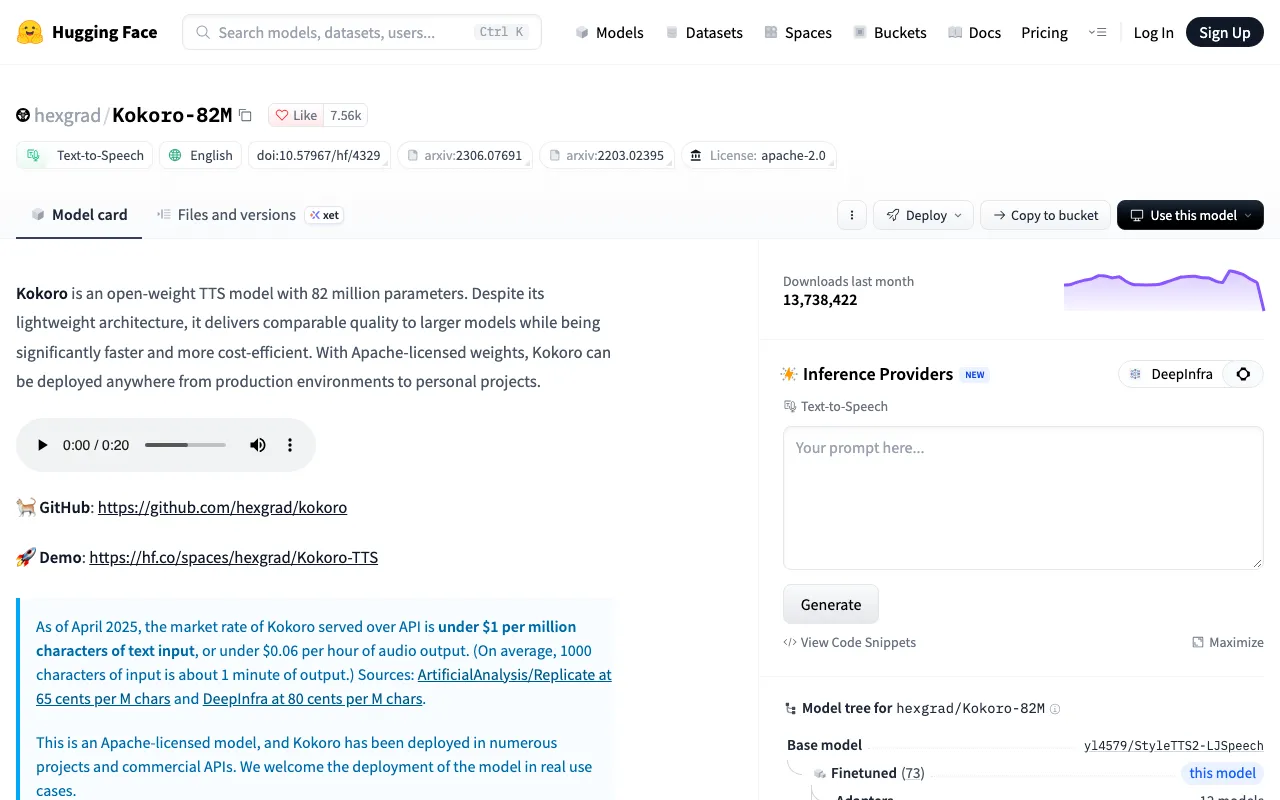
Kokoro TTS is a command-line tool that turns text into speech with the Kokoro model. It supports multiple languages and voices, blending, and inputs such as TXT, EPUB, and PDF.
Kokoro TTS is an open-source CLI text-to-speech tool built around the Kokoro model. It targets terminal use for turning text into natural-sounding audio, including long-form sources like books and documents.
Inputs include plain text files, EPUB with chapter extraction, PDF with chapter detection, standard input, and piped text from other programs. Output can be WAV or MP3, with optional streaming playback, per-chapter split directories, chunk merging, and adjustable speech speed. Voices can be selected interactively or blended with weighted combinations across several language packs.
Installation paths include PyPI, Git install, local clone with uv or pip, or running without installing by cloning dependencies only. After install, model assets voices-v1.0.bin and kokoro-v1.0.onnx must sit in the working directory where commands run. GPU support is available. Python 3.11–3.12 is required; newer Python versions are unsupported.
EPUB handling preserves chapter structure; debug mode exposes parsing and chapter metadata. The underlying Kokoro model is a compact open-weight TTS architecture suitable for local deployment; Kokoro TTS wraps that model in a user-facing CLI rather than hosting inference as a network service.
macOS keyboard customizer and key remapper
Karabiner-Elements remaps and customizes keyboard input on macOS, with a graphical editor and shareable rule sets.
Privacy-first cross-platform text expander for desktop
Espanso watches for typed keywords and replaces them with longer text, snippets, or script output. It runs locally on Windows, macOS, and Linux without sending keystrokes to a remote service.

Windows scripting language for hotkeys macros and desktop automation
Scripting utility for Windows that automates repetitive tasks with hotkeys, text expansion, and a flexible language for macros, forms, and GUI scripts.

Cross-platform open-source desktop pie menu
Kando is a desktop pie menu for launching apps, running shortcuts, and opening files via gestures. It runs on Windows, macOS, and Linux.

Open-source Mac launcher, voice typing, and AI agent
Typeflux is an AI productivity application for Mac that combines a launcher, voice input, screenshots, clipboard history, translation, and an agent that can work with files and apps when you approve actions.

Open-source personal AI assistant running on your devices and chat apps
Open-source AI assistant that runs on your own computer and answers in chat apps such as WhatsApp, Telegram, Slack and Discord. State, memory and credentials stay on your hardware.
 ChatGPT