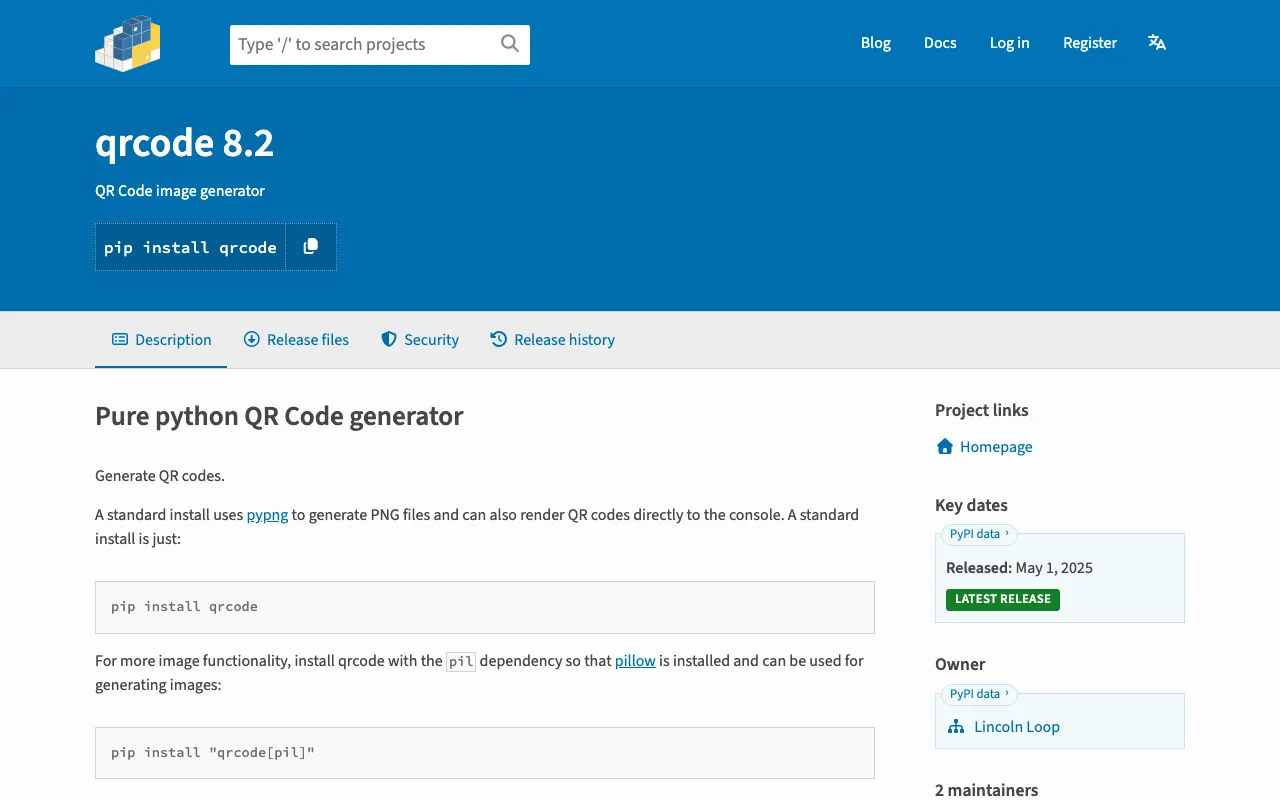
The qrcode package encodes data into QR symbols as PNG, SVG, or ASCII, via API or the qr command-line tool.
Overview
python-qrcode (published as qrcode on PyPI) generates Quick Response codes in Python without requiring a paid encoder. A standard install uses pypng for PNG output and can render codes straight to the terminal; adding the pil extra pulls in Pillow for richer raster images.
The QRCode class controls version size, error correction level, module box size, border width, and colors when using default factories. Shortcut make() calls suit simple one-off images. Alternative factories emit SVG paths, fragments, or pure-Python PNG when Pillow is absent.
Styled outputs support rounded modules, color masks, gradients, and embedded center images through StyledPilImage and related drawers, with guidance to raise error correction when experimenting. The qr CLI mirrors these options, including ascii output and explicit --output paths.
Developers embed the library in apps that need URLs, credentials, or labels as scannable graphics, while operators can script generation from the shell.
Key features
- QRCode class with error correction levels
- PNG via Pillow or pypng
- SVG path and fragment factories
- Terminal ASCII rendering
- Styled modules and color masks
- Embedded center image support
- qr command-line script
- Version and border size controls
Use cases
- Generating payment or Wi-Fi QR labels
- CLI batch QR creation
- Styled marketing QR artwork
- Embedding codes in Python web apps
- ASCII QR for logs or terminals