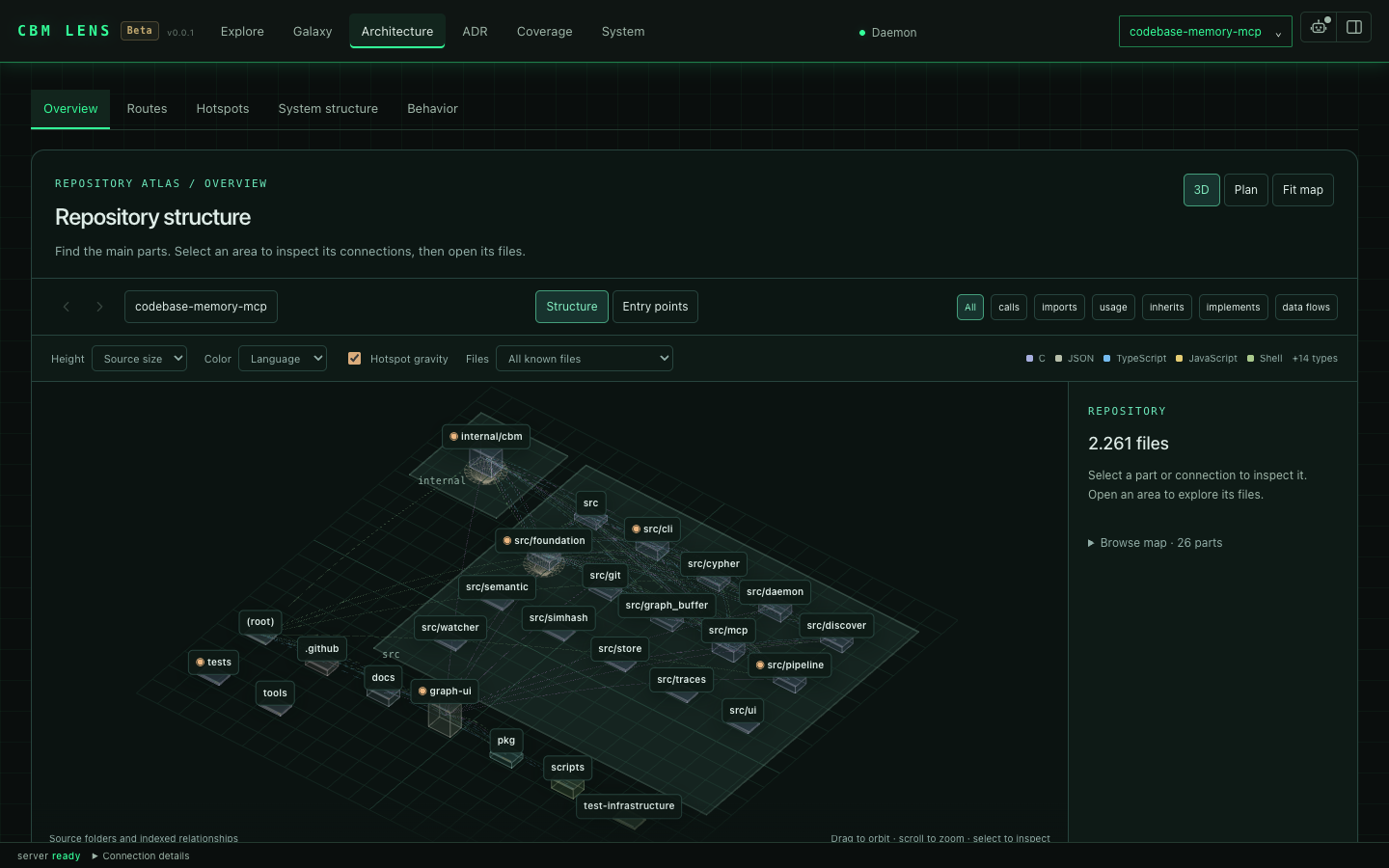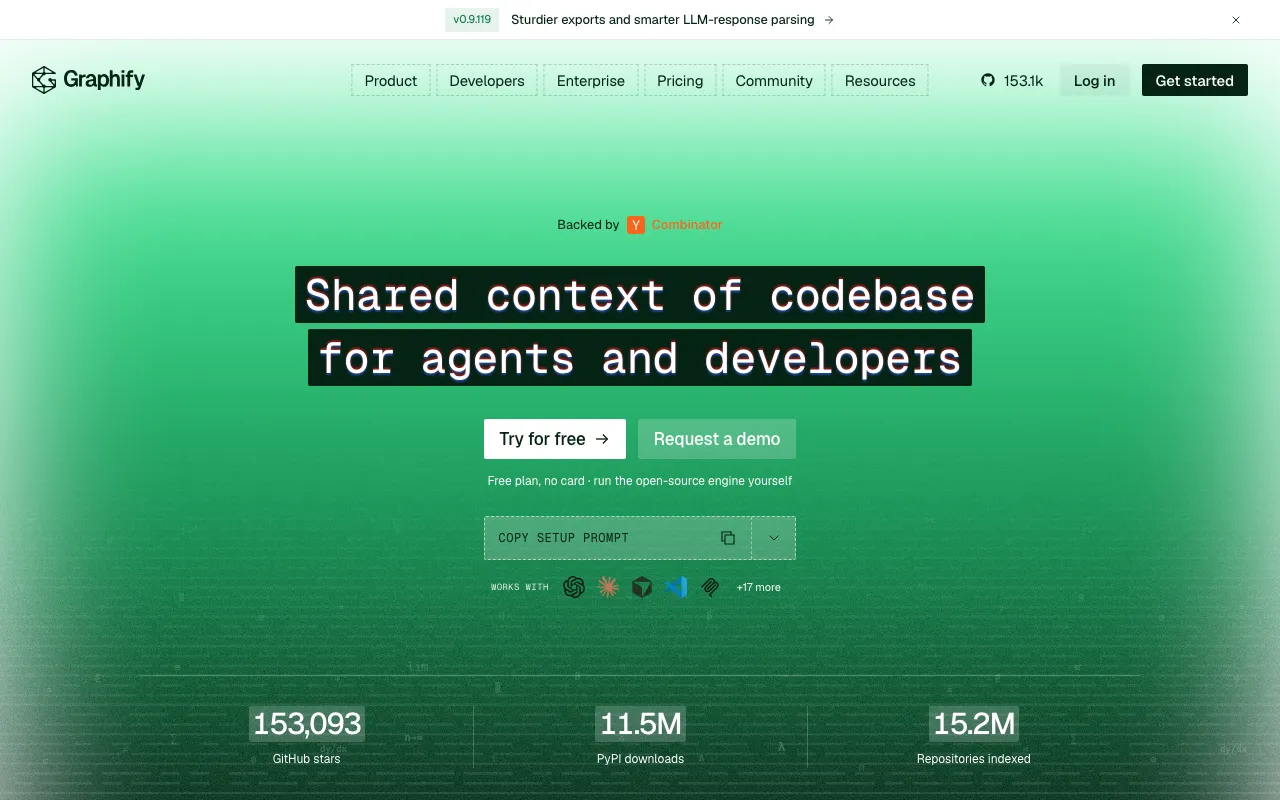
Graphify maps a project’s code, docs, and media into a queryable local knowledge graph and installs as a skill for assistants such as Cursor and Claude Code.
Overview
Graphify builds shared codebase context for agents and developers by turning a project into a knowledge graph you can query instead of grepping files. It targets AI coding assistants through a slash skill and a command-line tool that produces graph output you can inspect in HTML or JSON form.
For source code, parsing uses tree-sitter AST locally without an LLM, and nothing leaves your machine during that pass. Docs, PDFs, images, and video can go through a separate semantic step using the assistant’s model or a configured API key. Edges are tagged EXTRACTED when explicit in source or INFERRED when resolved by Graphify, and the tool exposes query, path, and explain operations over the graph.
Capabilities include cross-file links such as calls, imports, and inheritance across many languages, subsystem grouping with Leiden communities, rationale and documentation references linked to code, and inclusion of non-code assets in the same graph. Install flows register the skill with numerous assistants on macOS, Linux, and Windows.
Graphify Cloud provides always-on graphs across repositories as a hosted option, while the open-source engine can be run yourself. Documentation and a CLI reference are available at docs.graphify.com, and the PyPI package name graphifyy installs the graphify command.
Key features
- Local tree-sitter AST code parsing
- Queryable knowledge graph output
- EXTRACTED and INFERRED edge tags
- Cross-file dependency resolution
- Query, path, and explain commands
- Docs, PDFs, and media in one graph
- Assistant skill for 20+ platforms
- Subsystem detection via Leiden grouping
Use cases
- Onboarding to an unfamiliar codebase
- Tracing callers before changing shared code
- Investigating paths between components
- Giving coding agents persistent repo context