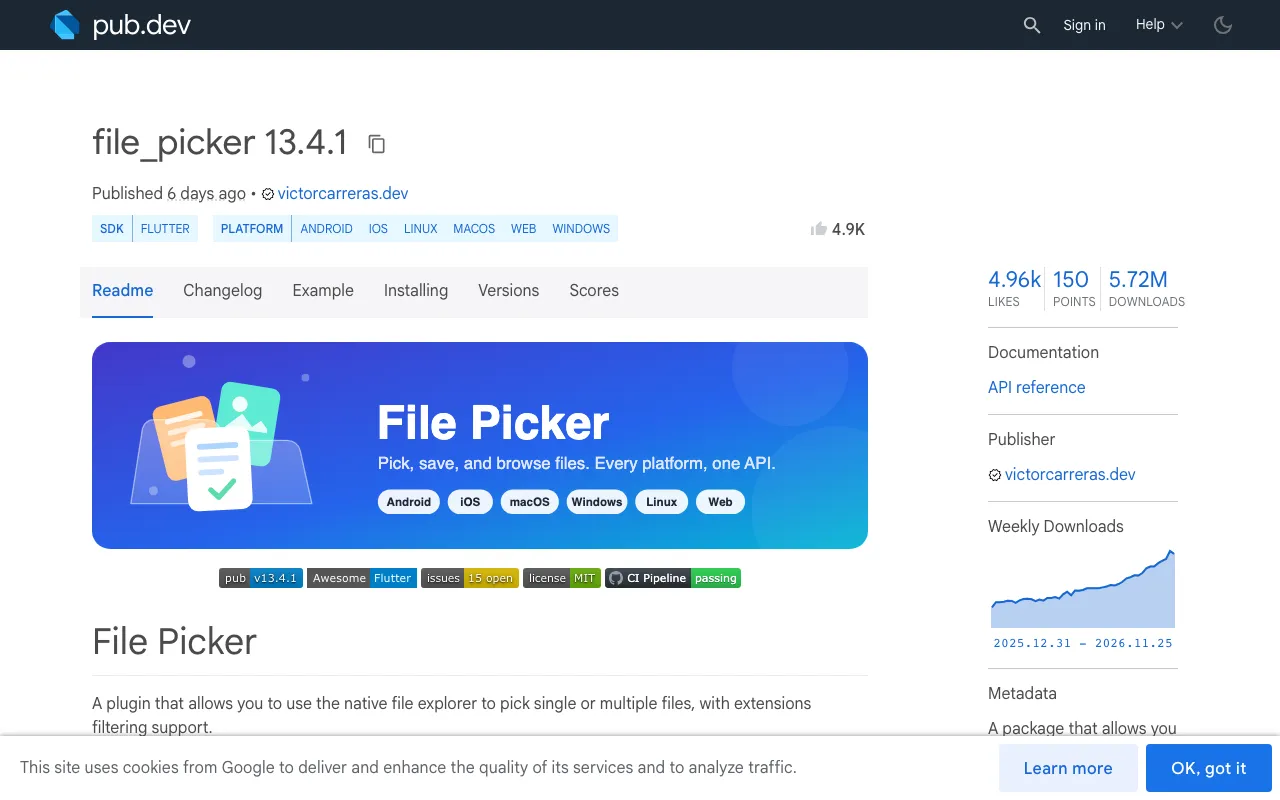
File Picker is a federated Flutter plugin that opens the OS file explorer to pick or save files and folders. It runs on mobile, desktop, and web with optional extension filters.
Overview
File Picker lets Flutter apps use each platform's native file UI to select one or many files, choose directories, open save-as dialogs, and filter by extension. The main package exposes a single API while separate implementation packages handle Android, iOS, macOS, Linux, Windows, and web.
Pickers use the system default native dialogs. You can request custom extension lists, media-oriented type filters, and cloud-backed files where the platform supports them. Results are returned as platform file objects that can be read as bytes or byte streams without loading everything up front.
Platform-specific option classes group settings for Android Storage Access Framework, Darwin photo library behavior, Windows and Linux dialog locking, and web upload behavior including WebAssembly support where documented. A compatibility chart in the docs maps which APIs work on each target.
Recent major versions changed return types to lists of platform files, moved read flags onto file methods, and introduced federated per-platform configuration. Directory picking and combined file-and-directory selection behave differently on some Android, Linux, and Windows pickers.
Key features
- Native OS file dialogs
- Single and multiple selection
- Extension and type filtering
- Directory picking
- Save-as file dialog
- Byte and stream file reads
- Federated multi-platform plugin
- WebAssembly on web
Use cases
- User document upload flows
- Choosing export save location
- Folder selection for sync
- Filtered image or PDF picks
- Reading picked file content in app