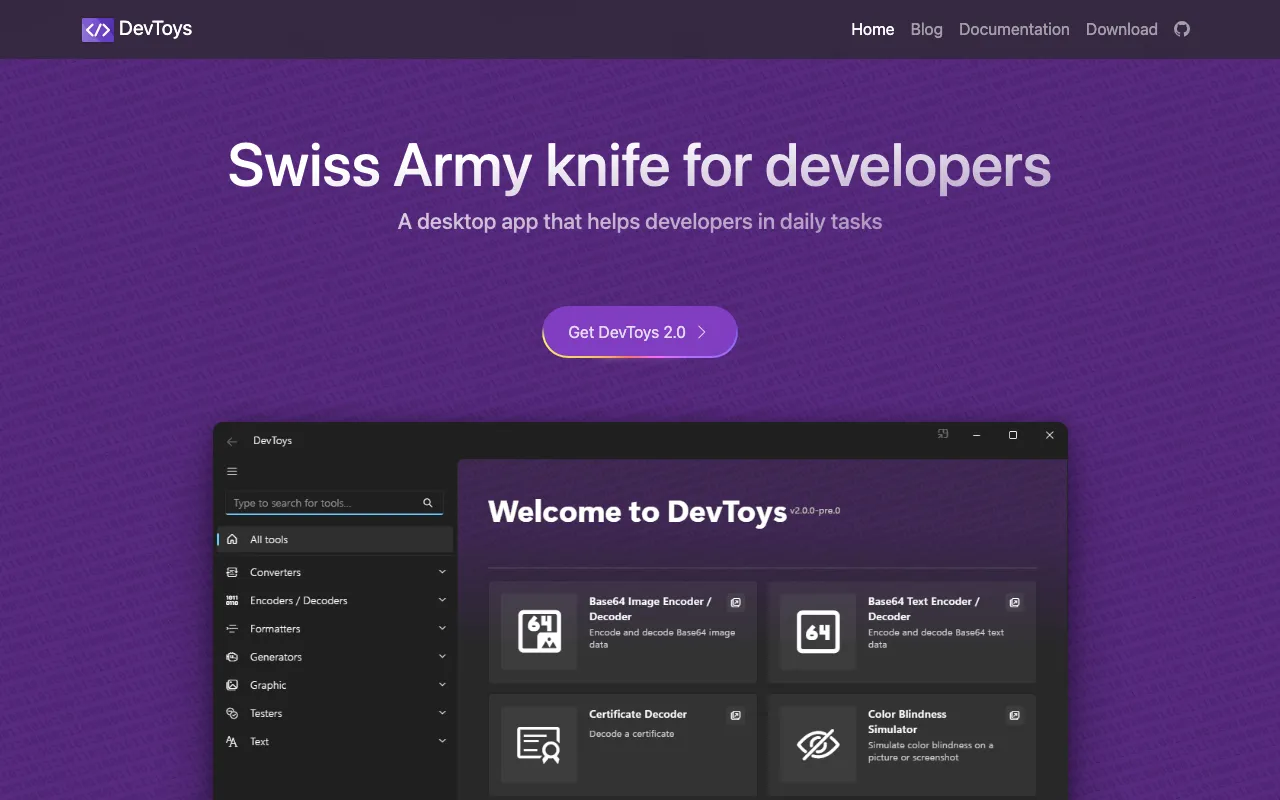
DevToys packs dozens of offline converters, formatters, encoders, generators, and testers into one privacy-focused desktop app with smart clipboard detection.
Overview
DevToys is a desktop application that groups many small developer utilities into one interface so everyday encoding, formatting, and comparison tasks stay on your machine instead of random websites. Version 2 ships with about thirty built-in offline tools spanning converters, encoders, formatters, hash and password generators, graphics helpers, regex and JSONPath testers, and text utilities.
Smart Detection watches the clipboard and highlights tools that match pasted content, optionally auto-opening a sole match. The UI supports light and dark themes, multiple windows, compact overlay mode, system search integration, and platform-specific affordances on Windows, macOS, and Linux. Tools are extensible through community or custom extensions and a documented SDK.
A separate DevToys CLI exposes many of the same operations for terminal and continuous-integration scripts. The graphical and CLI apps can both load extensions. The project emphasizes privacy and local processing for default tools.
Contributions come from an open community of code and design contributors maintaining the cross-platform WinUI-based client.
Key features
- Thirty built-in offline developer tools
- JSON, YAML, JWT, and Base64 utilities
- Text and JSON formatters and comparers
- Hash, password, and UUID generators
- Smart clipboard tool detection
- Dark and light themes
- Extension SDK and NuGet add-ons
- Separate DevToys CLI for scripts
Use cases
- Formatting JSON or SQL locally
- Decoding JWT or Base64 payloads
- Comparing text or list diffs
- Generating hashes and passwords offline
- Running utilities in CI via CLI