
Playwright MCP
MCP server for Playwright browser automation
Playwright MCP exposes browser control to MCP clients using Playwright’s accessibility tree instead of screenshots, so language models can navigate pages through structured snapshots.

MCP and CLI bridge from coding agents to Chrome DevTools
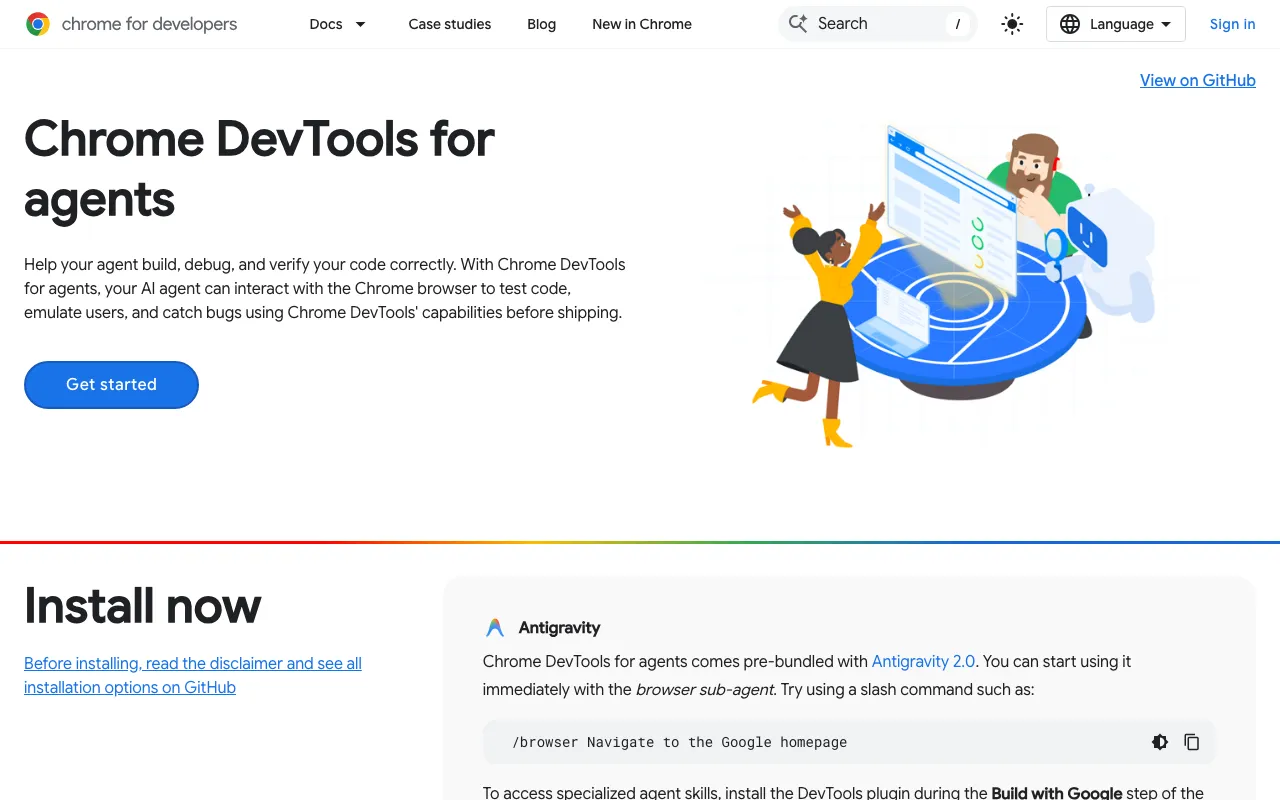
Lets coding agents control and inspect a live Chrome session for automation, debugging, performance traces, and Lighthouse-style checks.
Chrome DevTools for agents exposes Chrome browser control and inspection to AI coding assistants through a Model Context Protocol server and a matching command-line interface. Agents can automate the browser with Puppeteer-backed actions, analyze network traffic, capture screenshots, read console output with source-mapped stacks, and record performance traces for diagnosis.
Setup is aimed at editors and agents such as Cursor, Claude Code, Copilot, and Antigravity via MCP configuration or plugin installs that bundle skills. The CLI runs the same capabilities from a shell for scripts and CI without MCP overhead. Optional skills cover accessibility audits, cookie debugging, LCP optimization, memory leak analysis, extension debugging, and WebMCP tool validation.
Official support targets Google Chrome and Chrome for Testing; other Chromium browsers may work without guarantee. Browser content is visible to connected MCP clients, so sensitive data should be kept out of the session. Usage statistics and optional CrUX field data can be disabled with documented flags and environment variables.
Configuration covers headless and isolated modes, slim tool sets for simple tasks, WebSocket connections, concurrent sessions, custom browser executables, attaching to an existing Chrome instance, and Android debugging. Google documents pairing with Modern Web Guidance for agentic web development workflows.
MCP server for Playwright browser automation
Playwright MCP exposes browser control to MCP clients using Playwright’s accessibility tree instead of screenshots, so language models can navigate pages through structured snapshots.

Natural-language Android device automation for tests
ARTEMIS turns plain-language instructions into actions on real Android phones or emulators. It combines accessibility, vision, and coordinate fallbacks with Flash or Pro execution profiles.

YAML mobile and web UI end-to-end testing framework
Maestro automates UI and end-to-end tests for Android, iOS, and web using human-readable YAML flows. Tests run on emulators, simulators, browsers, and physical Android devices.
Vision-based natural language E2E testing framework
Midscene.js adds AI vision to end-to-end tests for web, mobile, and desktop. Describe UI steps and expectations in natural language, then a GUI agent acts on screenshots and checks what users see.

Local plan and code review surface for coding agents
Plannotator opens agent plans, specs, and diffs in a local browser UI so you can annotate and send structured feedback back to coding agents.

Runtime verification for AI-written web applications
Reticle drives your running app, reads DOM, network, state, and console, and returns pass, fail, or cannot-tell verdicts with file and line hints.