NVM
Node.js version manager for Windows
NVM for Windows installs and switches Node.js versions on Windows without mandatory administrator rights. It is a separate project from the Mac and Linux nvm tool.
Command-line interface for administering WordPress sites
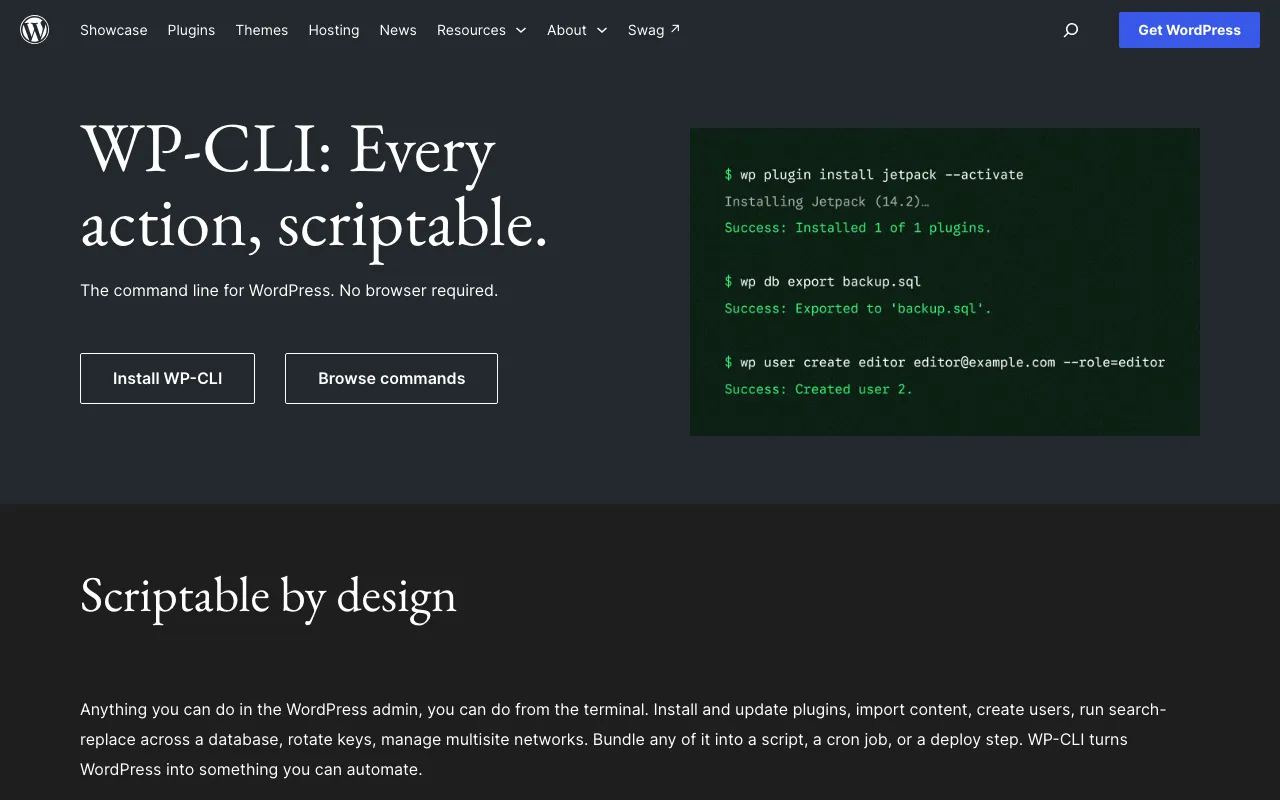
WP-CLI exposes WordPress dashboard actions and extra maintenance tasks from the shell. Install the phar, then run wp commands against a WordPress installation.
WP-CLI is the command-line interface for WordPress. It wraps many tasks you would perform in the web admin—installing plugins, managing themes, users, posts, cron, multisite networks, and core updates—so they can be scripted without a browser.
It also includes operations that are awkward or unavailable in the admin UI, such as bulk transient cleanup or database search-replace. Output can feed deploy pipelines, cron jobs, and automation recipes for exports, cache flushes, and environment migrations.
Installation is typically a downloadable Phar executable placed on your PATH, with alternatives via Composer, Homebrew, or Docker documented separately. It expects a UNIX-like environment, a supported PHP runtime, and a compatible WordPress tree. Bash and Zsh tab-completion scripts are provided.
Developers can register custom commands with WP_CLI::add_command, reusing internal APIs documented for extensions. The project is community-maintained and described as scriptable infrastructure for agent and MCP integrations in recent materials.
Node.js version manager for Windows
NVM for Windows installs and switches Node.js versions on Windows without mandatory administrator rights. It is a separate project from the Mac and Linux nvm tool.
Per-user Python version switcher and installer
Pyenv installs multiple Python interpreters and selects global, directory-local, or shell-specific versions. It uses PATH shims instead of loading into the shell.
CLI for project dev tools, env vars, and tasks
mise coordinates development tool versions, environment variables, and project tasks from a single config that works in your shell, editor, and CI.
Cross-platform Node.js version manager in Rust
fnm installs and switches Node.js runtimes on your machine from the shell. It ships as a single binary, starts quickly, and reads project pins from .node-version and .nvmrc files.
Per-directory environment loading for your shell
direnv hooks into bash, zsh, fish, and other shells to load or unload environment variables when you enter or leave a directory. Project settings live in `.envrc` files instead of global profiles.
Host-integrated Linux distribution environments in your terminal
Distrobox wraps Podman, Docker, or Lilipod to run another Linux distro userland tightly linked to your host home, graphics, and devices.