
Vditor
In-browser Markdown editor with three editing modes
Vditor is a TypeScript Markdown editor for the browser with WYSIWYG, instant rendering, and split preview modes for web and framework integration.

All-in-one Markdown editing support for VS Code
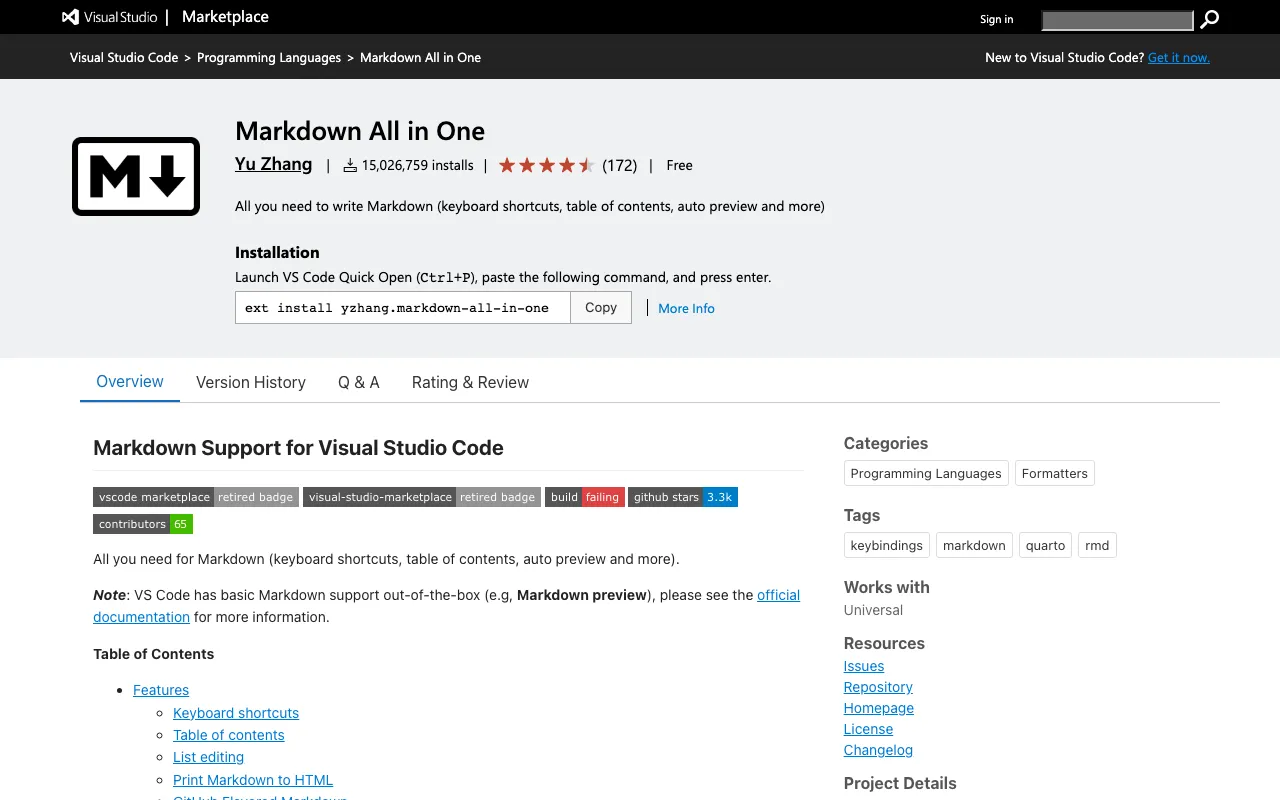
Markdown All in One adds shortcuts, tables of contents, list tools, preview controls, GFM helpers, and HTML export on top of VS Code.
Markdown All in One is a Visual Studio Code extension that bundles common Markdown authoring workflows into one package. It complements the editor’s built-in Markdown preview with keyboard shortcuts, automatic table-of-contents maintenance, list editing helpers, and printing Markdown to HTML.
Table of contents can be created and updated from commands, with options for GitHub, GitLab, or other slug modes, omitted headings, section numbering, and save-time refresh. List editing follows CommonMark indentation rules by default but can use a fixed tab size. GitHub Flavored Markdown features include a table formatter and task list shortcuts.
The extension can export the current document or multiple documents to HTML, optionally including VS Code styles, converting linked .md files to .html, and embedding images as base64. Autocomplete covers image and file paths, math macros, and reference links, while preview-related commands add or remove a close-preview binding matched to open preview.
Math rendering in this extension is limited; documentation suggests using Markdown+Math and disabling this extension’s math.enabled when dedicated math support is required. Many behaviors are exposed as markdown.extension.* settings for TOC, lists, print, syntax decorations, and preview behavior.
In-browser Markdown editor with three editing modes
Vditor is a TypeScript Markdown editor for the browser with WYSIWYG, instant rendering, and split preview modes for web and framework integration.

Guided codebase walkthroughs inside Visual Studio Code
CodeTour is a Visual Studio Code extension that records and plays interactive tours linking files, lines, and explanations for onboarding and reviews.

Extensible editor for edit-build-debug workflows
Visual Studio Code combines a lightweight code editor with navigation, debugging, and an extension model. Builds are available for Windows, macOS, and Linux, with a browser-based option.

Agent development environment for parallel coding agents
Orca is a cross-platform agent IDE where you run CLI coding agents in chat or terminal, split work across isolated git worktrees, and coordinate bots from Slack, Linear or GitHub

Extensible Vim-based terminal text editor
Neovim refactors Vim for easier maintenance, stronger extensibility, and modern UIs. It keeps Vim's editing model while adding Lua config, LSP, and a language-agnostic RPC API.

Multiplayer open-source code editor with optional AI
Zed is a multiplayer code editor for macOS, Linux, and Windows. It comes from the creators of Atom and Tree-sitter.