
CodeTour
Guided codebase walkthroughs inside Visual Studio Code
CodeTour is a Visual Studio Code extension that records and plays interactive tours linking files, lines, and explanations for onboarding and reviews.

In-browser Markdown editor with three editing modes
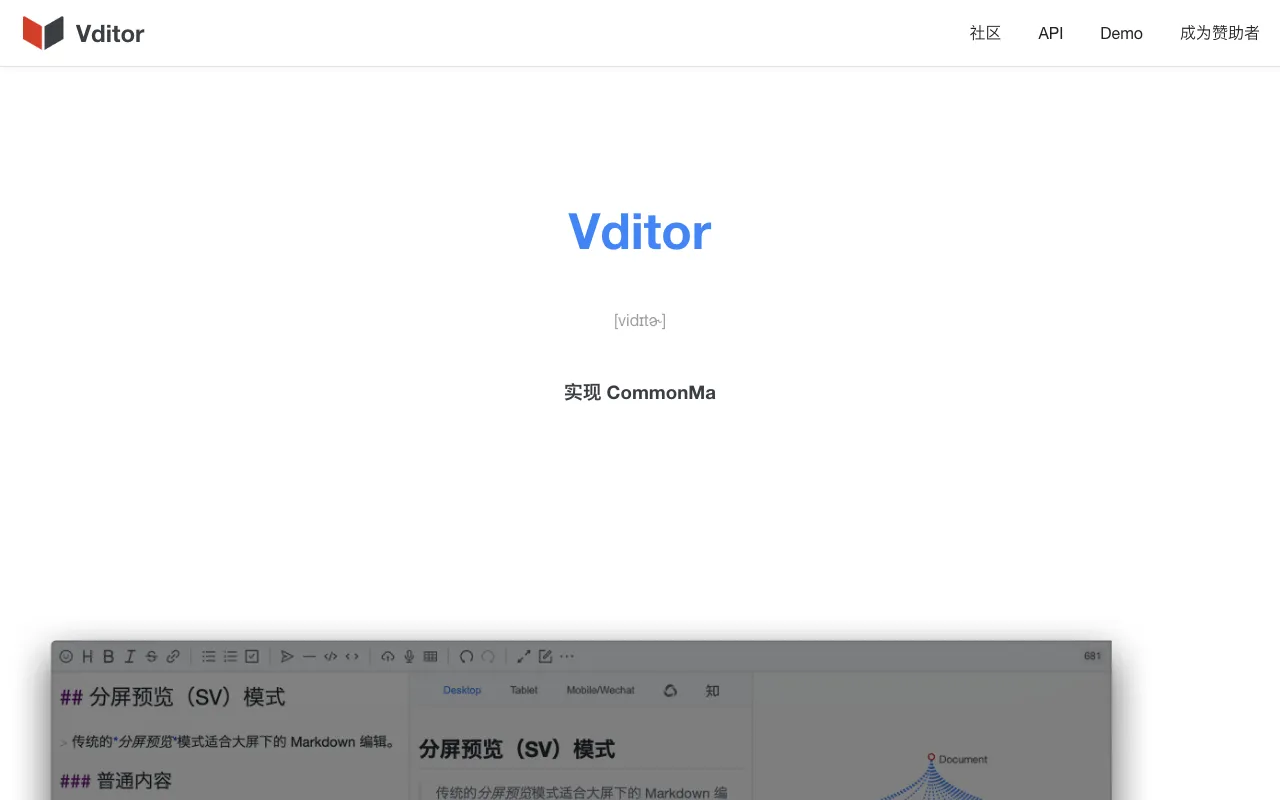
Vditor is a TypeScript Markdown editor for the browser with WYSIWYG, instant rendering, and split preview modes for web and framework integration.
Vditor is a browser-side Markdown editor aimed at sites that need different editing experiences in one component. It supports three modes: WYSIWYG rich text, instant rendering similar to Typora-style editing, and traditional split-view preview for large screens.
The editor implements CommonMark and GitHub Flavored Markdown, plus extensions such as footnotes, tables of contents, and custom heading IDs. Rendering covers Mermaid diagrams, Graphviz, WaveDrom, ECharts charts, abc.js music notation, and MathJax or KaTeX math. Documented tooling includes export, lazy-loaded images, task lists, multi-platform preview presets, theme switching, and copy flows aimed at WeChat public accounts and Zhihu.
Integration options include npm CommonJS usage, plain script tags, and bindings for JavaScript, Vue, React, Angular, and Svelte. The website also mentions a desktop edition alongside the web component. Configuration spans toolbars, upload handlers with CORS, localStorage autosave, recording, HTML-to-Markdown paste, XSS sanitization, outline panels, and extensive preview theming for content and code blocks.
Chinese typography helpers can insert spaces between Chinese and Western text, fix terminology spelling, and adjust punctuation. Most features are toggled through options so hosts can tailor behavior to their application.
Guided codebase walkthroughs inside Visual Studio Code
CodeTour is a Visual Studio Code extension that records and plays interactive tours linking files, lines, and explanations for onboarding and reviews.

All-in-one Markdown editing support for VS Code
Markdown All in One adds shortcuts, tables of contents, list tools, preview controls, GFM helpers, and HTML export on top of VS Code.

Extensible editor for edit-build-debug workflows
Visual Studio Code combines a lightweight code editor with navigation, debugging, and an extension model. Builds are available for Windows, macOS, and Linux, with a browser-based option.

Agent development environment for parallel coding agents
Orca is a cross-platform agent IDE where you run CLI coding agents in chat or terminal, split work across isolated git worktrees, and coordinate bots from Slack, Linear or GitHub

Extensible Vim-based terminal text editor
Neovim refactors Vim for easier maintenance, stronger extensibility, and modern UIs. It keeps Vim's editing model while adding Lua config, LSP, and a language-agnostic RPC API.

Multiplayer open-source code editor with optional AI
Zed is a multiplayer code editor for macOS, Linux, and Windows. It comes from the creators of Atom and Tree-sitter.