OBS Studio
Open-source live streaming and video recording
OBS Studio captures, mixes, encodes, and streams or records video and audio on Windows, macOS, and Linux for platforms such as Twitch and YouTube.
Linux desktop screen and OpenGL recorder
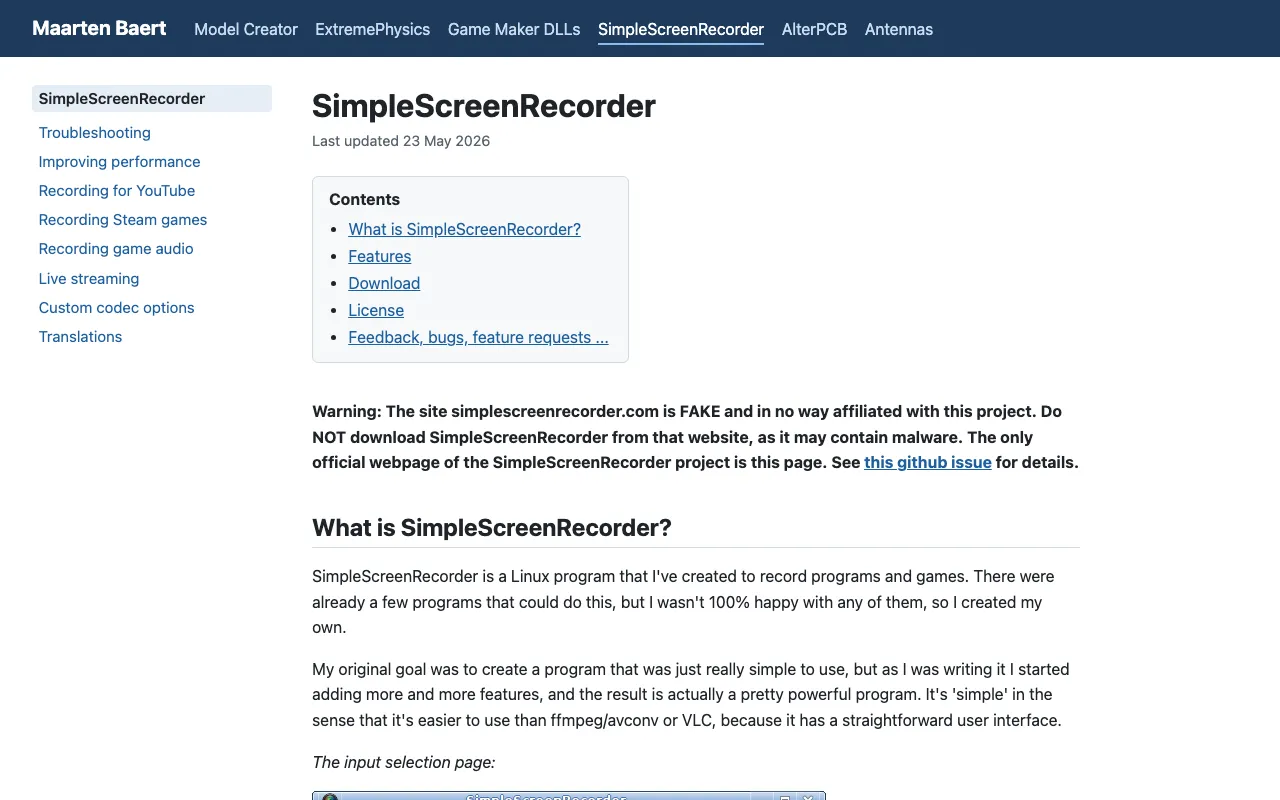
SimpleScreenRecorder captures the full screen, a region, or OpenGL apps on Linux with a Qt GUI, libav/ffmpeg encoding, and pause or resume controls.
SimpleScreenRecorder is a Linux program for recording desktop activity, including games and other software. The author aimed for a straightforward interface compared with ffmpeg, avconv, or VLC, while still supporting a broad set of encoding options through libav/ffmpeg.
The Qt-based interface lets you choose input sources, record the whole display or a section, or hook OpenGL applications directly. Audio and video stay synchronized, the tool can lower frame rate when the machine is slow, and multithreaded design keeps components from blocking one another. You can pause and resume with a button or hotkey, see live statistics, and preview while recording to catch misconfiguration early.
Encoding uses libav/ffmpeg libraries, so many codecs and container formats are available. Experimental live streaming is mentioned on the project site. Sensible defaults reduce setup for casual use, and tooltips explain most controls without reading lengthy docs.
Packages exist for many Linux distributions via official repos, third-party repos such as RPM Fusion or Packman, AUR, Nix, and distribution-specific maintainers. OpenGL recording on 64-bit systems may need an additional 32-bit inject library where distributors provide it.
Open-source live streaming and video recording
OBS Studio captures, mixes, encodes, and streams or records video and audio on Windows, macOS, and Linux for platforms such as Twitch and YouTube.

Windows screen capture, recording, and file sharing utility
ShareX captures or records any screen region from hotkeys, edits screenshots, and uploads files to many destinations. It is a free desktop app for Windows with OCR and workflow automation.

Desktop screen recorder and editor for demo videos
Recordly records screens on macOS, Windows, and Linux, then edits captures with auto-zoom, styled cursors, webcam overlays, and timeline tools before MP4 or GIF export

Cross-platform screenshot tool with editing
Flameshot captures screen regions with a GUI or CLI on Linux, Windows, and macOS. Built-in tools annotate, blur, upload, and save shots locally.

Windows screen, webcam and sketch capture with GIF export
ScreenToGif records a chosen screen region, a webcam feed, or sketchboard drawings, then lets you edit and export the result as GIF, video, or still image formats.

Shareable screen recording with local editing
Cap records screen, camera, and microphone on macOS, Windows, and Linux, then shares links or exports edited video. Teams can self-host the web stack with Docker Compose.
 Loom