
OBS Studio
Open-source live streaming and video recording
OBS Studio captures, mixes, encodes, and streams or records video and audio on Windows, macOS, and Linux for platforms such as Twitch and YouTube.

Cross-platform screenshot tool with editing
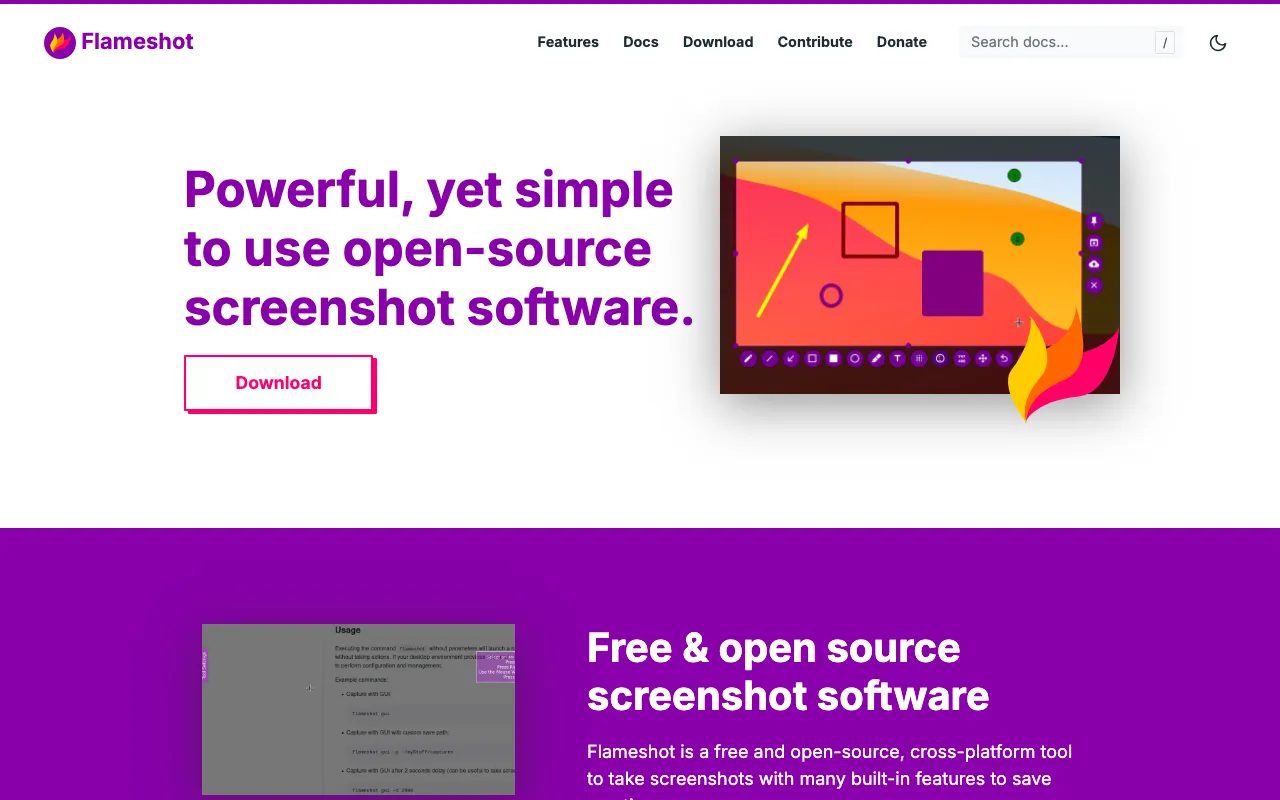
Flameshot captures screen regions with a GUI or CLI on Linux, Windows, and macOS. Built-in tools annotate, blur, upload, and save shots locally.
Flameshot focuses on capturing part or all of the screen, then editing the result before saving or copying it. A graphical mode lets you draw a selection, annotate with arrows, lines, shapes, text, markers, pixelation, and counters, and adjust thickness and colors from the sidebar.
The application can run in the background with a tray icon for configuration, or be invoked entirely from the terminal with delays, custom save paths, fullscreen capture, and clipboard output. flameshot-cli.exe on Windows forwards console output when needed. Configuration is available through a GUI menu, CLI flags, and an INI file under the user config directory.
Wayland compositors such as Hyprland and Sway and minimal X11 window managers may need extra portal or legacy capture setup documented in the project. Desktop integration guides cover KDE Plasma hotkey imports, Gnome and XFCE Print Screen rebinding, and Fluxbox key files.
Optional Imgur upload is available from the capture UI, and a D-Bus interface enables external automation. Prebuilt packages, distribution repositories, Homebrew on macOS, and Flatpak or Snap installs are documented on the project site.
Open-source live streaming and video recording
OBS Studio captures, mixes, encodes, and streams or records video and audio on Windows, macOS, and Linux for platforms such as Twitch and YouTube.

Windows screen capture, recording, and file sharing utility
ShareX captures or records any screen region from hotkeys, edits screenshots, and uploads files to many destinations. It is a free desktop app for Windows with OCR and workflow automation.

Desktop screen recorder and editor for demo videos
Recordly records screens on macOS, Windows, and Linux, then edits captures with auto-zoom, styled cursors, webcam overlays, and timeline tools before MP4 or GIF export

Windows screen, webcam and sketch capture with GIF export
ScreenToGif records a chosen screen region, a webcam feed, or sketchboard drawings, then lets you edit and export the result as GIF, video, or still image formats.

Shareable screen recording with local editing
Cap records screen, camera, and microphone on macOS, Windows, and Linux, then shares links or exports edited video. Teams can self-host the web stack with Docker Compose.

WiFi screen sharing desktop app for browser-based secondary displays
Deskreen streams your computer display to any device with a web browser over WiFi. Install it on Windows, macOS, or Linux; viewers connect without installing an app.
 Loom