ShareX captures or records any screen region from hotkeys, edits screenshots, and uploads files to many destinations. It is a free desktop app for Windows with OCR and workflow automation.
Overview
ShareX is a Windows desktop application for screen capture, screen recording, file sharing, and related productivity tasks. From a single hotkey you can grab a fullscreen shot, active window, monitor, custom region, or scrolling capture, or record video or animated GIFs.
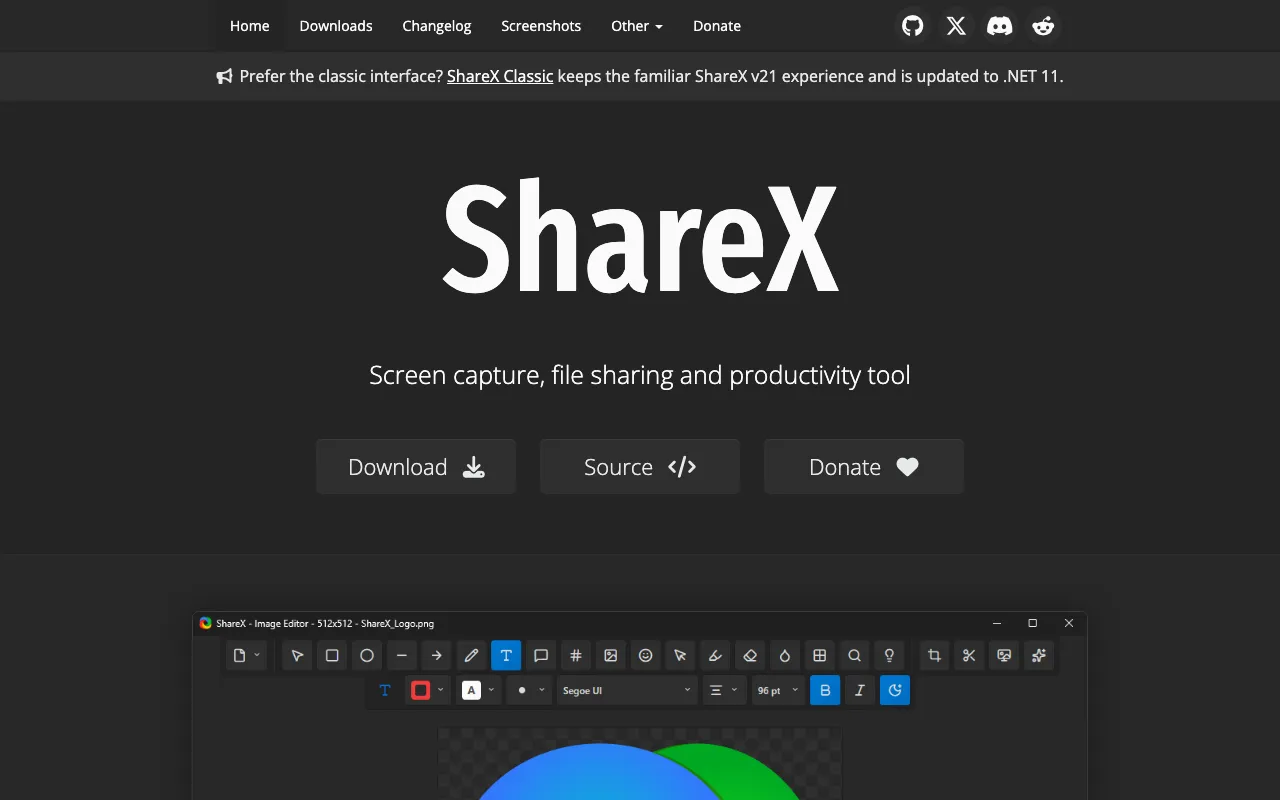
After capture, configurable tasks can copy images to the clipboard, save files, open built-in editors, upload to a host, print, run actions, read QR codes, or run OCR. Region capture and the image editor provide shapes, arrows, text, blur, pixelation, highlights, and other markup tools for documentation and support work. A separate photo editor adds layer-based retouching for heavier edits.
Upload support covers images, text, files, folders, clipboard content, and URLs to many built-in and custom destinations, with optional URL shortening and QR codes after upload. Additional utilities include a color picker, ruler, pin-to-screen, hash checker, GIF tools, and a remote storage browser.
Workflows tie capture methods, after-capture steps, uploads, and hotkeys into repeatable chains. ShareX is available as setup or portable installs from the project site, GitHub releases, the Microsoft Store, and Steam, and does not require an account.


 ChatGPT