 Loom

OBS Studio
Open-source live streaming and video recording
OBS Studio captures, mixes, encodes, and streams or records video and audio on Windows, macOS, and Linux for platforms such as Twitch and YouTube.

Self-hostable async screen recording and video sharing
Snapify has had no code changes for over 18 months (last commit 2 years ago).
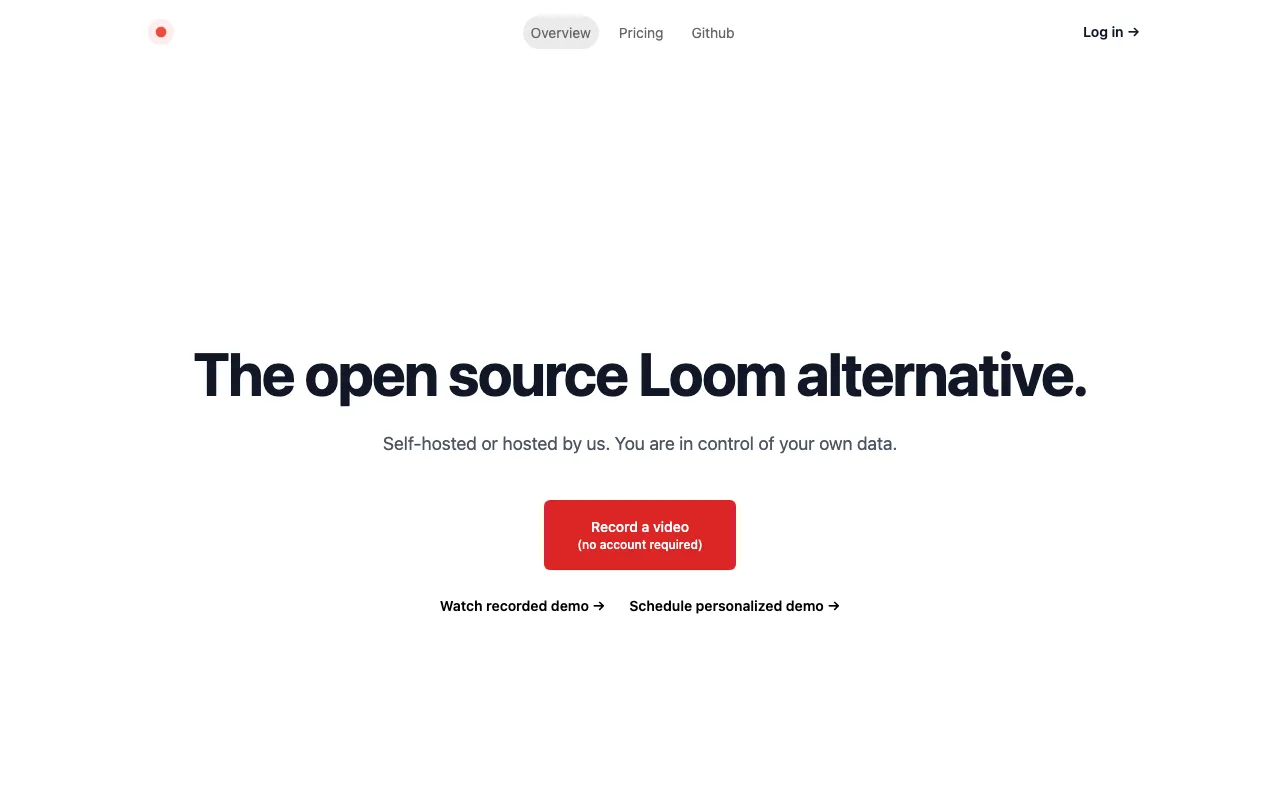
Snapify records tabs, desktops, and applications and shares videos asynchronously via public links. It can run on your own infrastructure or on Snapify hosting.
Snapify is a screen recording product aimed at sharing videos asynchronously instead of live meetings. Users can capture browser tabs, full desktops, or individual applications, then distribute recordings through shareable public links.
Recorded content can be removed or unlisted after a set period, and existing video files can be uploaded for sharing the same way. The product site describes recording a screen message in a few clicks without installing separate software, and letting viewers watch from a link without creating an account.
Snapify is positioned as an open source alternative to Loom for teams that want async video for engineering reviews, support, documentation, and onboarding. Marketing copy on the site groups uses around code reviews, centralized team knowledge, visual customer support, and demo walkthroughs.
Deployments can be self-hosted so you control storage and data, or operated on Snapify’s hosted offering. Setting up a self-hosted instance involves a web stack with database and object storage for uploaded recordings.
Open-source live streaming and video recording
OBS Studio captures, mixes, encodes, and streams or records video and audio on Windows, macOS, and Linux for platforms such as Twitch and YouTube.

Windows screen capture, recording, and file sharing utility
ShareX captures or records any screen region from hotkeys, edits screenshots, and uploads files to many destinations. It is a free desktop app for Windows with OCR and workflow automation.

Desktop screen recorder and editor for demo videos
Recordly records screens on macOS, Windows, and Linux, then edits captures with auto-zoom, styled cursors, webcam overlays, and timeline tools before MP4 or GIF export

Cross-platform screenshot tool with editing
Flameshot captures screen regions with a GUI or CLI on Linux, Windows, and macOS. Built-in tools annotate, blur, upload, and save shots locally.

Windows screen, webcam and sketch capture with GIF export
ScreenToGif records a chosen screen region, a webcam feed, or sketchboard drawings, then lets you edit and export the result as GIF, video, or still image formats.

Shareable screen recording with local editing
Cap records screen, camera, and microphone on macOS, Windows, and Linux, then shares links or exports edited video. Teams can self-host the web stack with Docker Compose.