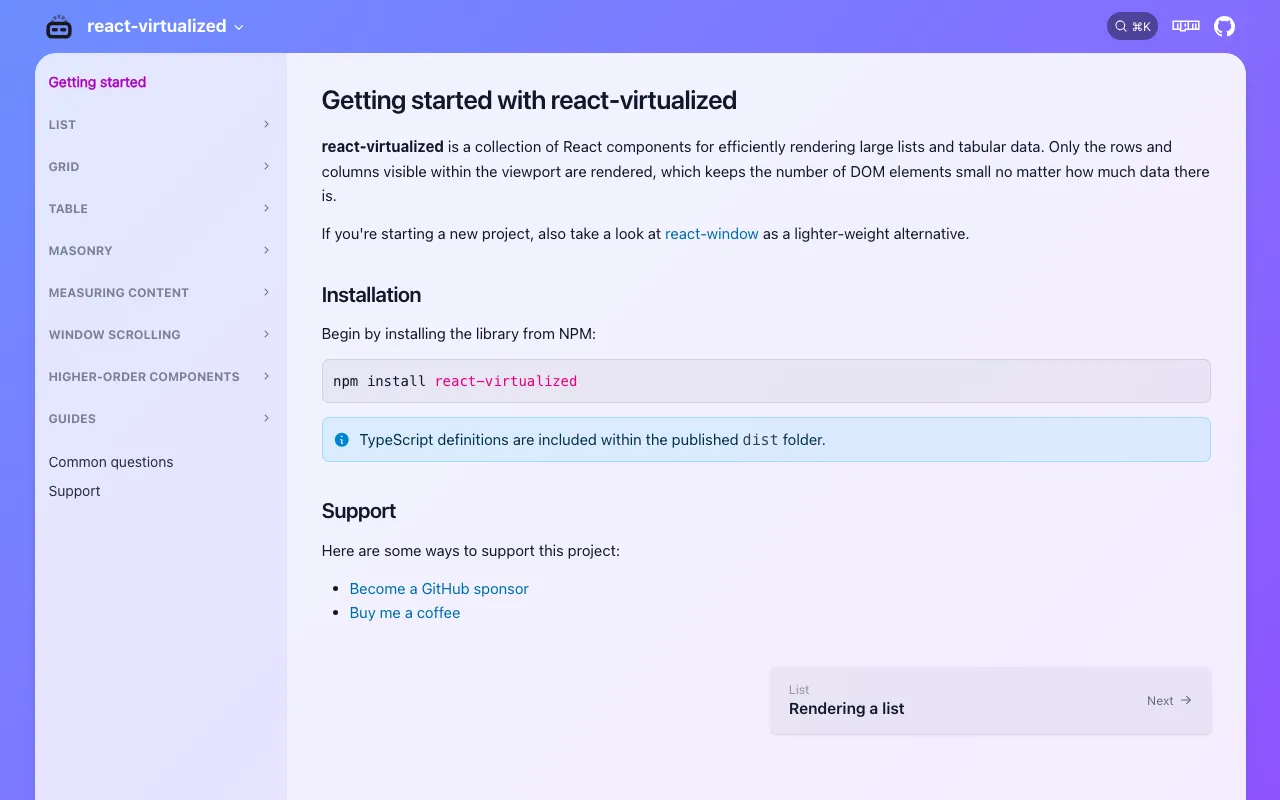
react-virtualized renders only viewport-visible rows and columns so large lists and tables stay responsive. It ships List, Grid, Table, Masonry, and helpers for measuring and keyboard stepping.
Overview
react-virtualized is a set of React components aimed at large collections of list or tabular data. It keeps performance manageable by mounting only the cells that fall inside the visible viewport instead of every row and column at once.
Core building blocks include List for vertical collections, Grid for two-dimensional data, Table for columnar layouts with sortable headers, and Masonry for uneven tile heights. Higher-order pieces such as CellMeasurer cache dynamic cell heights, while ArrowKeyStepper adds arrow-key scrolling that moves one row or column at a time.
Components default to React memo wrappers so they skip re-rendering until props change, and published TypeScript definitions cover component props and renderer parameter types. Table styling can pull in an optional CSS file for presentation while most layout styles apply directly to DOM nodes.
Documentation and live examples cover sizing, infinite loading, window scrolling, and server rendering. AutoSizer moved to a separate react-virtualized-auto-sizer package starting with version 10, and the maintainers note react-window as a lighter option for greenfield work.
Key features
- Viewport-only row and column rendering
- List, Grid, Table, and Masonry components
- CellMeasurer for dynamic heights
- ArrowKeyStepper keyboard navigation HOC
- Built-in TypeScript definition files
- Memoized components to limit re-renders
- Optional Table presentation CSS
- Imperative scroll APIs on grid refs
Use cases
- Very long scrollable lists
- Wide data grids with many columns
- Sortable admin tables
- Masonry image or card layouts
- Infinite loading data feeds




 Ionic Enterprise