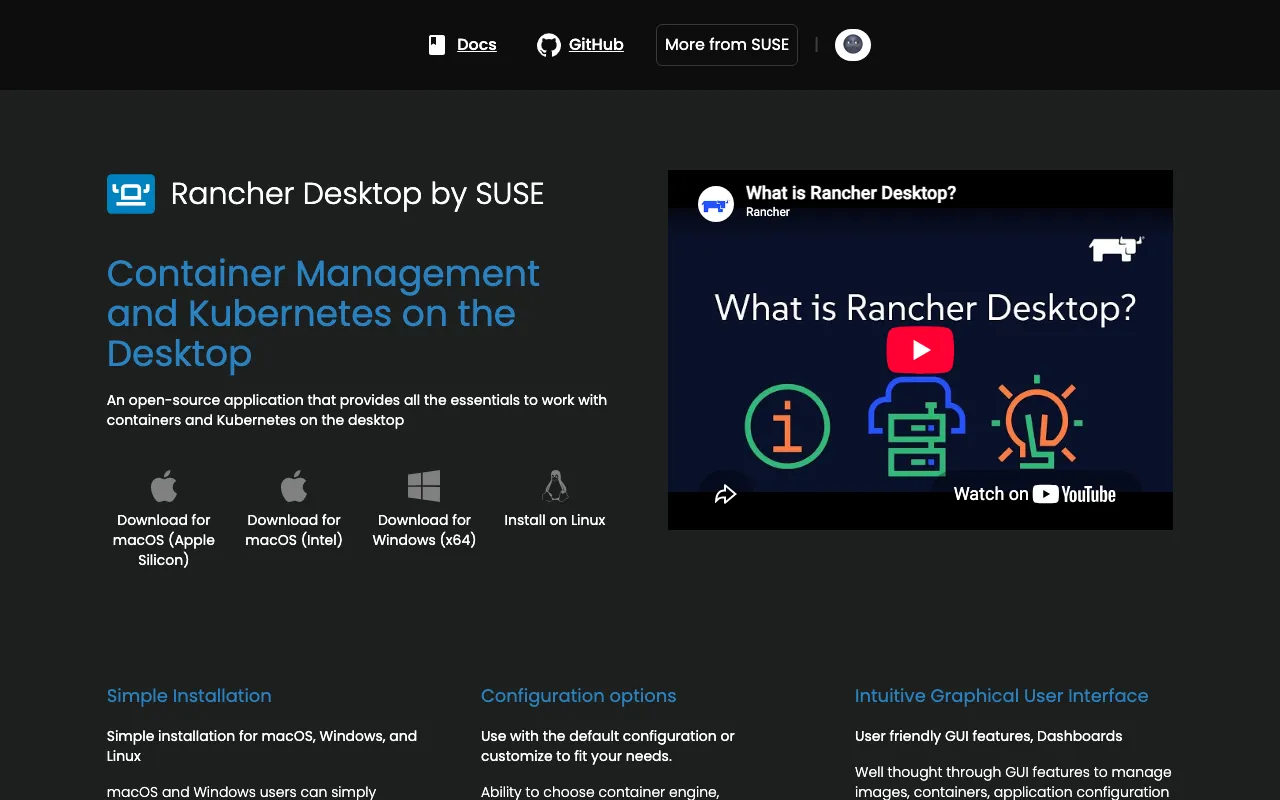
Rancher Desktop is an open-source desktop app that bundles Kubernetes, container runtimes, and common CLI tools on Windows, macOS, and Linux.
Overview
Rancher Desktop brings local container and Kubernetes workflows to a single installable application. It is aimed at developers who want cluster and image management on their machine without assembling each component separately.
Users download platform-specific installers or Linux packages, optionally enable automatic upgrades, and configure preferences through a graphical interface. Settings cover Kubernetes version, choice of container engine, resource limits for the backing virtual machine on macOS and Linux, registry access, networking, and feature toggles. A dashboard helps explore and manage local cluster resources; port forwarding and image build or run tasks are available from both GUI and command line.
On macOS and Linux the app runs containerd or Docker and Kubernetes inside a VM; on Windows it uses Windows Subsystem for Linux. Bundled utilities include recent docker, nerdctl, kubectl, helm, and related open-source CLIs so separate installs are not required.
The project exposes a limited experimental HTTP API and a Go-based rdctl command-line helper for automation. Community support is offered through Slack and GitHub issues.
Key features
- Local Kubernetes cluster
- Selectable container engine
- GUI preferences and dashboards
- Bundled docker, kubectl, helm CLIs
- Port forwarding controls
- Image build and run workflows
- In-place Kubernetes version changes
- Auto-upgrade option
Use cases
- Local Kubernetes development
- Testing cluster upgrades locally
- Container image development
- Day-to-day nerdctl or Docker CLI work

 Heroku
 Netlify