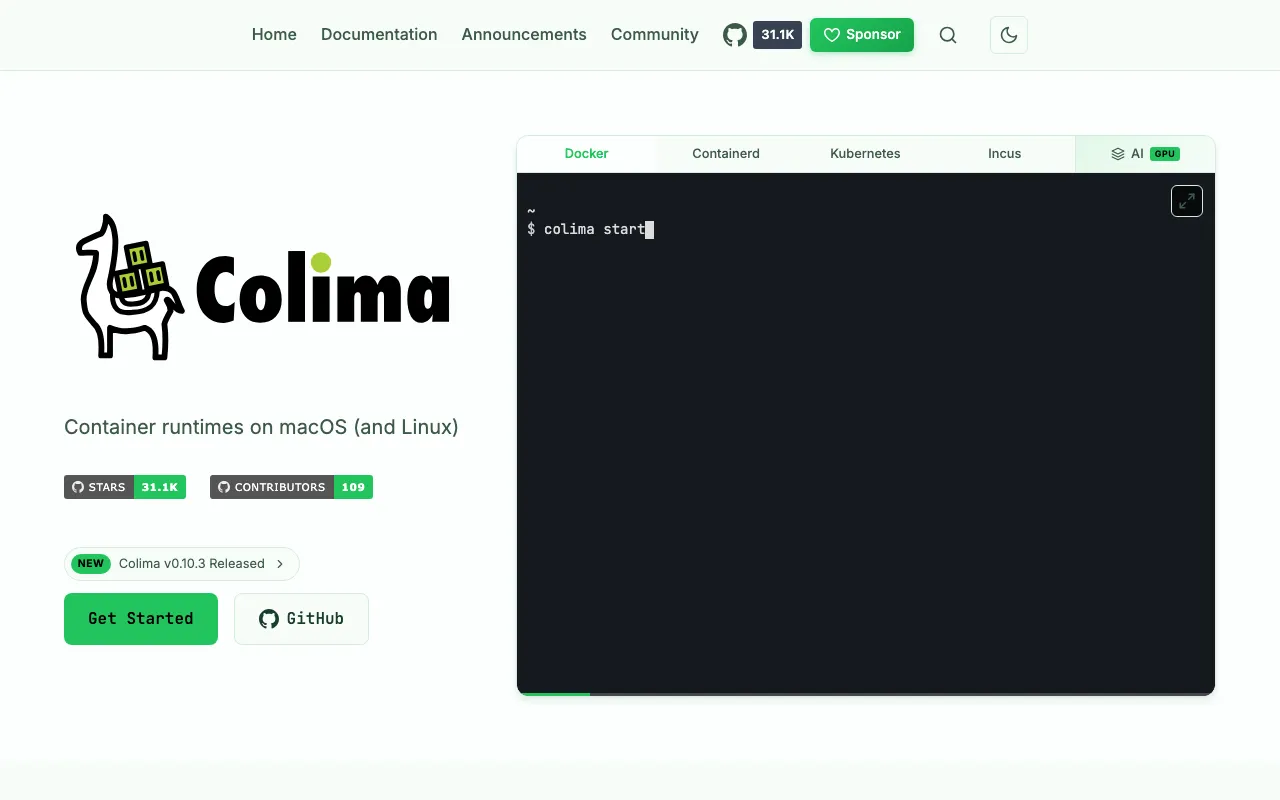
Colima launches Lima-based VMs with Docker, containerd, Kubernetes, or Incus so you can run containers locally on Mac or Linux with simple defaults and port forwarding.
Overview
Colima provides container runtimes on macOS and Linux with a small CLI and sensible defaults. A single colima start command brings up a virtual machine that exposes Docker-compatible sockets on the host, so the standard docker client works after startup without Docker Desktop.
You choose a runtime at first launch: Docker (default), containerd with nerdctl, embedded Kubernetes via k3s, or Incus for system containers. Multiple isolated Colima instances can run side by side with separate CPU, memory, disk, and profile settings editable via flags or colima start --edit. Volume mounts and automatic port forwarding are built in.
On Apple Silicon with recent macOS versions, Colima can use GPU-accelerated VMs through krunkit to run AI model containers from registries such as the Docker AI Registry, Hugging Face, or Ollama. Intel Macs, Apple Silicon, and Linux hosts are supported; Incus virtual machines require M3-or-newer Apple Silicon per project notes.
Install paths include Homebrew, MacPorts, Nix, and Mise. The project name reflects Containers on Lima, wrapping the Lima Linux-machine tool underneath.
Key features
- Docker-compatible local runtime
- containerd and nerdctl option
- Built-in k3s Kubernetes profile
- Incus runtime on supported Macs
- GPU AI model containers on Apple Silicon
- Multiple isolated instances
- Automatic port forwarding
- Custom CPU, memory, and disk sizing
Use cases
- Local Docker without Docker Desktop
- Kubernetes development cluster
- containerd-based container workflows
- Running AI models in GPU containers
- Several parallel Colima profiles
Open-source alternative to
DDocker Desktop“"I keep recommending Colima to my colleagues as a perfect replacement for Docker Desktop on Mac.” source


 Heroku
 Netlify