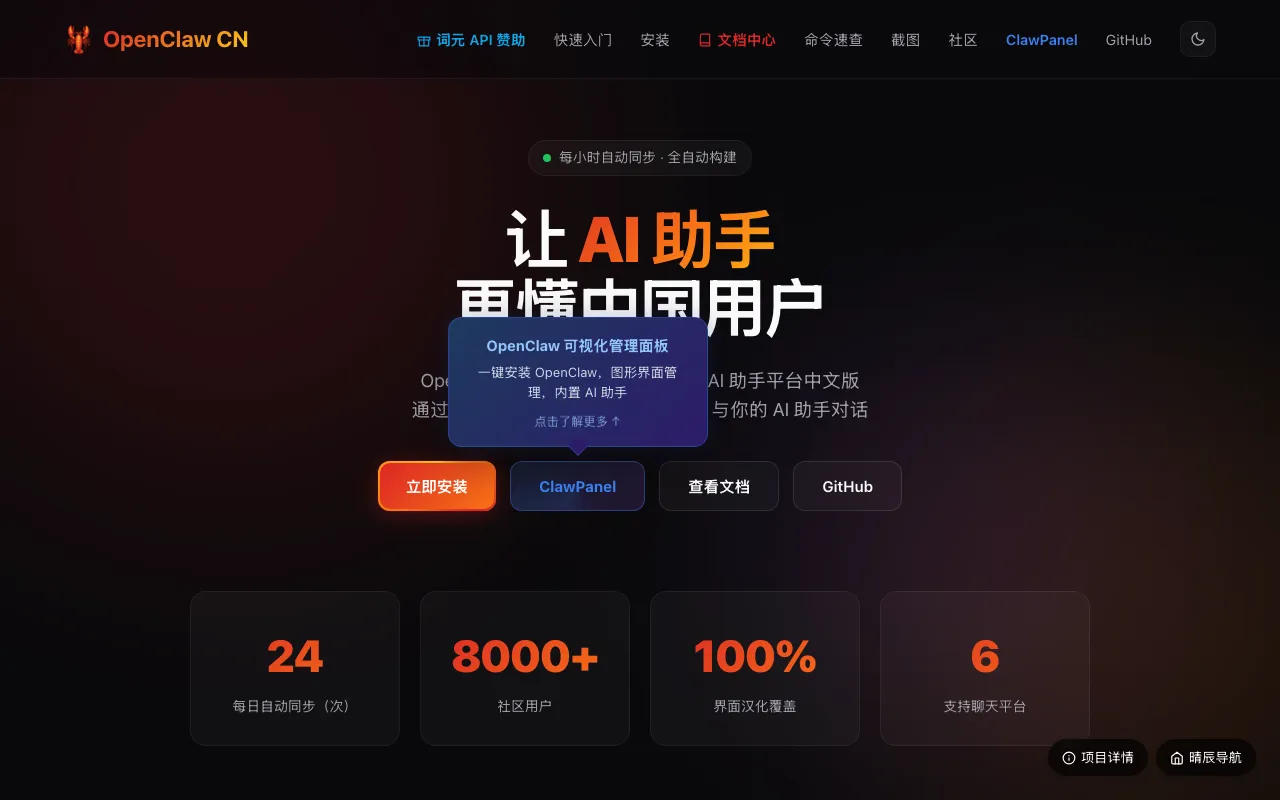
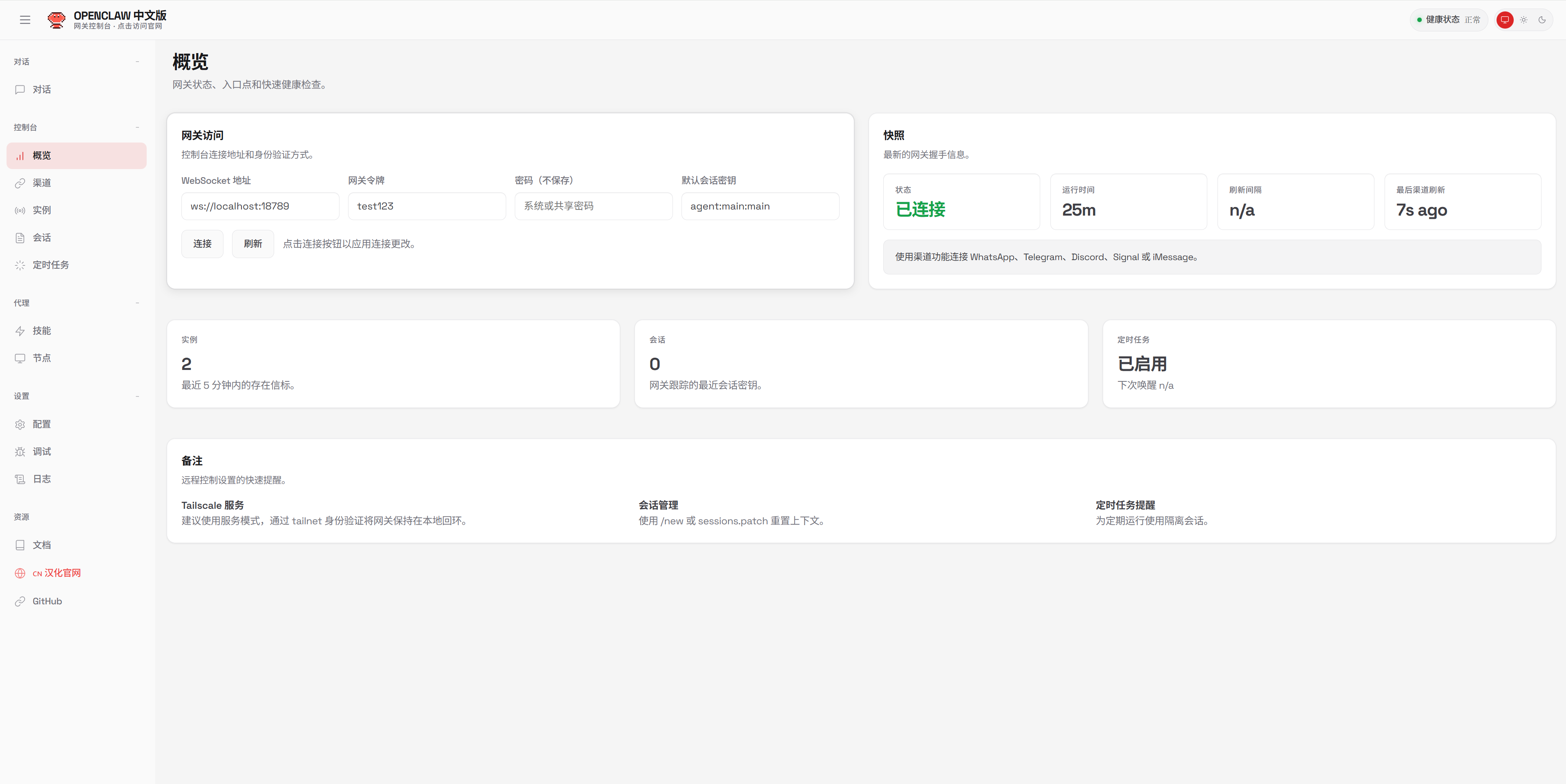
This distribution wraps OpenClaw with a fully Chinese CLI and Dashboard, running a local gateway that connects WhatsApp, Telegram, Discord, and other chat channels to your chosen LLMs.
Overview
OpenClaw Chinese Translation is a localized release of the OpenClaw personal AI assistant platform. The upstream assistant runs on your computer and talks to you through chat apps such as WhatsApp, Telegram, and Discord while helping with mail, calendar, files, and similar daily tasks. This project adds deep Chinese localization for the command-line tools and web Dashboard.
Setup follows install, onboarding for models and API keys, gateway startup, and opening the Chinese Dashboard in a browser. Options include global npm install, install scripts on Linux, macOS, or Windows PowerShell, and Docker images with published compose workflows. The gateway can run as a daemon with CLI commands for status, restart, and configuration.
Related ecosystem pieces mentioned include ClawPanel for visual management and ClawApp as a mobile H5 client that proxies WebSocket chat to a home gateway. Documentation covers remote access, pairing tokens, plugins, and troubleshooting for common install and Dashboard errors.
Key features
- Chinese CLI and Dashboard interface
- Local gateway for chat channel bots
- WhatsApp, Telegram, Discord channel support
- npm and Docker installation paths
- Onboarding wizard for models and keys
- Daemon and gateway management commands
- Periodic sync with upstream OpenClaw
- Optional ClawApp mobile web client
Use cases
- Personal AI assistant via Chinese messengers
- Self-hosted LLM gateway on home hardware
- Docker-based assistant deployment in China
- Managing models and channels from Dashboard
- Mobile chat with home gateway via ClawApp

 ChatGPT
 Claude Cowork