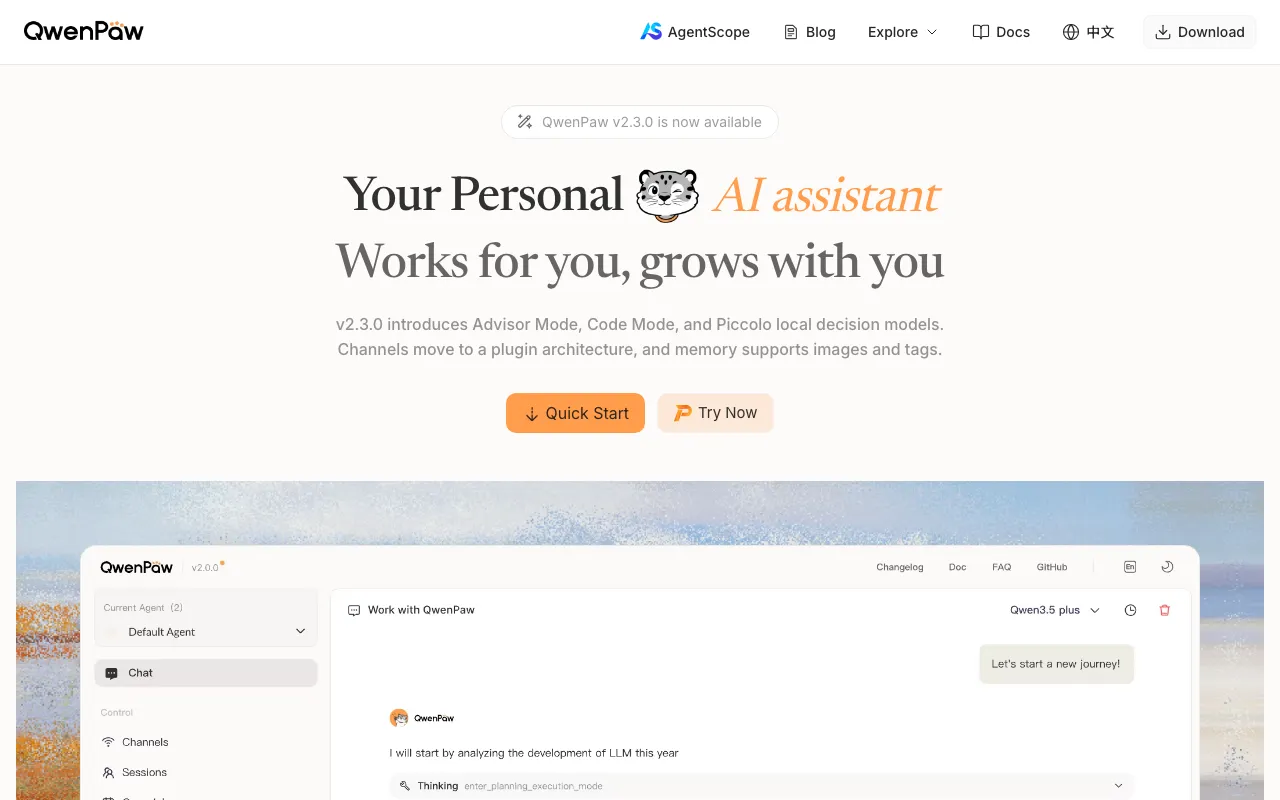
QwenPaw is a personal AI assistant you can run on your machine or in the cloud, with a web console, messaging channels, skills, MCP tools, and optional local models
Overview
QwenPaw (Qwen Personal Agent Workstation) is an agent platform for scheduling tasks, editing files, browsing, processing documents, and pushing updates to chat apps. It can use built-in QwenPaw-Flash models with a local runtime and no API key, or connect to Ollama, LM Studio, and many cloud LLM providers once keys are configured.
Security features include a kernel-level sandbox, tool and file guards, skill scanning, and access policies that block dangerous commands before execution. Multiple agents can run in parallel with separate memory and skills, and an agent communication protocol supports orchestration across systems. A unified file workspace covers navigation, preview, editing, diffs, and uploads.
Skills and a plugin marketplace extend behavior for documents, browsers, news, and more; MCP integrates external tools. Official channels—DingTalk, Lark, WeChat, Discord, Telegram, iMessage, QQ, and others—attach as plugins alongside the browser console, terminal TUI, and a beta desktop app.
Install paths include pip, install scripts, Docker images, cloud one-click options, and desktop builds for Windows and macOS. Deploying locally is presented as keeping data on your hardware without third-party hosting of conversation content.
Key features
- Local QwenPaw-Flash model runtime
- Multi-channel messaging plugins
- Skills and MCP tool integration
- Sandbox and tool permission guards
- Multi-agent parallel execution
- Unified file workspace
- Console, TUI, and desktop clients
Use cases
- Scheduled digests and broadcasts
- Code review and editing workflows
- Office and PDF document tasks
- Multi-channel alert delivery
Does the same job as
QwenPaw doesn't name these products itself, but its own description shows it does the same job.

 ChatGPT
 Claude Cowork