NW.js lets developers build native desktop apps with HTML, CSS, JavaScript, and Node.js in one process. Node modules are callable from the page DOM and Web Workers.
Overview
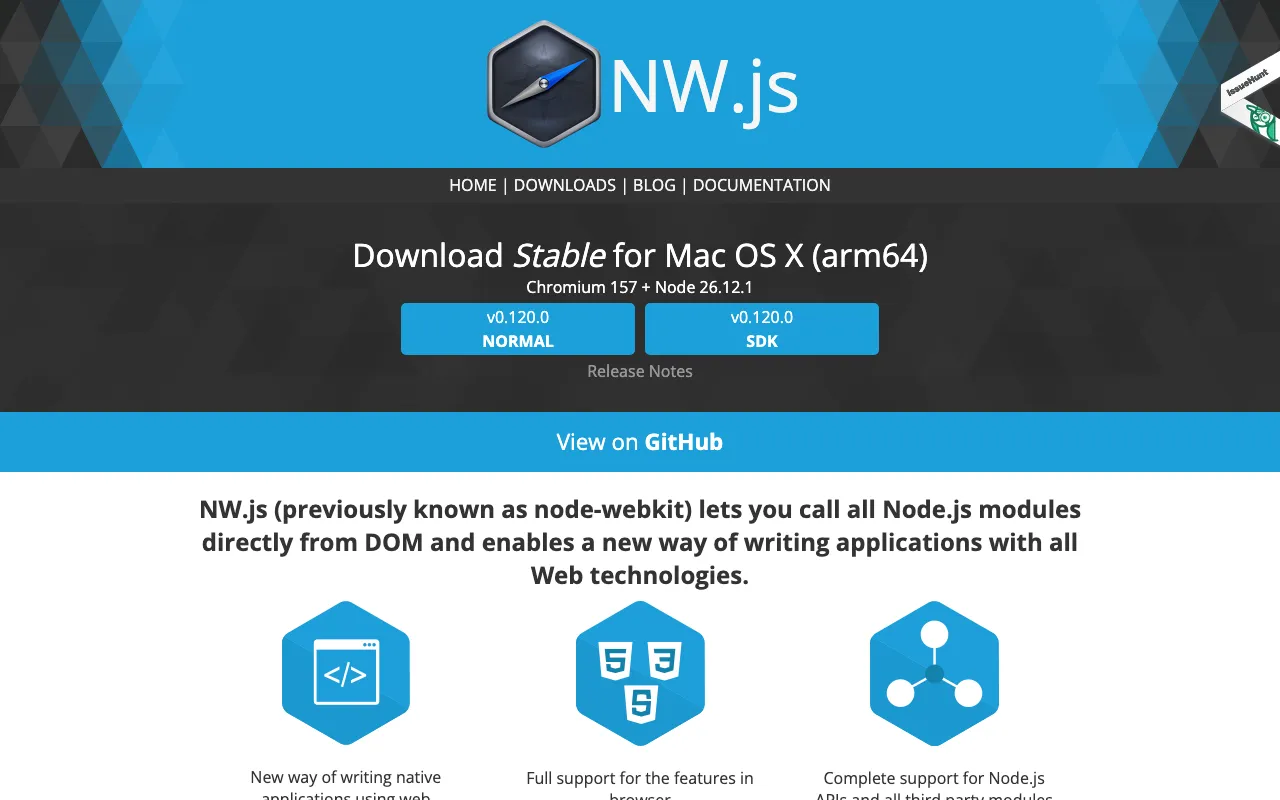
NW.js is a desktop application runtime that combines Chromium with Node.js so web front ends can use native Node APIs directly. Developers package an HTML entry page and a manifest, then launch the app with the NW.js binary on the user’s machine.
Because Node and WebKit share a thread in this design, JavaScript in the page can require Node modules without a separate bridge process. The runtime targets modern HTML5, CSS3, JavaScript, and WebGL content and is intended for packaging and distributing cross-platform desktop software on Linux, macOS, and Windows.
Getting started is intentionally small: an index page, a package manifest, and the platform-specific NW.js executable. Distribution guides cover packaging binaries for each operating system, and stable builds pair specific Node and Chromium versions. An SDK build variant is documented for developers who need debugging tooling.
NW.js originated as node-webkit and is positioned for teams that want desktop apps written entirely with web technologies while retaining full access to the Node ecosystem alongside browser APIs.
Key features
- Chromium and Node.js in one runtime
- Node modules callable from DOM code
- HTML5, CSS3, JS, and WebGL apps
- Packages for Linux, macOS, Windows
- Simple HTML plus manifest projects
- SDK and release build variants
- Checksum-verified downloadable binaries
- Shared heap between Node and WebKit
Use cases
- Cross-platform desktop apps with web UI
- Tools needing filesystem access from HTML UI
- Migrating web apps to installable desktop builds
- Prototypes using npm modules in the view layer
- Internal utilities distributed as local binaries


 Ionic Enterprise