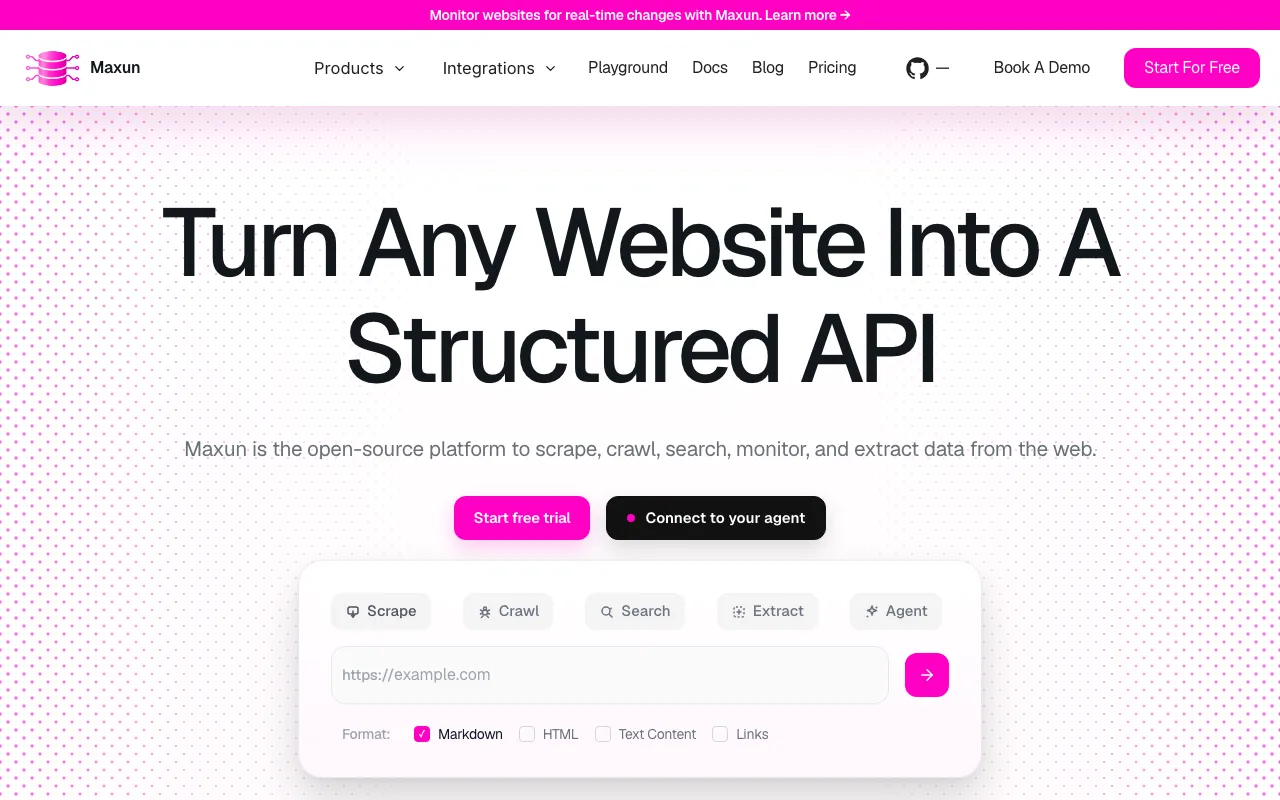
Maxun turns websites into structured data through scraping, crawling, search, monitoring, and AI-assisted extraction. Teams use a dashboard, API, SDK, CLI, or MCP integrations.
Overview
Maxun is a web data platform for extracting, automating, searching, and monitoring sites, with output suitable for applications and AI workflows. Users can record browser actions into reusable robots, describe targets in natural language for AI mode, or run autonomous agents that locate data on complex pages.
Core capabilities include single-page scrape jobs that return Markdown, HTML, text, links, or screenshots; site-wide crawls that follow links; structured extract jobs for tables and lists; web search with filters; and scheduled monitors that detect changes and send notifications. Document parsing for formats such as PDF and Office files is also listed.
Interfaces span a visual dashboard, REST API, SDKs, terminal CLI, and an MCP server for agent tools, plus webhook delivery and exports. The stack uses real browser automation to handle JavaScript-heavy sites, pagination, infinite scroll, and logged-in sessions via a browser extension.
Operators can start on a hosted trial or install Maxun locally, including Docker Compose setups. Cloud features include managed anti-bot infrastructure, while self-hosted runs keep control on the user's side.
Key features
- No-code browser recorder robots
- AI natural-language extraction
- Site crawl and page scrape
- Web search and result extraction
- Scheduled change monitoring
- REST API, SDK, and CLI
- MCP server for AI agents
- Docker-based local deployment
Use cases
- Competitor and price monitoring
- Lead and market research datasets
- AI agent live web data feeds
- Content and listing aggregation
- RAG pipeline web ingestion