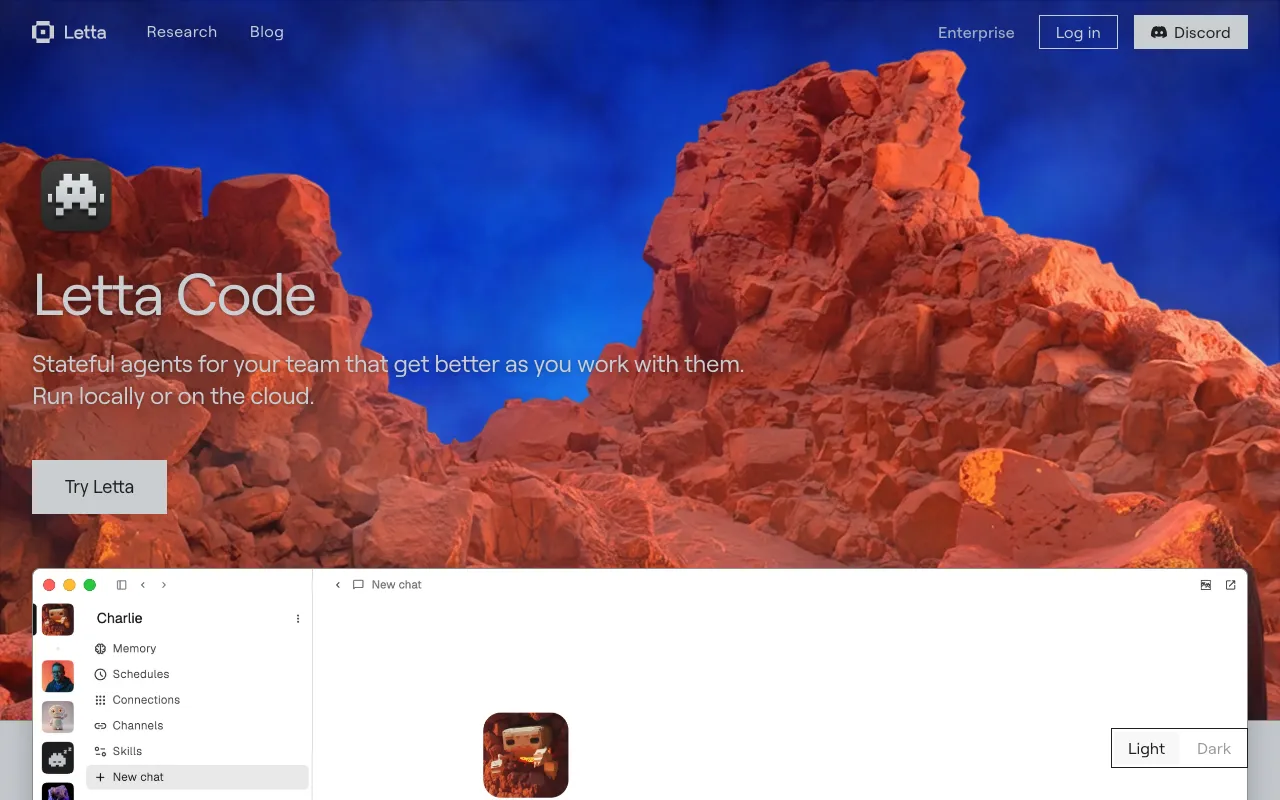
Letta Code is a stateful agent harness whose agents keep memory and identity across sessions and improve by rewriting their own memory, skills and prompts. It runs from a CLI, a browser, or messaging apps.
Overview
Letta Code is a harness for building persistent agents that keep memory, identity and a sense of experience over time. Instead of starting fresh each session, agents learn by rewriting their own memory, skills, prompts and even the harness itself through mods. It can be used interactively or to run always-on agents that work proactively.
Agents can be reached through a local command-line interface, through a browser (including on mobile) at chat.letta.com, or through messaging integrations such as Telegram, Slack, Discord and custom channels. Slash commands cover tasks like searching messages, configuring periodic dreaming (sleep-time reflection), diagnosing agent behavior and viewing memory.
All agent context, including memory blocks, is tracked with git in a system called MemFS, and it can be synced to a custom GitHub repository. Skills can be global, project-scoped or agent-scoped, and external skills can be installed into an agent's memory. Other features include built-in subagents, multi-agent calls, hooks that run custom scripts, permission modes, and crons or schedules that let agents work across time.
Letta Cloud is the default backend and stores agents' memory, identity and conversations, while Letta Code itself runs on a laptop, GitHub Actions, a cloud sandbox or a remote computer. Signing in with Letta also enables remote computers and secrets exposed as environment variables with their values hidden from context. A local backend is available, and users can connect their own LLM API keys or subscription plans and switch models without losing agent memory. Installation is through npm, uv or pipx.
Key features
- Persistent agents with memory and identity
- Self-rewriting memory, skills and prompts
- Git-tracked context via MemFS
- Sleep-time dreaming and reflection
- Subagents and multi-agent calls
- Hooks and permission modes
- Crons and agent-managed schedules
- Slack, Discord, Telegram and custom channels
Use cases
- Long-running personal or team agents that improve with use
- Proactive agents running scheduled tasks
- Coding assistance from the terminal
- Chatting with agents via Slack, Discord or Telegram
- Running agents across multiple remote machines