
OBS Studio
Open-source live streaming and video recording
OBS Studio captures, mixes, encodes, and streams or records video and audio on Windows, macOS, and Linux for platforms such as Twitch and YouTube.

macOS menu bar screen recorder with web technology
Kap has had no code changes for over 18 months (last commit 2 years ago).
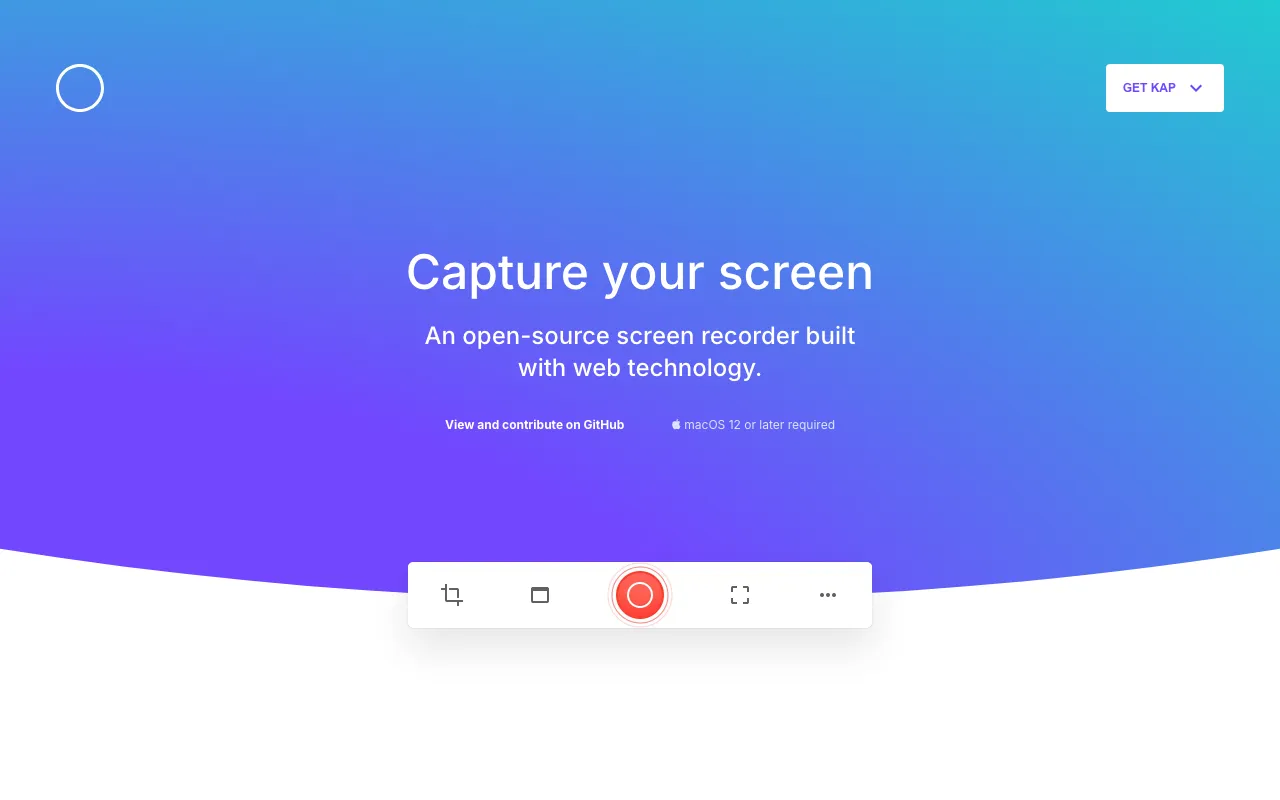
Kap is a screen recorder for macOS built with web technology. It records a screen region from the menu bar and exports to common video and GIF formats.
Kap is a screen recorder that runs on macOS and is built with web technology. You open it from the menu bar icon, choose the portion of the screen to record, and start or stop capture from the same menu bar control.
While recording, you can option-click the menu bar icon to pause or right-click for more options. After capture, exports can be saved as GIF, MP4, WebM, or APNG. Optional audio, click highlighting, and trimming are supported on export.
The project supports plugins, and the website mentions sharing GIFs to Giphy, deployment-related tooling, and uploading to Streamable. Downloads are offered for Apple silicon and Intel Macs, and installation via Homebrew Cask is documented.
Kap requires macOS 12 or later and is aimed at designers, developers, and others who need to record and share screen activity from a Mac.
Open-source live streaming and video recording
OBS Studio captures, mixes, encodes, and streams or records video and audio on Windows, macOS, and Linux for platforms such as Twitch and YouTube.

Windows screen capture, recording, and file sharing utility
ShareX captures or records any screen region from hotkeys, edits screenshots, and uploads files to many destinations. It is a free desktop app for Windows with OCR and workflow automation.

Desktop screen recorder and editor for demo videos
Recordly records screens on macOS, Windows, and Linux, then edits captures with auto-zoom, styled cursors, webcam overlays, and timeline tools before MP4 or GIF export

Cross-platform screenshot tool with editing
Flameshot captures screen regions with a GUI or CLI on Linux, Windows, and macOS. Built-in tools annotate, blur, upload, and save shots locally.

Windows screen, webcam and sketch capture with GIF export
ScreenToGif records a chosen screen region, a webcam feed, or sketchboard drawings, then lets you edit and export the result as GIF, video, or still image formats.

Shareable screen recording with local editing
Cap records screen, camera, and microphone on macOS, Windows, and Linux, then shares links or exports edited video. Teams can self-host the web stack with Docker Compose.
 Loom