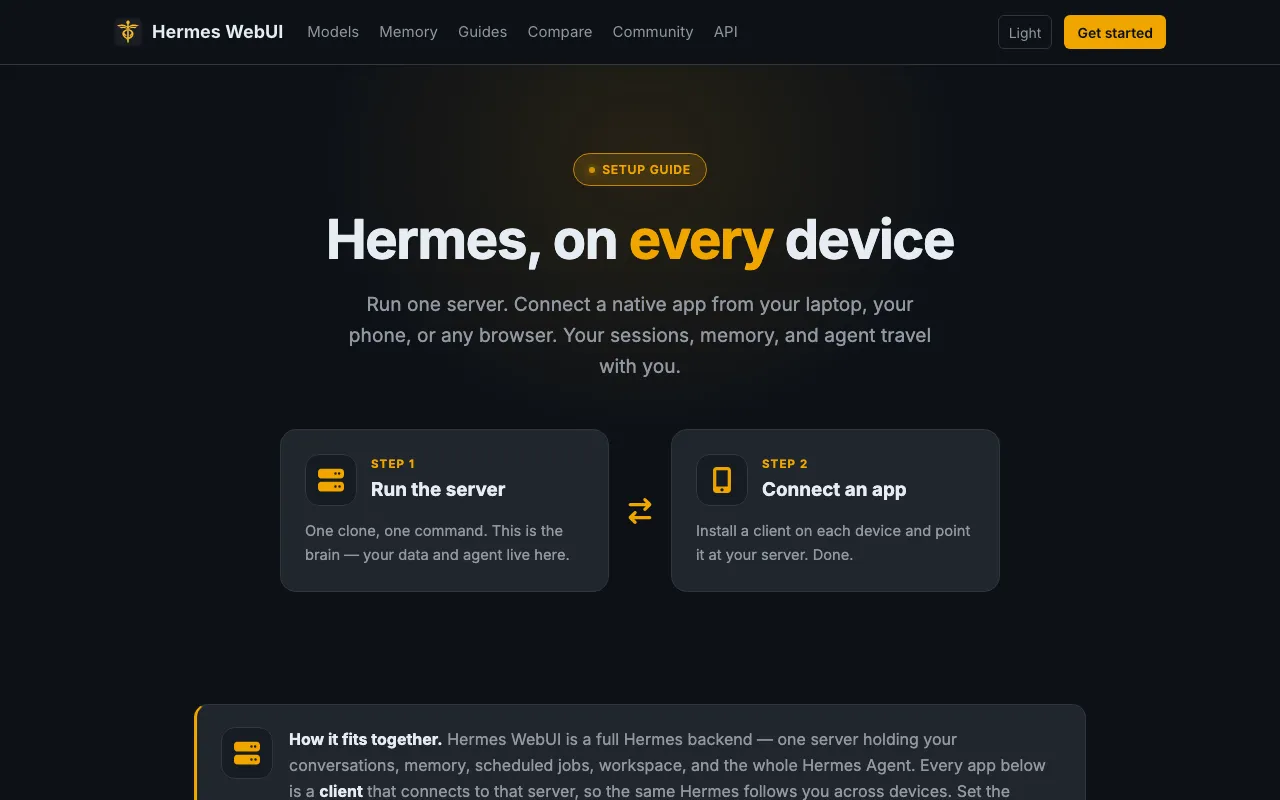
Hermes WebUI wraps the Hermes Agent in a browser-based three-panel chat workspace. It mirrors CLI capabilities, including sessions, files, models, and tool calls, on hardware you control.
Overview
Hermes WebUI is the browser front end for Hermes Agent, an autonomous assistant that keeps context across sessions and can be reached from terminals or messaging apps. The interface uses Python on the server with vanilla JavaScript in the client and avoids a separate front-end build pipeline.
The layout splits navigation and sessions on the left, streaming chat in the center, and workspace files on the right, with model, profile, and workspace controls fixed in the composer. A context ring summarizes token usage, and a control center collects settings and session tools accessible from the sidebar.
Chat supports multiple LLM providers configured in Hermes, queued messages during streaming, inline edits to past user turns, tool and subagent cards, reasoning displays, attachments, and optional approval prompts for risky shell commands. Sessions can be searched, tagged, and opened in new tabs while sharing the same agent configuration.
Operators run the stack on Linux, macOS, or Windows via WSL2, optionally expose it through SSH tunnels, Tailscale, or Cloudflare, and pair it with native desktop or mobile clients that point at the same backend. Docker-based single- and multi-container deployments are documented for homelab or VPS installs.
Key features
- Three-panel chat and workspace layout
- SSE streaming with reconnect support
- Multi-provider model selection
- Session search, tags, and projects
- Inline tool and subagent call cards
- Workspace file browser with previews
- Password auth before network exposure
- Docker and Nix deployment options
Use cases
- Chatting with Hermes Agent from a browser
- Remote access to a home-lab AI assistant
- Mobile or desktop clients against one server
- Reviewing agent tool and shell approvals
- Managing long-running agent sessions


 ChatGPT


 Anthropic Claude