 Loom

OBS Studio
Open-source live streaming and video recording
OBS Studio captures, mixes, encodes, and streams or records video and audio on Windows, macOS, and Linux for platforms such as Twitch and YouTube.

Private browser-based screen studio with webcam overlay
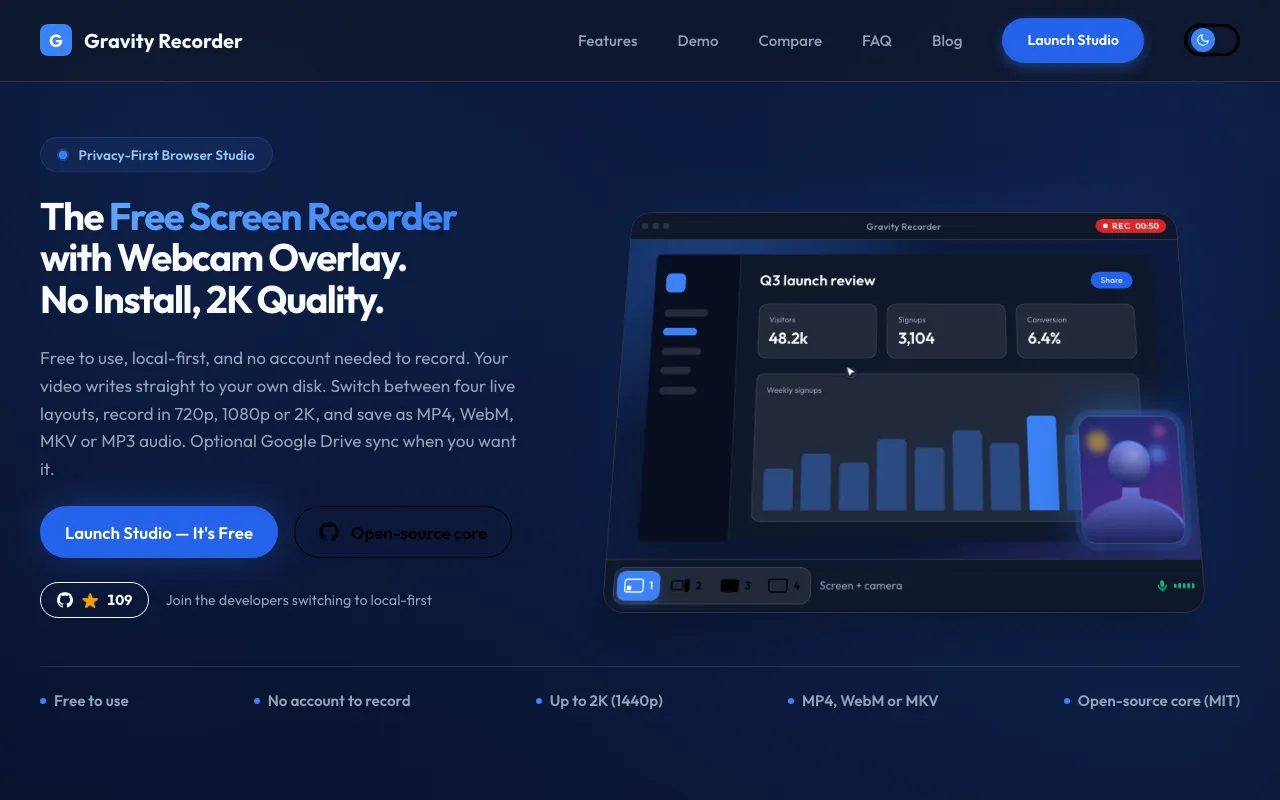
Gravity Recorder is a local-first, browser-based screen studio for recording with webcam overlays. Video saves directly to a folder you choose via the browser File System Access API.
Gravity Recorder targets creators who want screen capture without mandatory accounts or cloud uploads. It runs as a web studio you open in the browser, with optional Google Drive sync for sharing links while keeping recording on your machine.
The studio supports multi-layer layouts with webcam over screen content, shape options for the camera feed, and draggable placement of UI elements on the canvas during recording. Recording uses direct-to-disk chunking through the File System Access API rather than sending streams to a project backend.
Chromium-based browsers such as Chrome, Edge, and Brave are the supported targets for the advanced capture APIs. Optional Supabase-backed auth helps refresh Google OAuth tokens for longer uploads to Google Drive; actual video files still stay on your side or in your Drive.
Compared with common SaaS recorders, it offers no login for basic use, no subscription, and local-first privacy. Standalone desktop builds are in development; the primary path today is the hosted web production version.
Open-source live streaming and video recording
OBS Studio captures, mixes, encodes, and streams or records video and audio on Windows, macOS, and Linux for platforms such as Twitch and YouTube.

Windows screen capture, recording, and file sharing utility
ShareX captures or records any screen region from hotkeys, edits screenshots, and uploads files to many destinations. It is a free desktop app for Windows with OCR and workflow automation.

Desktop screen recorder and editor for demo videos
Recordly records screens on macOS, Windows, and Linux, then edits captures with auto-zoom, styled cursors, webcam overlays, and timeline tools before MP4 or GIF export

Cross-platform screenshot tool with editing
Flameshot captures screen regions with a GUI or CLI on Linux, Windows, and macOS. Built-in tools annotate, blur, upload, and save shots locally.

Windows screen, webcam and sketch capture with GIF export
ScreenToGif records a chosen screen region, a webcam feed, or sketchboard drawings, then lets you edit and export the result as GIF, video, or still image formats.

Shareable screen recording with local editing
Cap records screen, camera, and microphone on macOS, Windows, and Linux, then shares links or exports edited video. Teams can self-host the web stack with Docker Compose.