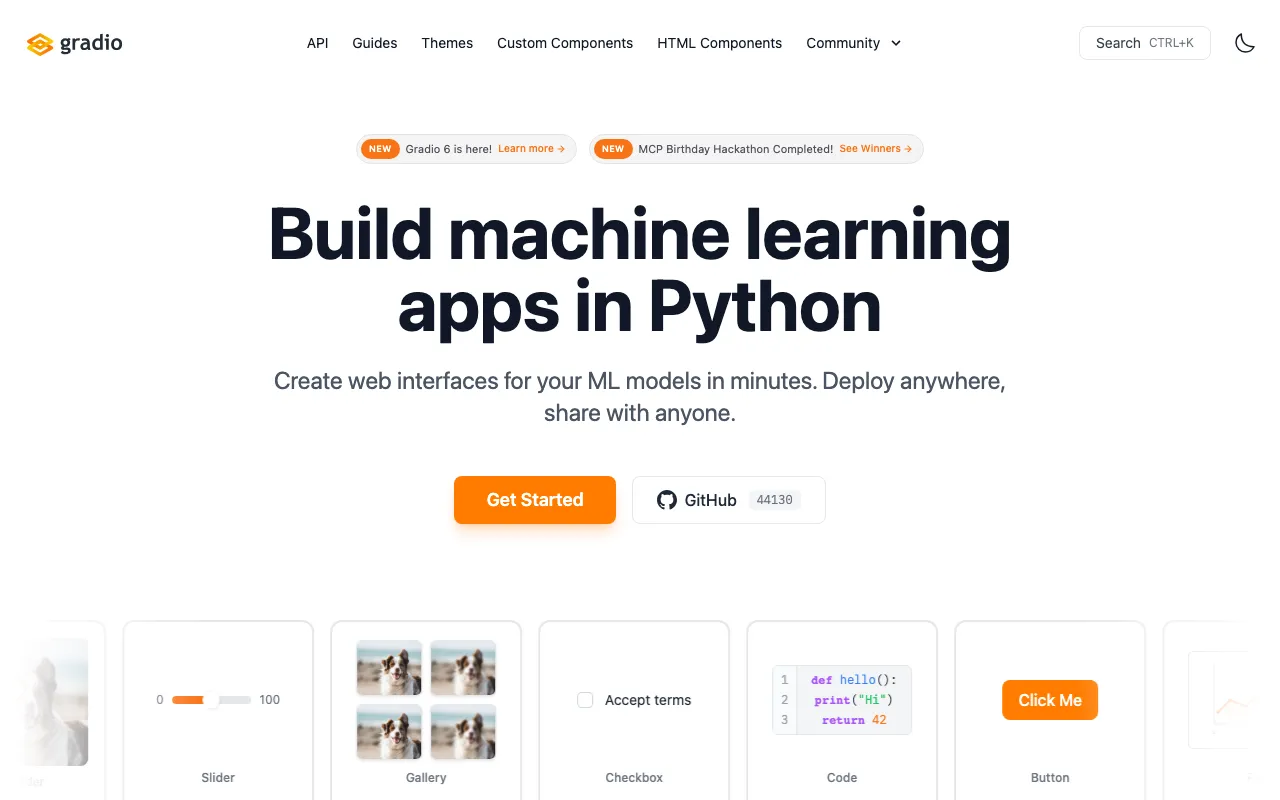
Gradio is a Python package for building demos or web applications around ML models, APIs, or arbitrary Python functions, with optional link sharing and no JavaScript required.
Overview
Gradio wraps Python functions with interactive web UIs so teams can demo machine learning models, HTTP APIs, or general logic in a browser. A high-level Interface class maps inputs and outputs to built-in components; only a few lines of Python are needed for a working demo.
Beyond Interface, Blocks supports custom layouts, multiple data flows, and richer interactions such as outputs feeding back into other functions. ChatInterface targets chatbot-style UIs. The ecosystem also includes Python and JavaScript clients to call Gradio apps programmatically, plus Server mode for custom frontends with queuing, streaming, and related backend features.
Dozens of components cover text, images, HTML, and other ML-oriented controls. Local development can use hot reload via the gradio CLI, including an in-browser assistant for editing apps. Setting share=True in launch() can expose a temporary public URL while computation stays on the host machine.
Gradio runs in editors, Jupyter notebooks, Google Colab, or standalone scripts. Optional skills extend AI coding assistants with Gradio-specific guidance for components and styling.
Key features
- Interface class for quick ML demos
- Blocks for custom app layouts
- ChatInterface for chatbot UIs
- 30+ built-in UI components
- Built-in shareable demo links
- Python and JavaScript API clients
- Hot reload via gradio CLI
Use cases
- Share ML model demos
- Prototype Python-backed web UIs
- Embed demos in notebooks
- Build chatbot frontends
- Programmatic Gradio app queries