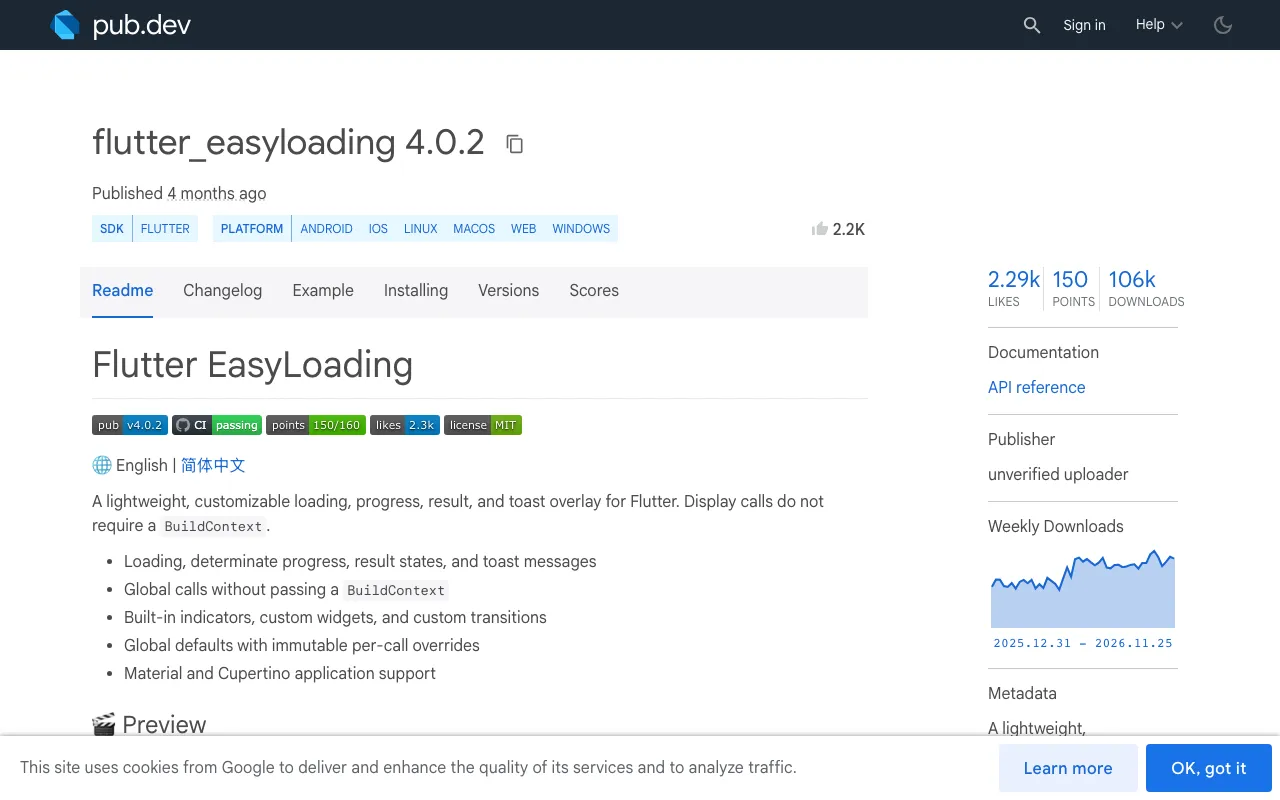
Flutter EasyLoading shows loading, progress, result, and toast overlays without requiring a BuildContext. It works with Material and Cupertino apps via a root host widget.
Overview
Flutter EasyLoading is a Flutter package that displays lightweight overlays for loading states, deterministic progress, success and error results, informational messages, and short toasts. Calls can be made from anywhere after a single host is mounted at the app root, so you do not pass a BuildContext into each display call.
You initialize the package through EasyLoading.init on MaterialApp or CupertinoApp, optionally composing it with an existing root builder. Global defaults cover indicator style, mask behavior, toast position, animation, and display duration, while per-call options override appearance for one request.
The API includes show, showProgress, showSuccess, showError, showInfo, showToast, showCustom, and dismiss, all returning futures you can await. Dozens of built-in indicator types are listed, and you can swap in custom indicator widgets, result icons, and transition animations.
Status and dismiss callbacks notify when overlays appear or close, with reasons such as programmatic dismiss, tap, timeout, or host detachment. Built-in loading indicators are credited to flutter_spinkit in the documentation.
Key features
- No BuildContext for display calls
- Loading and progress overlays
- Success, error, and info states
- Toast messages
- Many built-in indicators
- Custom widgets and animations
- Global and per-call options
- Material and Cupertino support
Use cases
- Blocking UI during network requests
- Upload or download progress
- Brief operation result feedback
- Non-blocking status toasts
- Custom overlay content




 Ionic Enterprise