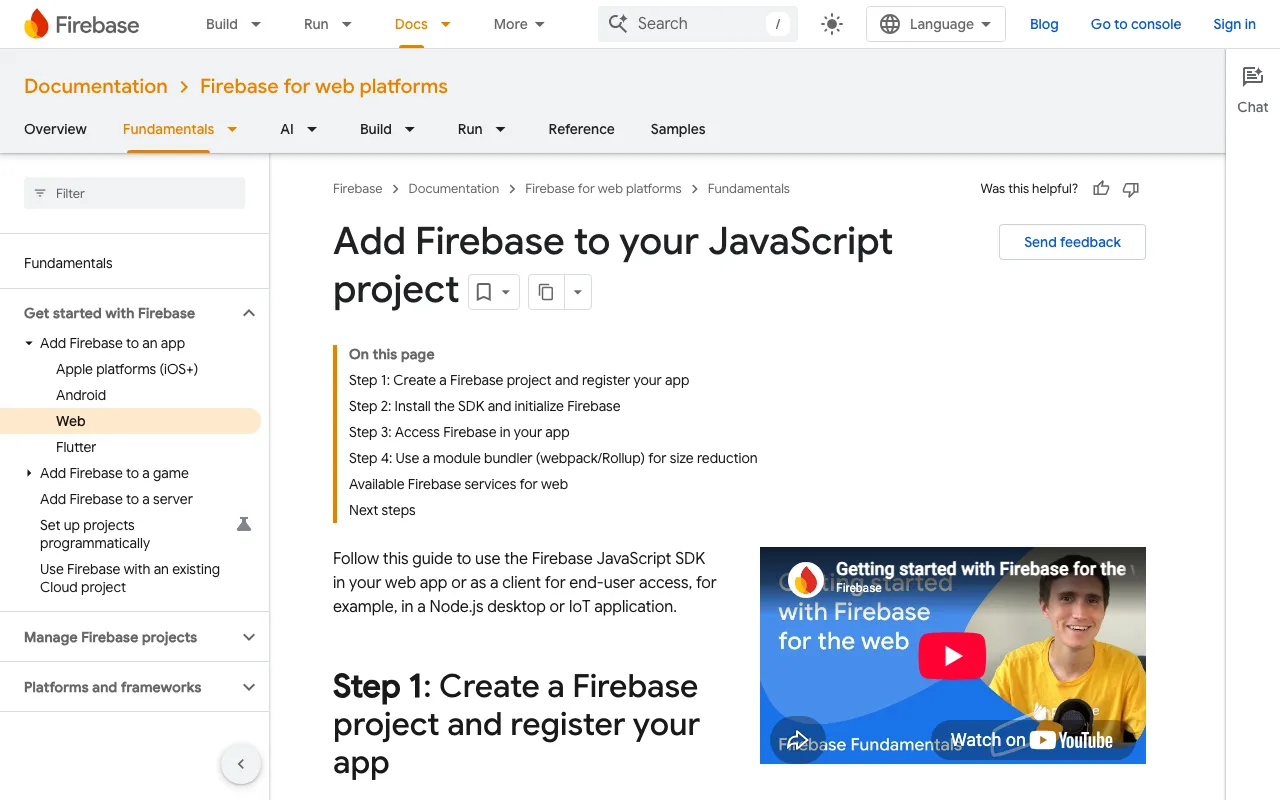
Provides client libraries for web and Node.js apps that connect to Firebase projects. Services are imported as modular packages after you register the app and initialize with your project configuration.
Overview
Firebase JavaScript SDK supplies the client-side libraries used by applications that rely on Firebase backend services. You add it to a JavaScript project via npm or CDN, create a Firebase project, register your app, and initialize a Firebase App object with the configuration object from the console.
The modular API is organized into sub-packages for individual services. Documentation lists Cloud Firestore, Authentication, Realtime Database, Remote Config, and related products as importable modules. The design supports module bundlers and tree-shaking so unused code can be dropped from production builds. Browser module imports are documented as a quick start path, with bundlers recommended for production.
A Firebase App acts as a container for shared configuration and authentication state across services. After initialization you attach and use whichever Firebase products your application needs. For apps with server-side rendering, the docs describe additional steps so configuration persists across server and client rendering passes.
Packages are published under the firebase scope on npm. Distribution is also available through CDN for projects that prefer script tags over bundlers.
Key features
- Modular npm sub-packages per Firebase service
- Tree-shaking friendly modular API
- CDN distribution option
- Shared Firebase App configuration container
- ESM import patterns documented
- SSR configuration guidance
- Firestore Lite SDK example flows
- Browser and Node.js client usage
Use cases
- Web apps using Firebase Authentication
- Realtime Database or Firestore clients
- Node.js desktop or IoT Firebase clients
- Production apps with bundler-based builds
- Quickstarts from Firebase console setup




 Ionic Enterprise