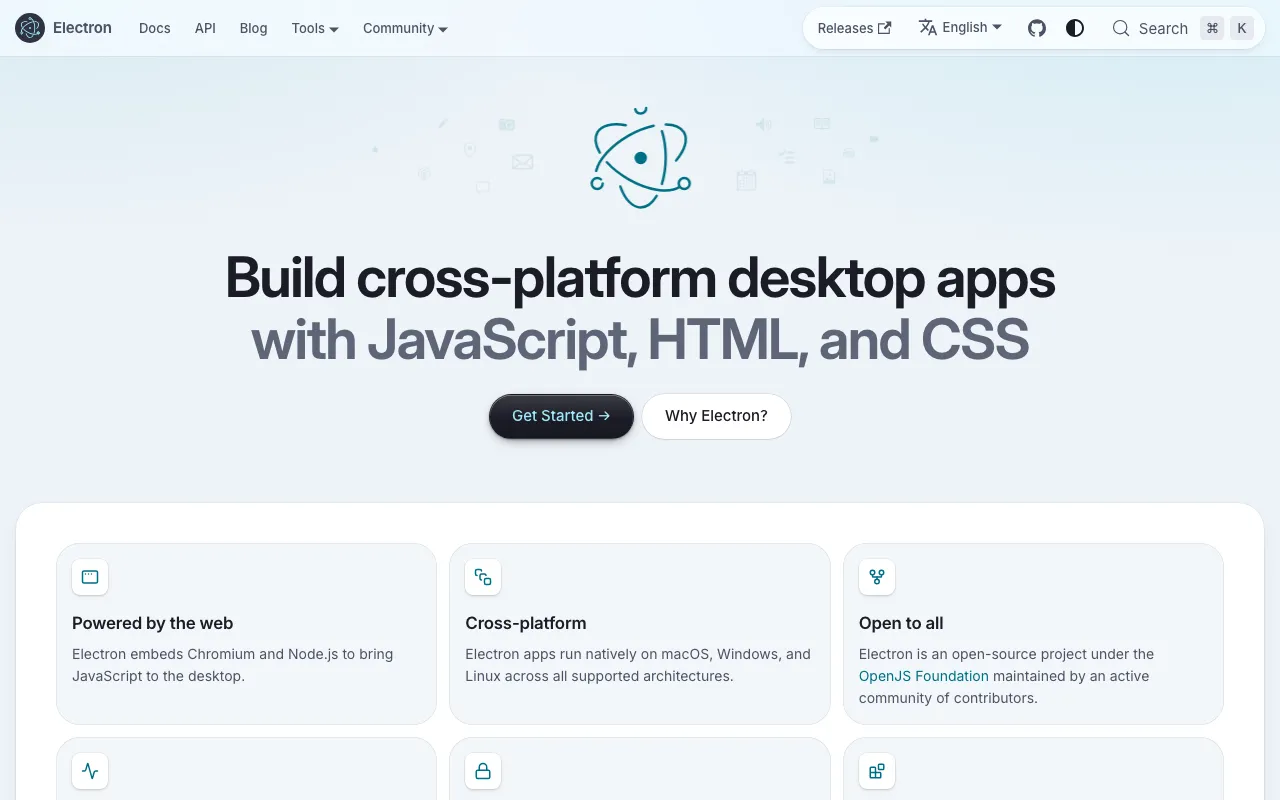
Electron lets developers build desktop applications with JavaScript, HTML, and CSS. It combines Node.js and Chromium so web code can run as native apps on major operating systems.
Overview
Electron is a framework for writing cross-platform desktop applications using JavaScript, HTML, and CSS. It embeds Chromium and Node.js so front-end web skills can power apps that install and run on the user's machine rather than only in a browser tab.
Each release ships prebuilt binaries for macOS, Windows, and Linux across common CPU architectures, with platform support aligned to Chromium. Teams typically add Electron as an npm development dependency and ship apps used in production by products such as Visual Studio Code and many other desktop clients.
The main process exposes operating-system interfaces for window appearance, menus, dialogs, and notifications. Guides cover automatic updates through the autoUpdater module, platform installers, app store distribution paths, crash reporting, and use of packages from npm or native add-on code.
Electron Fiddle supports building, running, and packaging small experiments, browsing API examples, and trying different Electron versions. Forge is a toolkit for building and publishing Electron apps with bundling and an extensible module setup.
Key features
- JavaScript, HTML, and CSS desktop apps
- Embedded Chromium and Node.js runtime
- macOS, Windows, and Linux binaries
- Main process native GUI APIs
- Automatic update support
- Platform-specific installers
- npm package installation workflow
- Electron Fiddle for small experiments
Use cases
- Shipping cross-platform desktop clients
- Learning APIs through Electron Fiddle
- Spawning Electron from Node scripts


 Ionic Enterprise