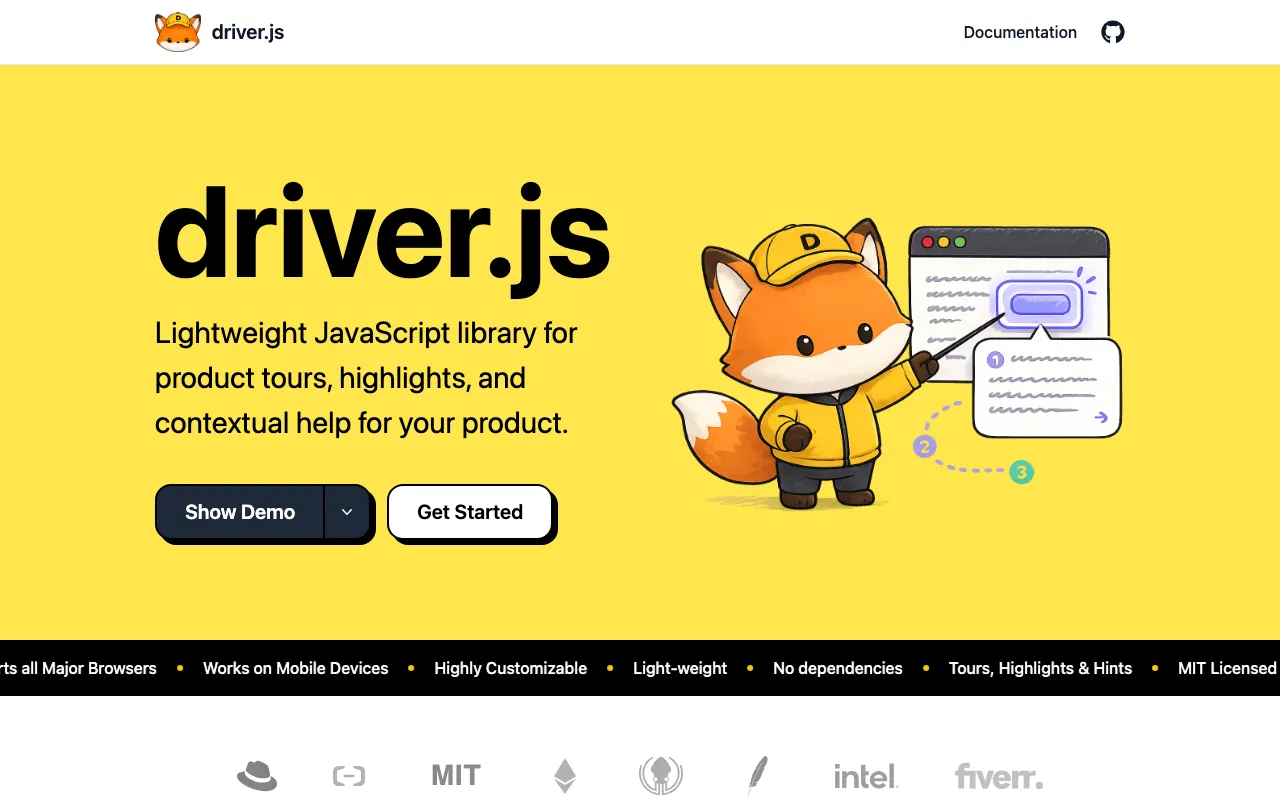
Driver.js is a lightweight JavaScript library for product tours, feature highlights, hints, and onboarding checklists in the browser. It has no runtime dependencies and works with common web frameworks or vanilla JS.
Overview
Driver.js helps web applications guide users around the interface. You can run step-by-step tours, dim the page around selected elements, show pulsing hint beacons with popovers, or present onboarding checklists whose items can launch tours and mark themselves complete.
Tours can wait for clicks, typing, or selections and respond when the user takes the wrong action. The library is written in TypeScript, ships with CSS theming via classes and variables, and aims for keyboard control, focus management, and screen reader announcements.
Separate entry points cover hints, checklists, and headless tours. Documentation, live demos, and a full API reference are published on driverjs.com. Integration typically amounts to importing the package, loading styles, defining steps, and calling drive(), highlight(), or show() on the hints or checklist APIs.
The project is MIT licensed for personal and commercial use. Hints and checklists follow the same general setup pattern as the core tour driver.
Key features
- Step-by-step product tours
- Single-element highlights with overlays
- Clickable hint beacons
- Onboarding checklist widget
- Action-driven tour steps
- Themeable CSS classes
- Accessible keyboard and focus handling
- No third-party dependencies
Use cases
- New user onboarding
- Interactive in-app tutorials
- New feature spotlights
- In-context form guidance
- Contextual help without blocking UI




 Ionic Enterprise