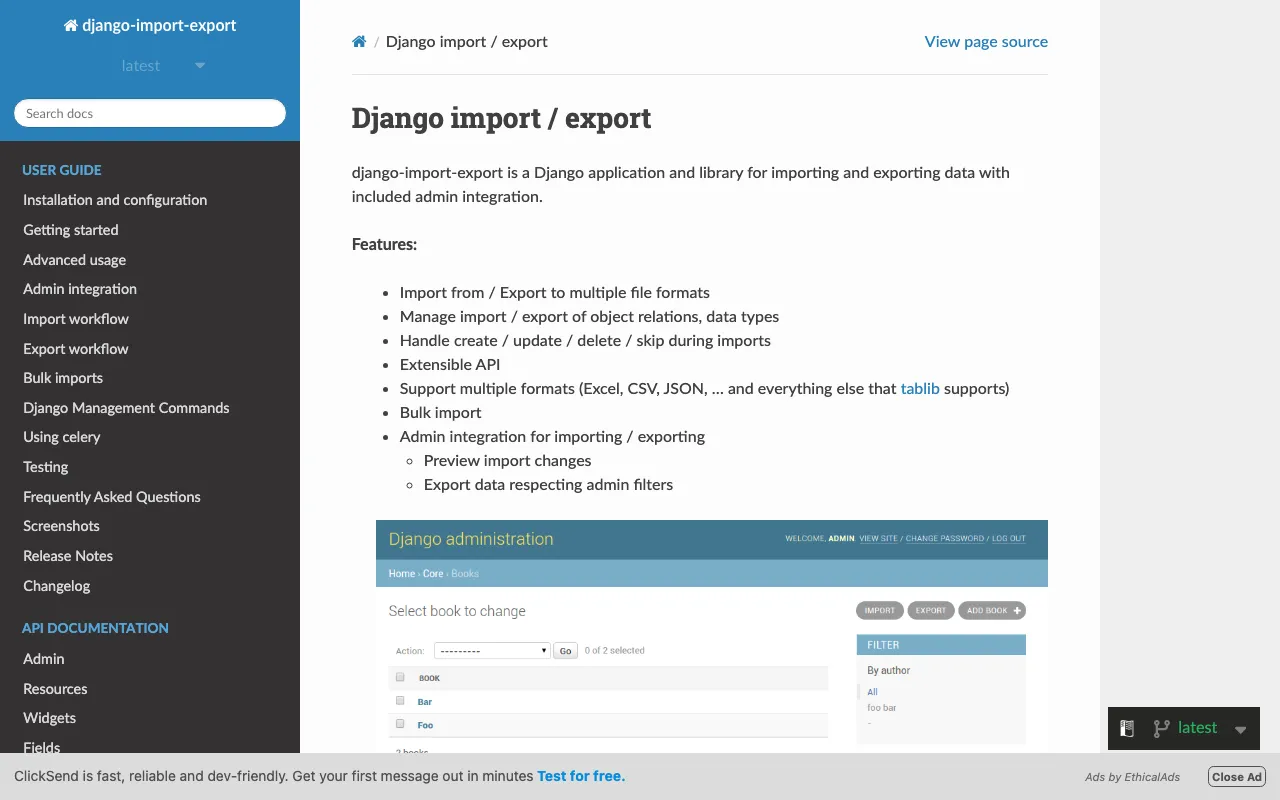
Imports and exports Django model data to CSV, Excel, JSON, and other tablib formats. Optional Django Admin UI supports preview, bulk operations, and permissions.
Overview
django-import-export is a Django application and library for moving structured data between the database and external files. Teams can run imports and exports in code or wire the optional admin integration so staff upload spreadsheets and download filtered exports without custom scripts.
Resources describe how model rows map to tabular data. Imports support create, update, delete, and skip semantics, validation, foreign keys, many-to-many fields, bulk loads, and multiple character encodings. Exports can respect admin list filters, selected rows, field subsets, natural keys for portability between environments, and custom transformations on export.
The admin layer adds import preview before commit, export actions from changelists, and permission checks tied to Django auth. An extensible API supports cron-driven jobs, Celery-backed runs, management commands, and hooks for anonymization or custom form filtering. Documentation covers widgets, signals, transaction handling, and interoperability with third-party libraries.
The stack builds on tablib for format support beyond CSV, including Excel and JSON. MySQL, PostgreSQL, and SQLite are listed as supported database backends for typical deployments.
Key features
- Admin import and export UI
- Import preview in admin
- Bulk import support
- CRUD and skip on import
- Foreign key and M2M handling
- Natural key export
- Django permission integration
- Celery integration
Use cases
- Scheduled reference data imports
- Admin-driven bulk updates
- Environment data portability
- Controlled user list imports