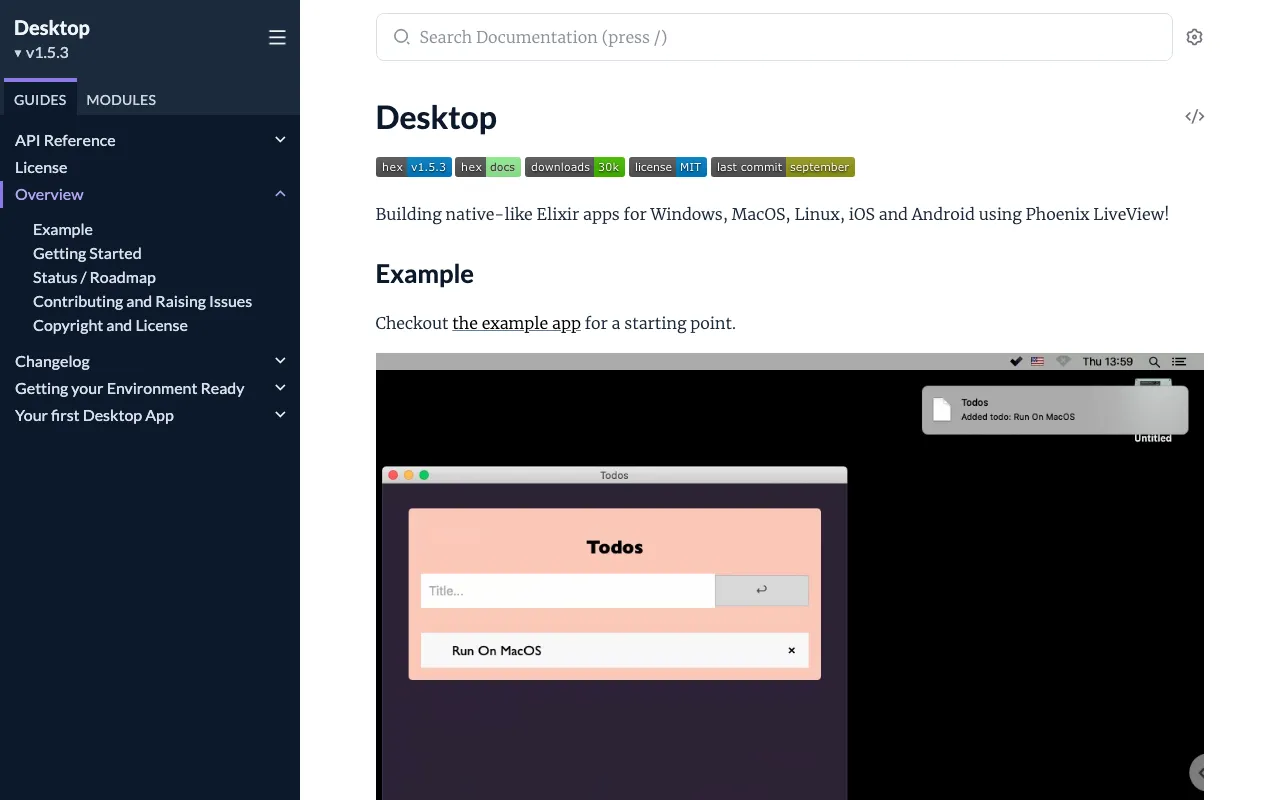
Desktop lets Elixir developers build native-like applications on Windows, macOS, Linux, iOS, and Android using Phoenix LiveView, with selectable wx, mobile JSON, or headless backends.
Overview
Desktop is an Elixir library for building native-like applications across Windows, macOS, Linux, iOS, and Android with Phoenix LiveView. It routes window, webview, menu, and notification calls through a platform layer to one of several backends.
On desktop operating systems the default wxWidgets-backed backend provides native windows where wx is available. For Android and iOS a JSON and TCP bridge talks to a native host application. A browser backend supports headless continuous integration, servers without wx, or local development when NOWX is set, selecting automatically unless overridden in configuration.
The project documents environment setup guides and an example application as starting points. Roadmap items in the source note packaging for desktop installers, mobile packaging examples, deployment helpers, and code signing as future or in-progress goals.
Mobile targeting can be set at compile time or detected at runtime, and environment variables such as NOWX and BRIDGEPORT adjust backend selection and bridge ports for tests.
Key features
- Phoenix LiveView desktop applications
- wxWidgets backend on major desktops
- Json bridge backend for iOS and Android
- Headless browser backend for CI
- Automatic or explicit backend selection
- Window, menu, and notification APIs
- Example app and setup guides
- Packaging roadmap for installers
Use cases
- Cross-platform Elixir desktop utilities
- LiveView UIs in native windows
- Mobile apps via LiveView bridge
- Headless LiveView testing without GUI
- Single codebase across five OS targets




 Ionic Enterprise