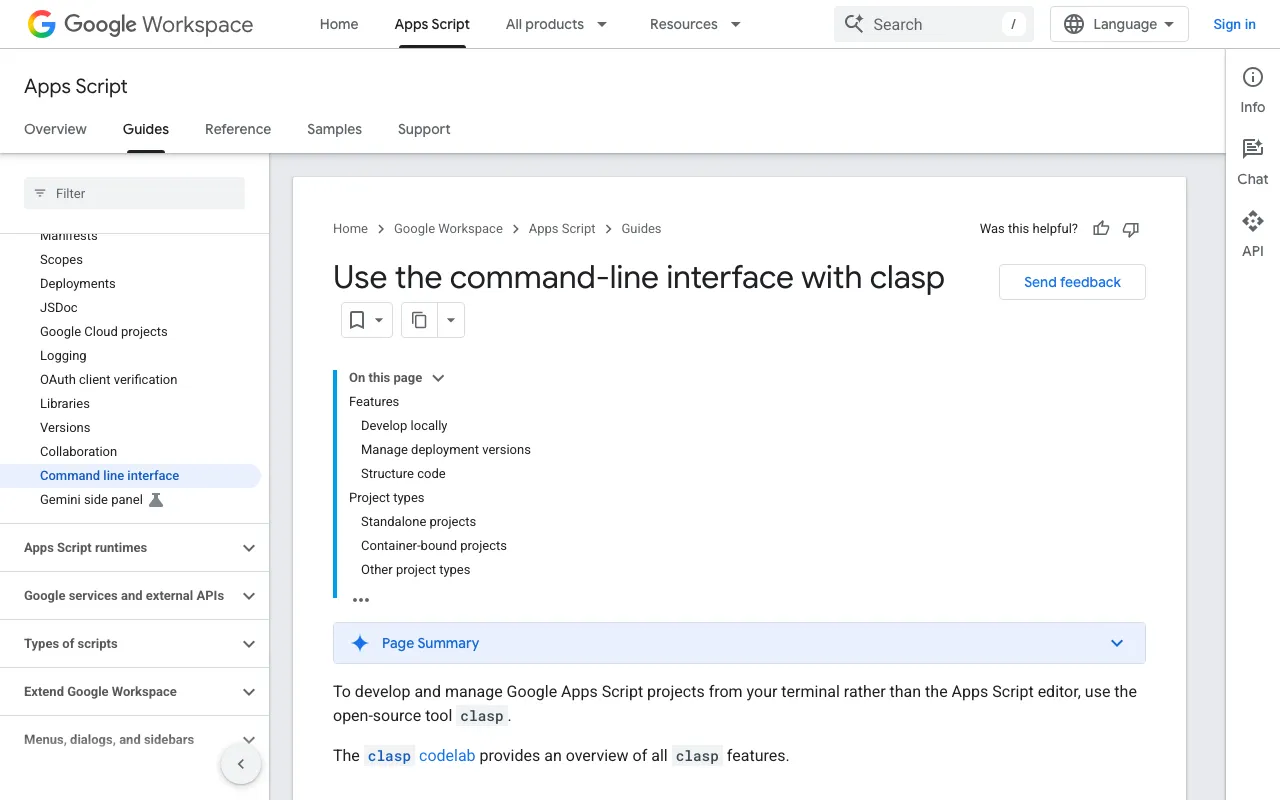
clasp develops and deploys Google Apps Script from your terminal. It syncs local folders with script.google.com, manages versions and deployments, and supports standalone or container-bound projects.
Overview
clasp (Command Line Apps Script Projects) is an open-source Node.js tool for working with Google Apps Script outside the web editor. After login and enabling the Apps Script API, developers create or clone projects locally, push and pull source, and open scripts in the browser when needed.
Local development enables git workflows and familiar editors. clasp maps flat Apps Script projects into directory structures on disk and preserves that layout on upload. Commands cover deployment lifecycle tasks: listing and creating versions, deploying and undeploying, and viewing deployment metadata.
Projects can be standalone Drive files or container-bound to Docs, Sheets, Slides, or Forms via create and clone options. An ignore file controls which paths are uploaded, and a project settings file stores script ID, root directory, and related metadata.
Global npm installation is documented, with optional Gemini CLI or Claude Code integration via MCP. CI examples use stored credentials to lint, test, and push from GitHub Actions because runners cannot complete interactive OAuth in a browser.
Key features
- Local push and pull with Apps Script
- Deployment and version management
- Directory-based project structure
- Standalone and container-bound scripts
- OAuth login and multi-user credentials
- claspignore upload filtering
- Run functions from the terminal
- MCP integration for AI coding CLIs
Use cases
- Version-controlling Apps Script in git
- Automated deploy pipelines for scripts
- Editing Sheets or Docs add-ons locally
- Managing multiple script deployments