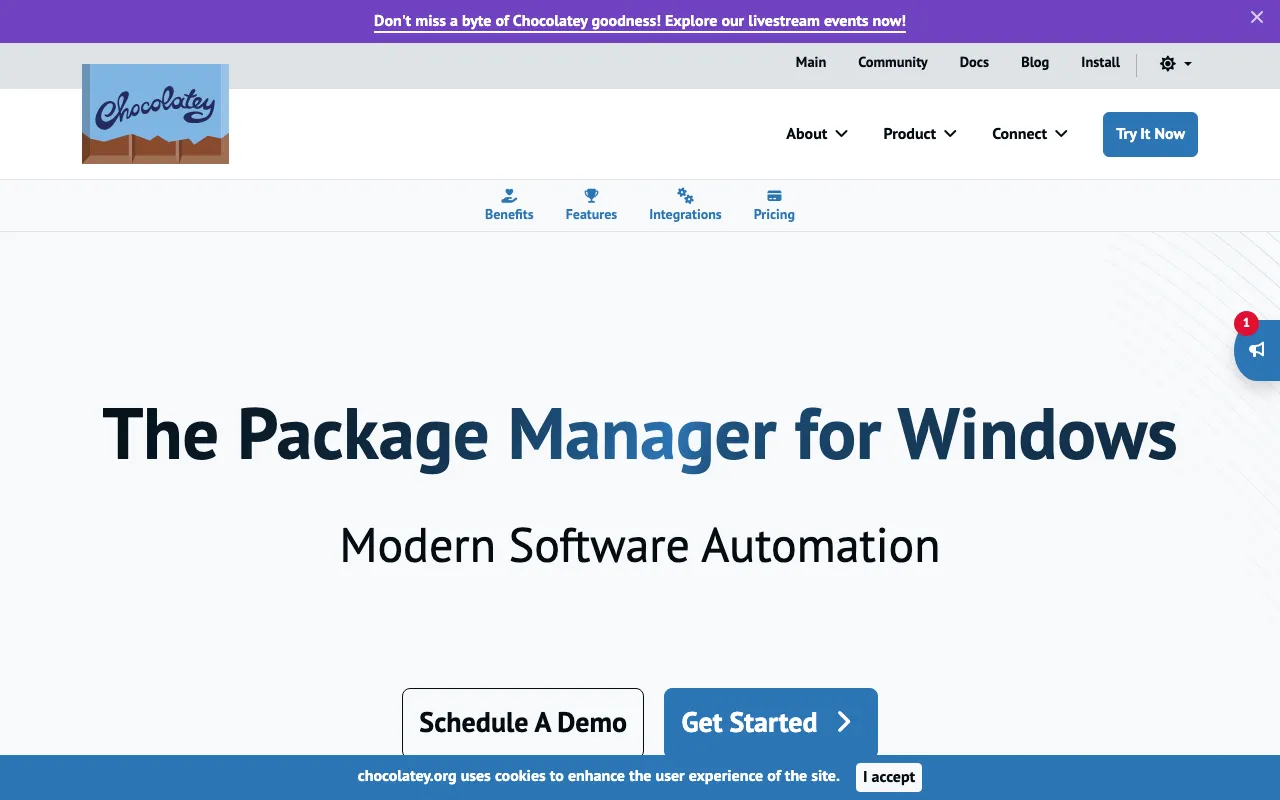
Chocolatey installs, upgrades, and manages Windows software from the command line, wrapping installers, executables, archives, and scripts into packages.
Overview
Chocolatey is a package manager for Windows, described in its materials as working in the same role as yum or apt-get on other systems. The choco client installs and manages software packages from the community feed or private sources using PowerShell-driven automation.
It targets Windows environments with requirements that include .NET Framework 4.8 or newer, PowerShell 2.0 or newer, and supported Windows Server or Windows 10-era releases and later. The client supports tab completion, environment refresh without restarting the shell, and detailed help for individual commands.
The broader Chocolatey platform also advertises business-oriented packaging and deployment tooling, including package creation, internalization for offline use, auditing, synchronization with Programs and Features, and integrations with configuration management systems. The open-source client remains the core tool for installing and scripting package operations on Windows machines.
Documentation covers troubleshooting, package maintenance on the community repository, and optional commercial support tiers. Community chat and forums are listed for users of the free edition.
Key features
- CLI package install and upgrade
- Community package repository
- PowerShell-based automation
- Installer and script wrapping
- Command help and tab completion
- Integrations with config management tools
- Commercial packaging and audit addons
- Environment refresh without shell restart
Use cases
- Scripted software deployment on Windows endpoints
- Standardizing application versions across machines
- Automating third-party update rollouts
- Integrating Windows installs with DevOps pipelines
- Managing drivers and utilities from the command line