 Loom
OBS Studio
Open-source live streaming and video recording
OBS Studio captures, mixes, encodes, and streams or records video and audio on Windows, macOS, and Linux for platforms such as Twitch and YouTube.
Open-source polished demo screen recorder for desktops
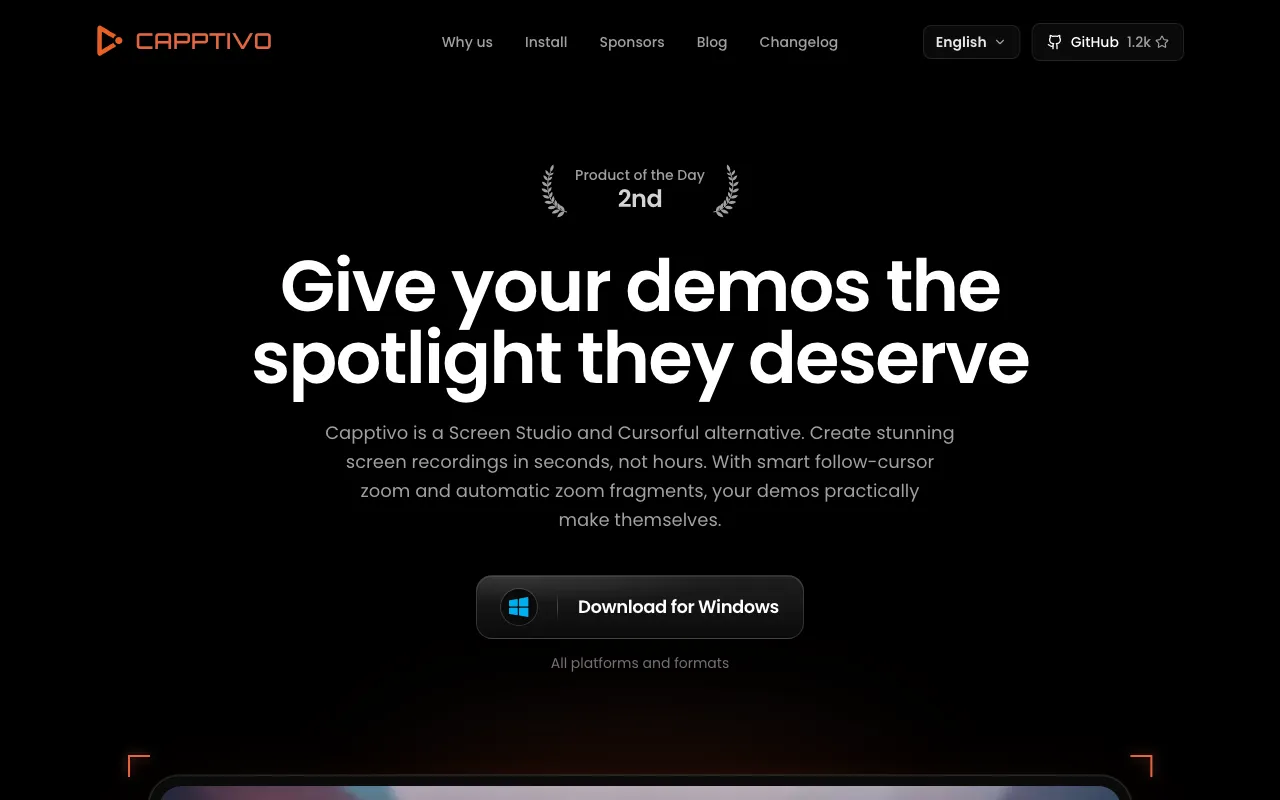
Capptivo records screens on macOS, Windows, and Linux with follow-cursor zoom, timeline editing, captions, and local project storage. Offered as an alternative to paid demo recorders.
Capptivo is a desktop screen recorder focused on polished product demos. It captures displays, windows, or custom regions with optional face cam, microphone, and system audio, using native capture pipelines per operating system. Recordings save cursor and click tracks for later zoom editing.
The editor supports zoom fragments on a timeline, auto-suggested zooms from clicks, follow-cursor panning, backgrounds, custom cursors, on-screen drawing while recording, trim gaps, and named presets that store look, webcam, cursor, captions, and export settings. Captions use on-device Whisper via whisper.cpp without requiring cloud speech APIs.
Exports include MP4, WebM, and GIF with resolution and quality controls. Projects stay in the OS application data directory with a local library and no account requirement. The app is built with Tauri and Rust for capture while the UI handles presentation.
Installers are published for Apple Silicon and Intel macOS, Windows, and Linux package formats. The project describes itself as a free open-source alternative to Screen Studio and Cursorful.
“Capptivo is your free, open-source alternative to Screen Studio and Cursorful.” source
Capptivo doesn't name these products itself, but its own description shows it does the same job.
Open-source live streaming and video recording
OBS Studio captures, mixes, encodes, and streams or records video and audio on Windows, macOS, and Linux for platforms such as Twitch and YouTube.

Windows screen capture, recording, and file sharing utility
ShareX captures or records any screen region from hotkeys, edits screenshots, and uploads files to many destinations. It is a free desktop app for Windows with OCR and workflow automation.

Desktop screen recorder and editor for demo videos
Recordly records screens on macOS, Windows, and Linux, then edits captures with auto-zoom, styled cursors, webcam overlays, and timeline tools before MP4 or GIF export

Cross-platform screenshot tool with editing
Flameshot captures screen regions with a GUI or CLI on Linux, Windows, and macOS. Built-in tools annotate, blur, upload, and save shots locally.

Windows screen, webcam and sketch capture with GIF export
ScreenToGif records a chosen screen region, a webcam feed, or sketchboard drawings, then lets you edit and export the result as GIF, video, or still image formats.

Shareable screen recording with local editing
Cap records screen, camera, and microphone on macOS, Windows, and Linux, then shares links or exports edited video. Teams can self-host the web stack with Docker Compose.