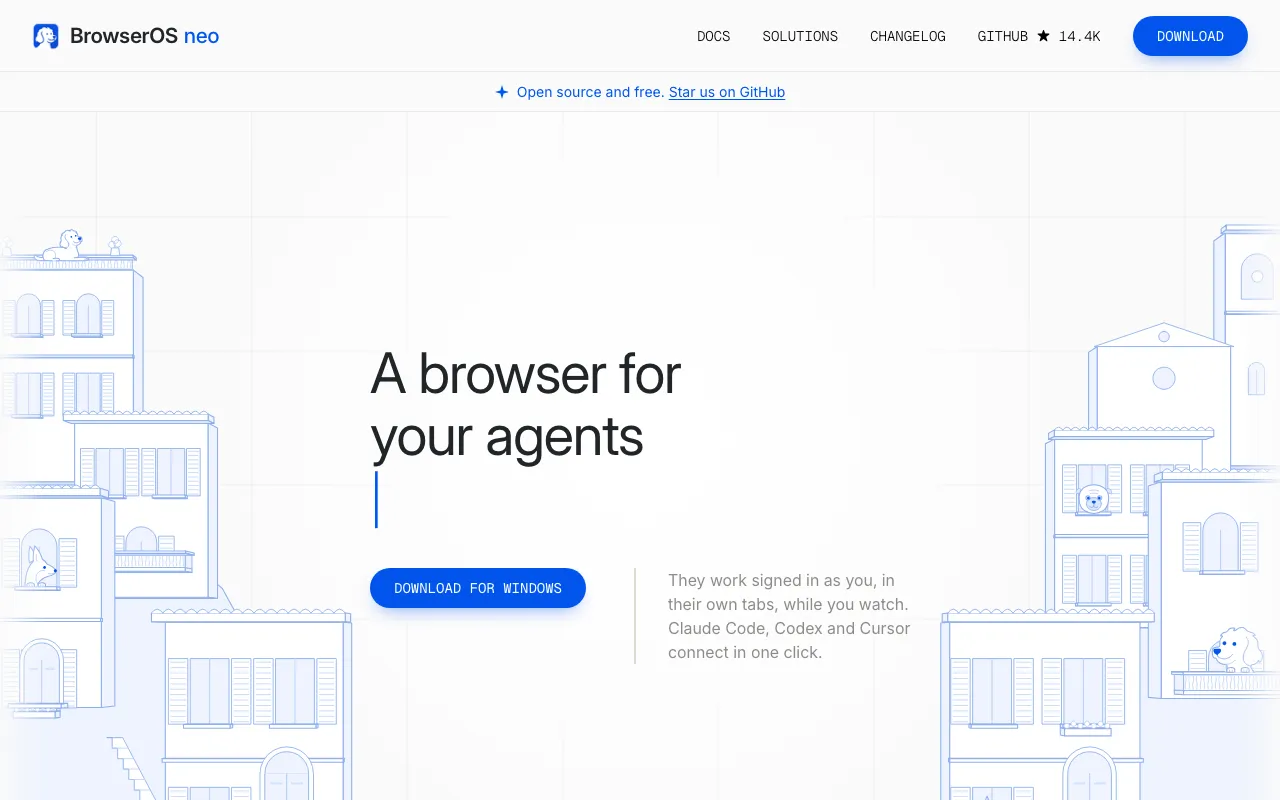
BrowserOS neo is a secondary Chromium-based browser for running AI agents in separate tabs while you stay signed in. Agents connect via MCP and work on logged-in web tasks on your machine.
Overview
BrowserOS neo targets people who want AI coding agents and other MCP clients to drive a real browser with their own accounts, not an empty automation profile. It sits beside Chrome rather than replacing it, and can import logins, bookmarks, and extensions from Chrome in one step.
After install, the product discovers agents such as Claude Code, Codex, Cursor, VS Code, OpenClaw, and Hermes on the machine and connects them with one click. Tasks are issued from the agent; each job runs in its own tab while a new-tab dashboard shows live status, and sessions can be replayed as scrubbable recordings stored locally.
Typical workloads include social posting, inbox cleanup, CRM updates, expense filing, and similar chores that need an authenticated session. Multiple agents can run in parallel. The stack keeps sessions, screenshots, and history under a user home directory and operates local-only, with optional anonymous usage telemetry that excludes URLs, page content, and prompts.
Compared with headless drivers or datacenter cloud browsers, it keeps persisted logins on 127.0.0.1 and works with whichever MCP-speaking agent you already use rather than a single bundled AI.
Key features
- One-click Chrome login import
- MCP agent auto-discovery
- Parallel agent tabs
- Live new-tab agent dashboard
- Scrubbable session replay videos
- Chromium fork with extension support
- Local session storage
- Fewer tokens than some browser extensions
Use cases
- Logged-in web automation
- Salesforce and CRM data export
- Flight and travel booking tasks
- Social media posting
- Inbox and subscription management
Open-source alternative to