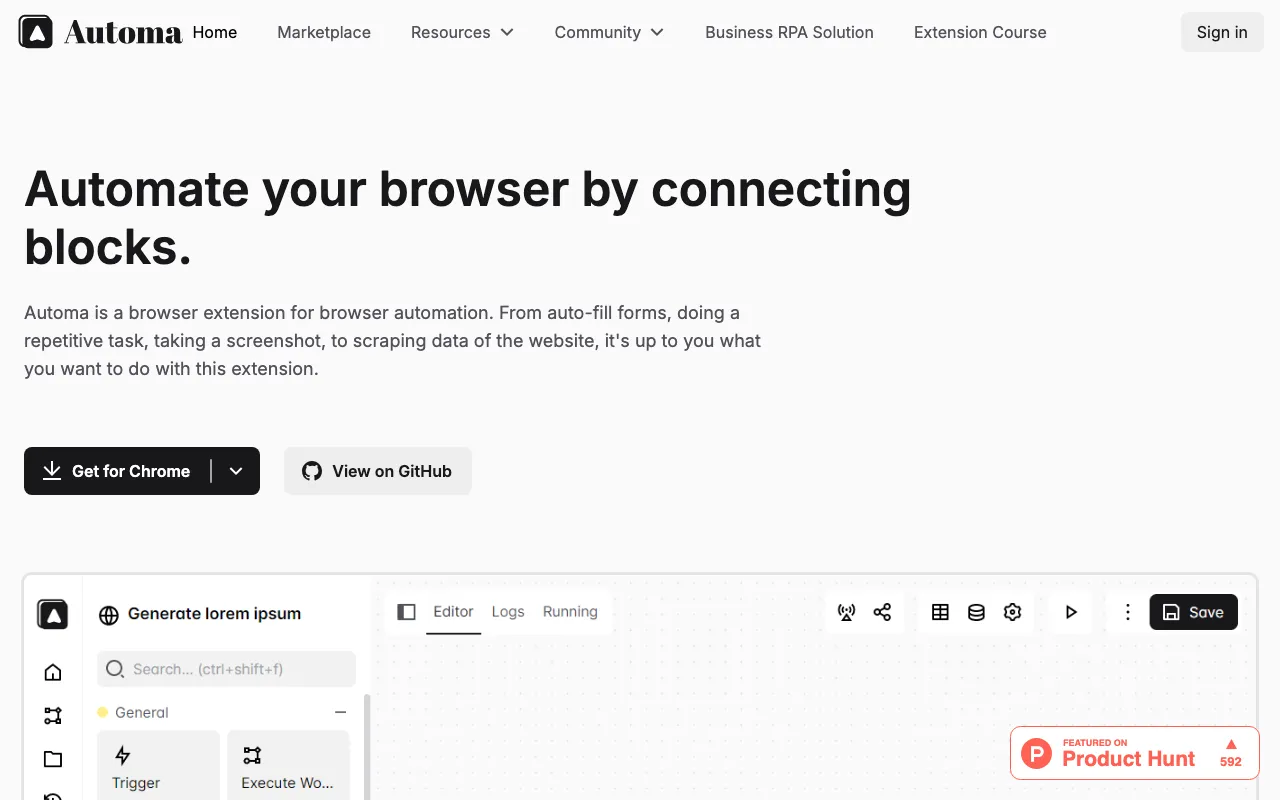
A Chrome and Firefox extension that automates browsing by connecting workflow blocks. Use it to fill forms, repeat tasks, capture screenshots, scrape pages, and run workflows on a schedule.
Overview
Automa is a browser extension that builds automations by linking blocks in a visual workflow. Users can auto-fill forms, handle repetitive browsing steps, take screenshots, and pull data from websites, and they can choose when a workflow runs, including scheduled execution.
Workflows can scrape site data and export it as JSON or CSV, send it to Google Sheets, or rely on other output options described in the product materials. A recording mode creates workflows from captured actions. Logs show past runs and support exporting collected data. A collection feature runs multiple workflows in sequence.
Triggers on a dedicated block can start workflows on a timer, such as daily runs, or when visiting a specific site. The extension ships blocks for many automation steps that users wire together. A marketplace lets people share and download workflows from other users.
Automa Chrome Extension Builder can package Automa workflows into a standalone Chrome extension. Users can install builds locally by loading the unpacked extension in Chrome or a temporary add-on in Firefox. The project site also describes AI-related automation capabilities for building and running workflows.
Key features
- Visual block-based workflow editor
- Form auto-fill
- Website data scraping
- JSON, CSV, and Google Sheets export
- Action recording to create workflows
- Scheduled and site-visit triggers
- Workflow marketplace
- Sequential workflow collections
Use cases
- Repetitive browser task automation
- Form filling on websites
- Scraping and exporting page data
- Scheduled daily automations
- Packaging workflows as a Chrome extension