OBS Studio
Open-source live streaming and video recording
OBS Studio captures, mixes, encodes, and streams or records video and audio on Windows, macOS, and Linux for platforms such as Twitch and YouTube.

Mac screen and camera recorder with built-in editor
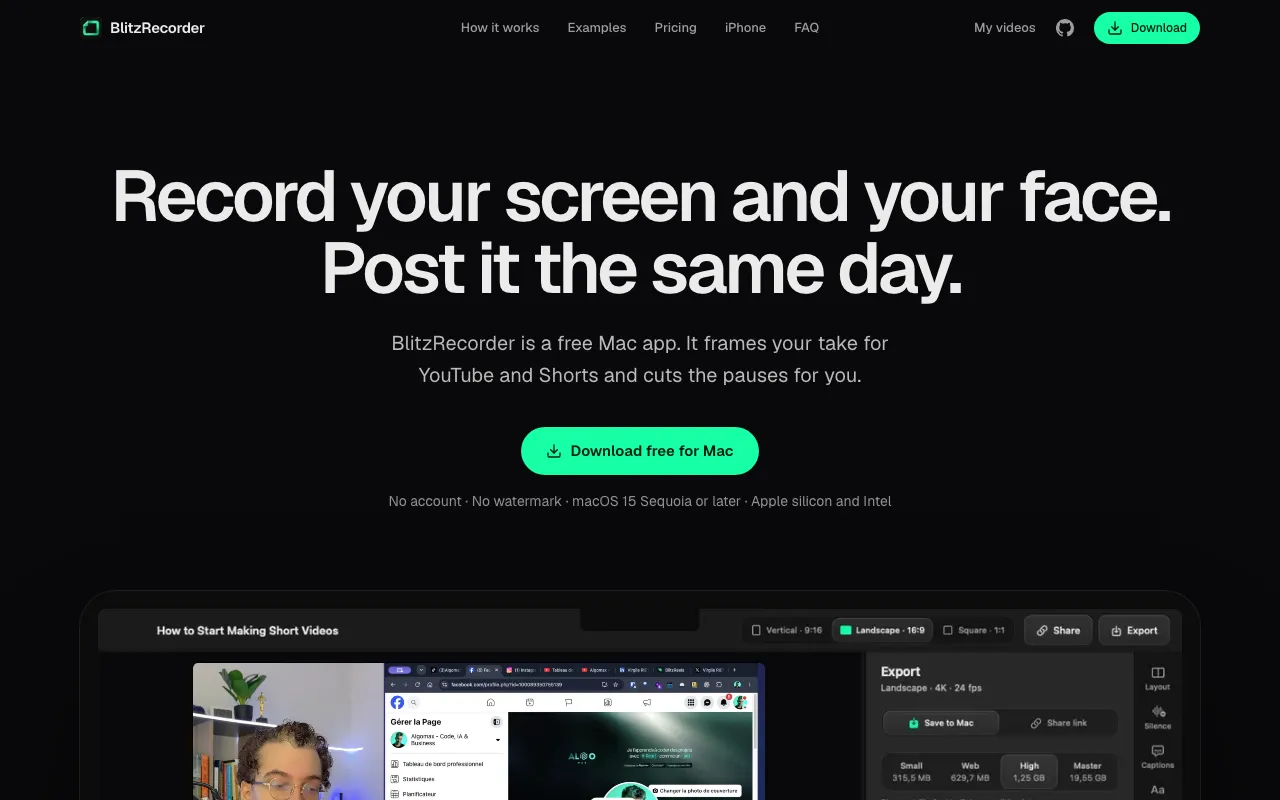
BlitzRecorder captures screen, camera, and audio on Mac, then lets you edit and export finished videos. An iPhone companion acts as a remote camera, and a Windows build handles basic capture.
BlitzRecorder is a native recording studio from BlitzReels for product demos, tutorials, walkthroughs, and any video that needs your screen and your face together. On Mac you choose sources, arrange the frame, and record; takes open in an editor where you can cut pauses, change layouts, add text, and export finished video.
Capture can include a full screen, window, or app alongside camera, microphone, and Mac system audio. You can compose vertical or horizontal video, adjust crops and backgrounds, and switch scenes during a take. The optional iPhone companion pairs over the local network so the phone records full-quality camera footage while the Mac shows a live preview and camera controls.
Editing keeps screen, camera, and audio tracks synchronized with waveforms, silence detection, text overlays, and zoom. You can generate transcripts and identify speakers after downloading transcription models on the Mac, save separate source files for revisiting edits, and export with resolution and frame-rate controls. Recordings stay on your devices unless you choose to share them.
A separate Windows Studio app records and plays takes with screen and microphone capture but does not replicate Continuity Camera, Liquid Glass, or the Mac editor. On Mac the app runs on Apple silicon and Intel hardware with no account or app license key required for recording, editing, and 4K export. A local MCP server lets connected agents list projects, read transcripts, and queue MP4 exports while the Mac app is open.
BlitzRecorder doesn't name these products itself, but its own description shows it does the same job.
Open-source live streaming and video recording
OBS Studio captures, mixes, encodes, and streams or records video and audio on Windows, macOS, and Linux for platforms such as Twitch and YouTube.

Windows screen capture, recording, and file sharing utility
ShareX captures or records any screen region from hotkeys, edits screenshots, and uploads files to many destinations. It is a free desktop app for Windows with OCR and workflow automation.

Desktop screen recorder and editor for demo videos
Recordly records screens on macOS, Windows, and Linux, then edits captures with auto-zoom, styled cursors, webcam overlays, and timeline tools before MP4 or GIF export

Cross-platform screenshot tool with editing
Flameshot captures screen regions with a GUI or CLI on Linux, Windows, and macOS. Built-in tools annotate, blur, upload, and save shots locally.

Windows screen, webcam and sketch capture with GIF export
ScreenToGif records a chosen screen region, a webcam feed, or sketchboard drawings, then lets you edit and export the result as GIF, video, or still image formats.
Shareable screen recording with local editing
Cap records screen, camera, and microphone on macOS, Windows, and Linux, then shares links or exports edited video. Teams can self-host the web stack with Docker Compose.
 Loom