
Bubble Tea
Go terminal UI framework using Elm architecture
Bubble Tea helps Go developers build terminal user interfaces with a model-update-view loop inspired by Elm. It supports inline, full-window, and mixed layouts.

Browser terminal front-end component for web apps
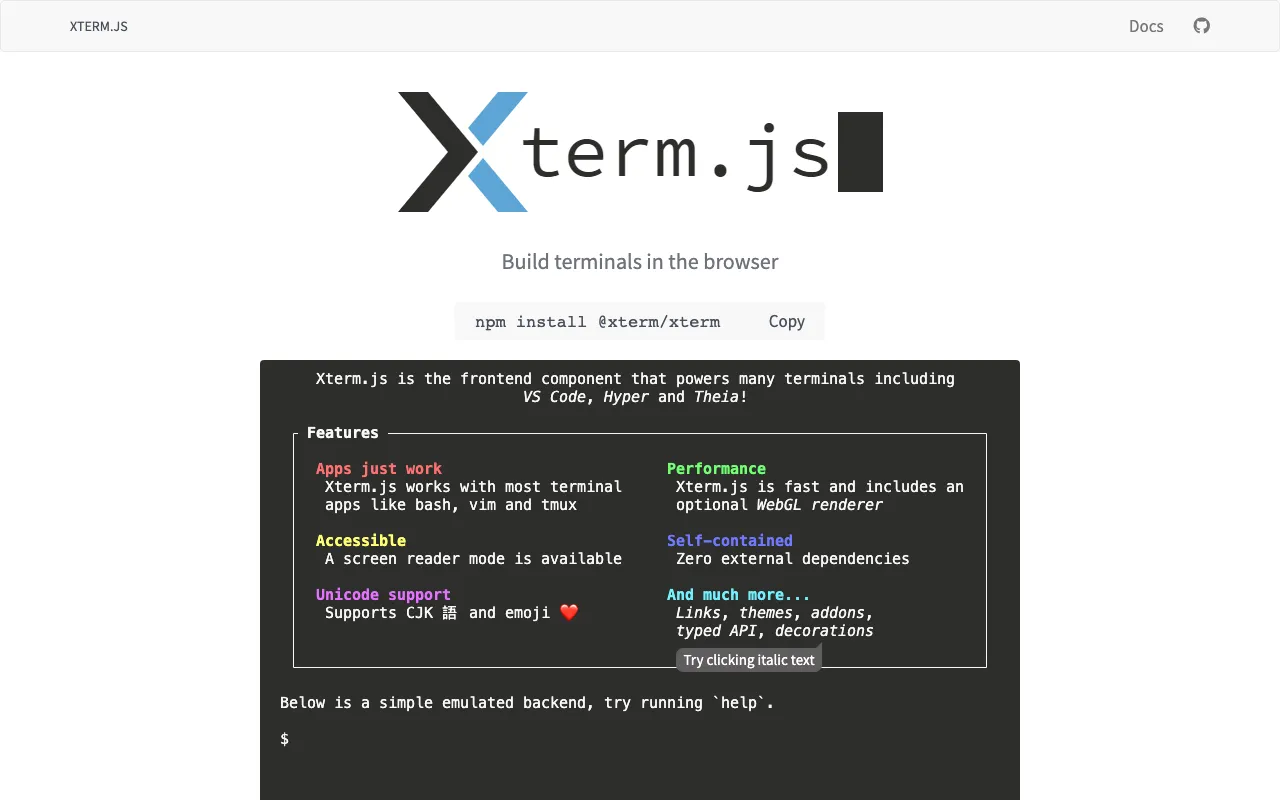
Xterm.js is a TypeScript terminal component that embeds a full terminal experience in web pages and Electron apps.
Xterm.js lets applications render an interactive terminal in the browser by attaching a Terminal instance to a DOM element and wiring I/O to a pseudoterminal backend such as node-pty. It is a front-end library, not a standalone desktop terminal program users install on its own.
The core aims to run common terminal programs including bash, vim, and tmux, with optional GPU acceleration via a WebGL renderer addon. Unicode coverage includes CJK text, emoji, and input method editors. Accessibility options include screen reader mode and minimum contrast support, and the core package ships without runtime dependencies.
Official addons extend the base API for fit-to-container sizing, search, clipboard access, web links, image rendering, ligatures, serialization, and websocket attach helpers. Distribution is through npm as @xterm/xterm with matching CSS, and a headless Node variant exists for tracking buffer state server-side.
Projects such as VS Code, Hyper, Tabby, JupyterLab, and many SSH or cloud IDEs integrate Xterm.js for in-browser consoles. Supported browsers are current Chrome, Edge, Firefox, and Safari, with Electron called out as a common host environment.
Go terminal UI framework using Elm architecture
Bubble Tea helps Go developers build terminal user interfaces with a model-update-view loop inspired by Elm. It supports inline, full-window, and mixed layouts.

React component renderer for interactive terminal UIs
Ink lets developers build command-line interfaces with React components and Flexbox-style layouts via Yoga. It supports hooks, testing, and devtools familiar from browser React.

Python framework for terminal and browser user interfaces
Textual lets developers build cross-platform interfaces in Python and run them in the terminal or a web browser. It targets rapid app development with widgets, layouts, and optional async integration.
Rust library for terminal user interface applications
Ratatui is a Rust crate for building text-based terminal user interfaces. It suits command-line tools, dashboards, and other interactive console programs that need structured layouts and widgets.
Interactive terminal prompts for Node.js command-line tools
Inquirer.js provides reusable prompt widgets for Node.js CLIs, including input, select, checkbox, and confirm flows. It runs in the terminal with TypeScript support and ships via npm, yarn, pnpm, or bun.
Go library of rich interactive terminal UI widgets
Tview supplies forms, tables, trees, layouts, and modals for building terminal applications in Go.