
Bubble Tea
Go terminal UI framework using Elm architecture
Bubble Tea helps Go developers build terminal user interfaces with a model-update-view loop inspired by Elm. It supports inline, full-window, and mixed layouts.

Python framework for terminal and browser user interfaces
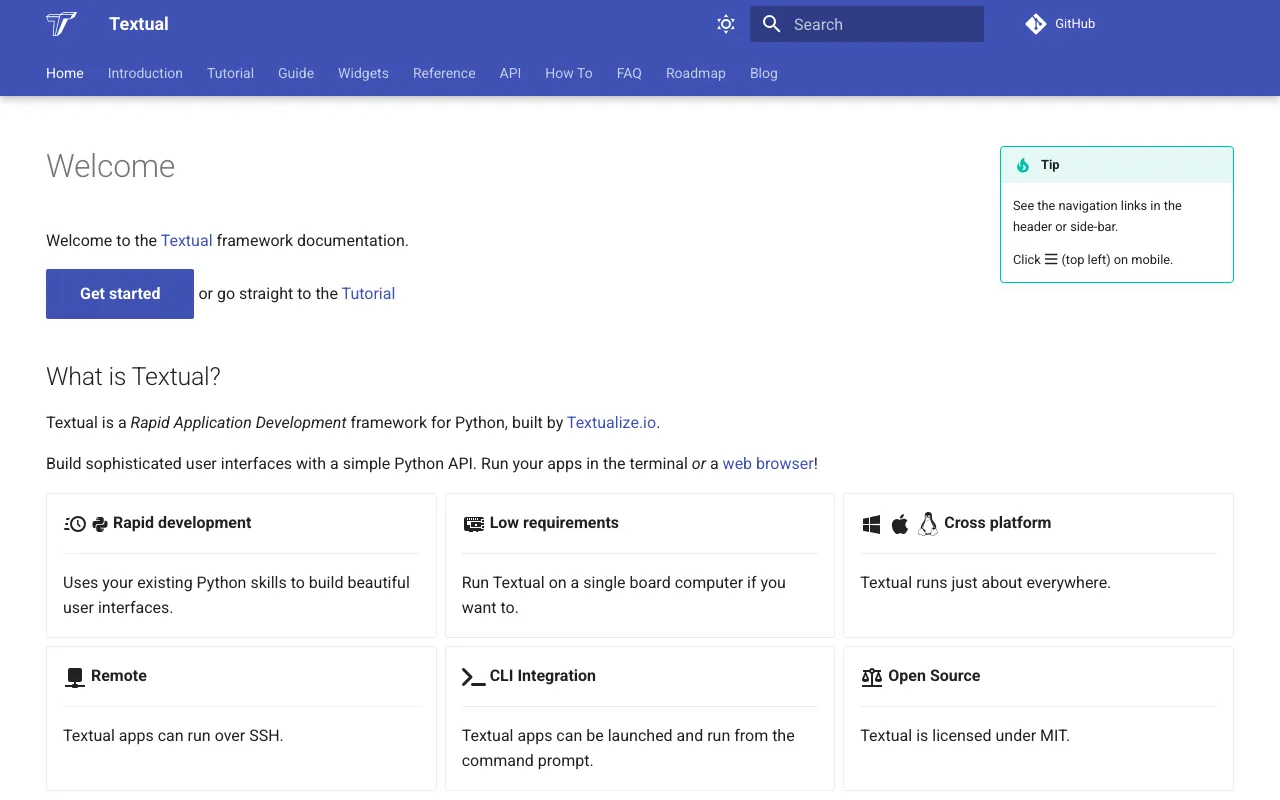
Textual lets developers build cross-platform interfaces in Python and run them in the terminal or a web browser. It targets rapid app development with widgets, layouts, and optional async integration.
Textual is a rapid application development framework for Python aimed at sophisticated terminal and browser UIs from one codebase. You compose interfaces with a Python API inspired by modern web patterns, including decoupled components and a built-in testing story.
The product ships a widget set covering buttons, trees, data tables, inputs, text areas, and similar controls, plus a flexible layout system and predefined themes. Apps can expose a fuzzy-search command palette and optional dev-console tooling for debugging while the app runs in the terminal.
The same applications can run locally in the terminal or be served to a browser via textual serve, and can be shared further through Textual Web. Documentation notes low hardware requirements, broad platform support, SSH-friendly operation, and CLI launch.
Under the hood the framework is asynchronous but does not require async in application code. It is built by Textualize and sits alongside tools in its ecosystem such as terminal API clients and database front ends mentioned in project materials.
Go terminal UI framework using Elm architecture
Bubble Tea helps Go developers build terminal user interfaces with a model-update-view loop inspired by Elm. It supports inline, full-window, and mixed layouts.

React component renderer for interactive terminal UIs
Ink lets developers build command-line interfaces with React components and Flexbox-style layouts via Yoga. It supports hooks, testing, and devtools familiar from browser React.
Rust library for terminal user interface applications
Ratatui is a Rust crate for building text-based terminal user interfaces. It suits command-line tools, dashboards, and other interactive console programs that need structured layouts and widgets.
Interactive terminal prompts for Node.js command-line tools
Inquirer.js provides reusable prompt widgets for Node.js CLIs, including input, select, checkbox, and confirm flows. It runs in the terminal with TypeScript support and ships via npm, yarn, pnpm, or bun.

Browser terminal front-end component for web apps
Xterm.js is a TypeScript terminal component that embeds a full terminal experience in web pages and Electron apps.
Go library of rich interactive terminal UI widgets
Tview supplies forms, tables, trees, layouts, and modals for building terminal applications in Go.