DAP Mode
Emacs client for the Debug Adapter Protocol
DAP Mode connects Emacs to debug servers through the Debug Adapter Protocol, similar in spirit to LSP but for debugging.

React Native and Expo debugging for Visual Studio Code
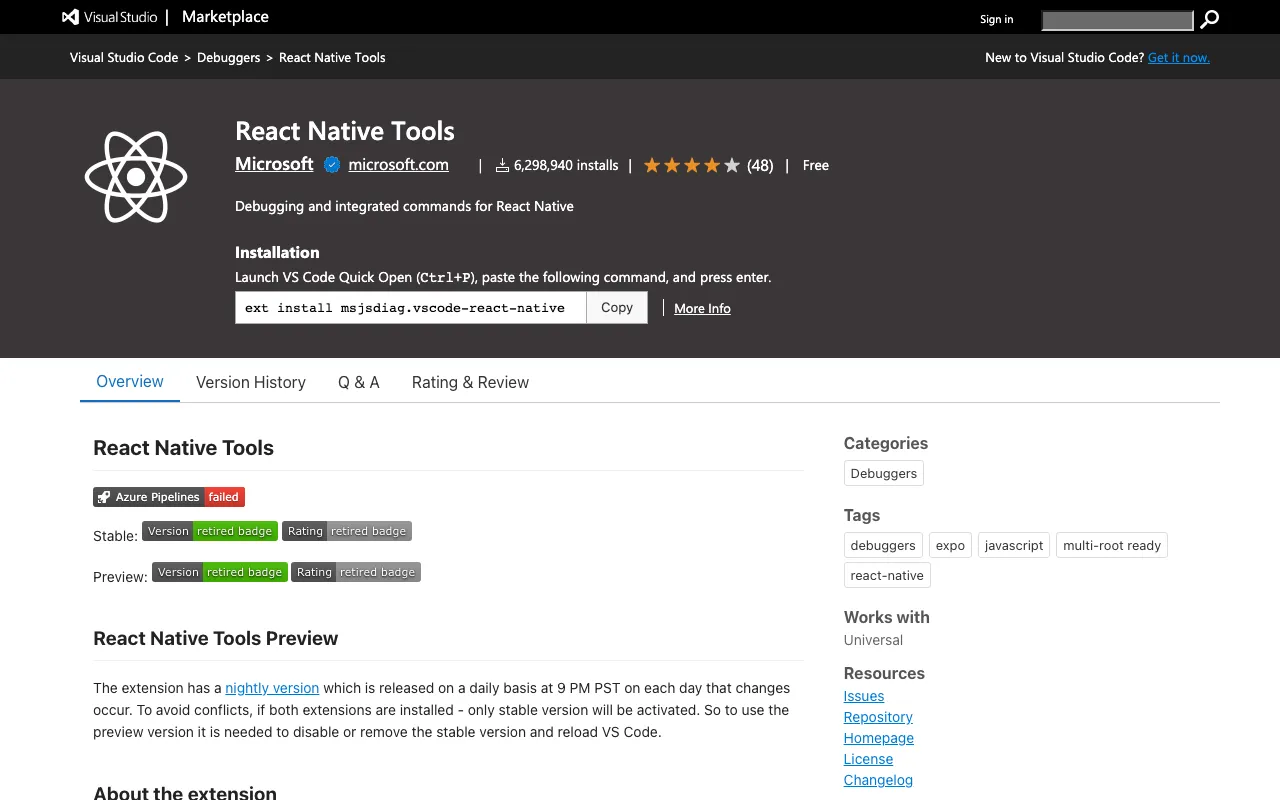
React Native Tools adds debugging, Metro packager controls, and palette commands to run React Native, Expo, and platform-specific targets from VS Code.
React Native Tools is a Visual Studio Code extension that provides a development environment for React Native and Expo projects. It lets you debug applications and launch common react-native and expo workflows from the command palette instead of only from a terminal.
Debugging supports multiple devices and configurations via launch.json or dynamic debug entries, including Hermes-focused flows for Android, iOS, Windows, and macOS targets, Expo Go, expo-dev-client, Expo Web, and scenarios outside the default project root. The extension stores interim debug artifacts under .vscode/.react at the project root.
Command palette actions cover launching emulators, running on simulators or physical devices, starting and restarting Metro, LogCat monitoring on Android, a network inspector, environment checks via doctor commands, Expo prebuild, EAS-related helpers, Hermes toggles, and CocoaPods install for iOS. Tasks can invoke extension commands through VS Code tasks.json.
A nightly preview build is published separately; if both stable and preview are installed, only the stable extension activates until the stable copy is disabled. Documentation notes Docker-based development and optional element inspection features described on the marketplace overview.
Emacs client for the Debug Adapter Protocol
DAP Mode connects Emacs to debug servers through the Debug Adapter Protocol, similar in spirit to LSP but for debugging.

Extensible editor for edit-build-debug workflows
Visual Studio Code combines a lightweight code editor with navigation, debugging, and an extension model. Builds are available for Windows, macOS, and Linux, with a browser-based option.

Agent development environment for parallel coding agents
Orca is a cross-platform agent IDE where you run CLI coding agents in chat or terminal, split work across isolated git worktrees, and coordinate bots from Slack, Linear or GitHub

Extensible Vim-based terminal text editor
Neovim refactors Vim for easier maintenance, stronger extensibility, and modern UIs. It keeps Vim's editing model while adding Lua config, LSP, and a language-agnostic RPC API.

Cross-browser web automation and testing framework
Playwright drives Chromium, Firefox, and WebKit through one API for tests, scripts, and agent-driven browser control.
JavaScript library for automating Chrome and Firefox
Puppeteer exposes a high-level JavaScript API to drive Chrome or Firefox through the DevTools Protocol or WebDriver BiDi. It defaults to headless browser control for scripts and tests.