NextAI Translator
ChatGPT-powered browser and desktop translation tool
NextAI Translator offers translation, text polishing, and summarization via the ChatGPT API in a browser extension and desktop builds for Windows, macOS, and Linux.

Browser extension suite for major AI chat websites
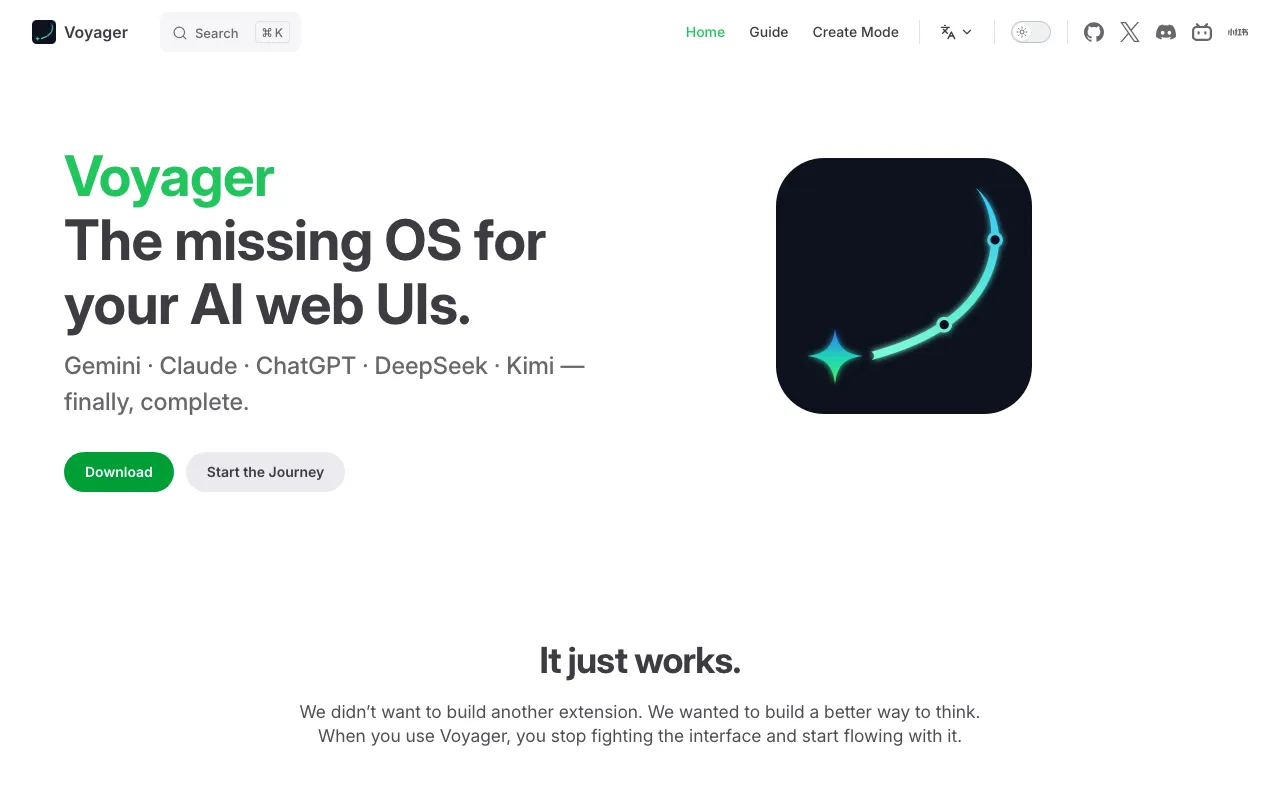
Voyager adds folders, timelines, export, and UI tweaks on Gemini, ChatGPT, Claude, DeepSeek, Kimi, and AI Studio. A portable prompt library works on other sites too.
Voyager is a browser extension that augments popular web-based AI chat interfaces. It layers organization and productivity features—such as nested chat folders, a scrollable timeline of questions, chat export, formula copy, quote-reply, typography controls, and optional visual effects—on top of each vendor’s native UI.
Architecture separates per-site layout maps, reusable UI primitives, and JSON plugins that wire primitives to page regions without executing plugin code. Official capabilities ship as plugins atop the same system, and users can author local plugins from templates or guided creation flows. Plugins cannot run scripts, fetch remote resources, or read message text according to project rules.
Supported targets include Gemini, Google AI Studio, ChatGPT, Claude, DeepSeek, and Kimi, with feature availability varying by site in the project’s matrix. A cross-site prompt library syncs saved prompts into composers, including local web UIs such as DeepSeek Harness. Cloud sync for folders and prompts can use Google Drive or iCloud on Safari.
Distribution is through browser extension stores and manual packages for Edge, Chrome, Firefox, and Safari builds. On Gemini for Enterprise, documentation notes that only the prompt library runs. The extension is independent of the chat providers and uses GPL licensing.
ChatGPT-powered browser and desktop translation tool
NextAI Translator offers translation, text polishing, and summarization via the ChatGPT API in a browser extension and desktop builds for Windows, macOS, and Linux.
Userscript enhancements for ChatGPT web sessions
KeepChatGPT is a userscript that improves ChatGPT web chat reliability, privacy, and workflow. It adds keep-alive, UI tweaks, tracking blocks, and conversation utilities.

Browser sidebar and UI for local AI models
Page Assist is an open-source browser extension with a sidebar and full-page web UI for local AI models. It connects to OpenAI-compatible endpoints such as Ollama from any webpage.

Open-source Chromium-based AI browser with built-in multi-agent automation
Open-source, privacy-focused AI browser built on Chromium. Specialized agents handle web search, research and workflow automation, using cloud or local LLMs.

Open-source personal AI assistant running on your devices and chat apps
Open-source AI assistant that runs on your own computer and answers in chat apps such as WhatsApp, Telegram, Slack and Discord. State, memory and credentials stay on your hardware.

Open-source plugin-based agent harness from DeepSeek
DeepSeek Harness is an open-source agent harness built on an everything-is-a-plugin architecture powered by Cordis. It offers a web UI, desktop app, and extensible plugins for daily work, coding, and automation.
 ChatGPT