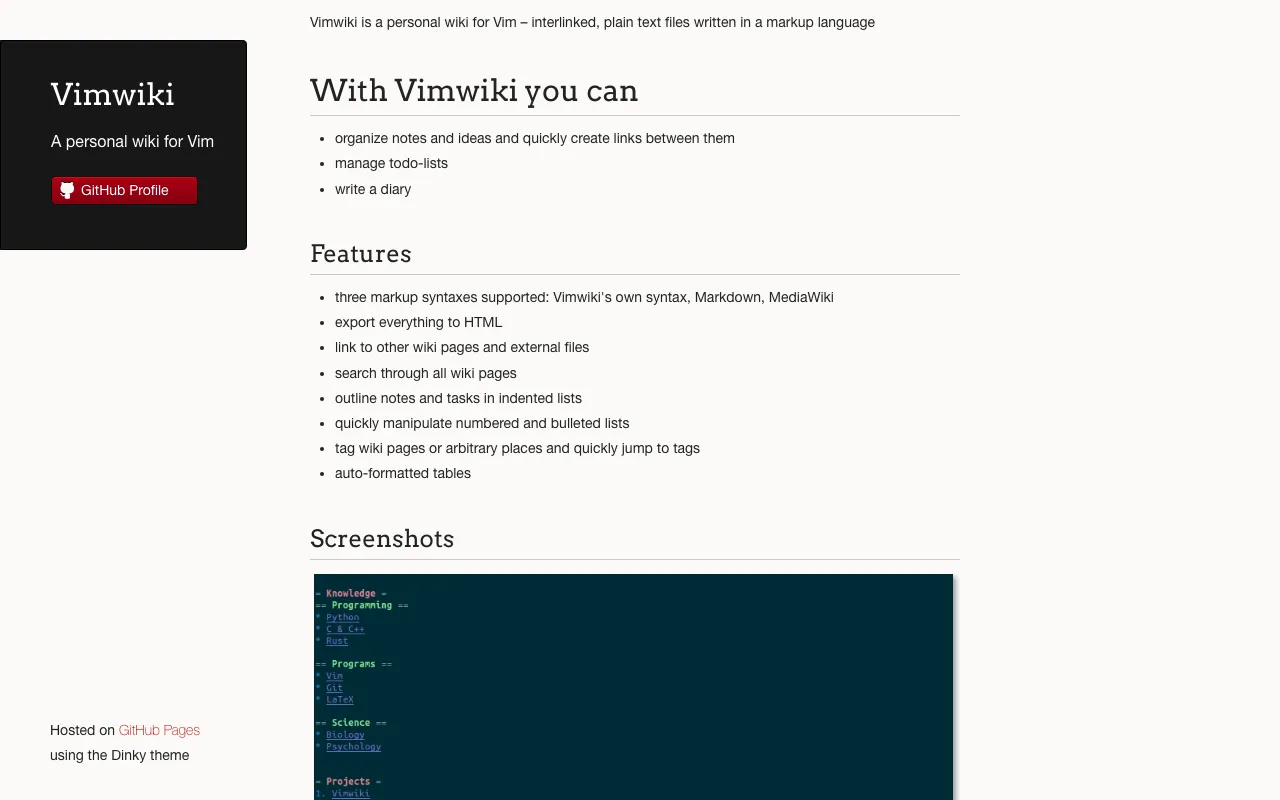
Vimwiki turns Vim into a personal wiki of interlinked text files with its own markup, navigation shortcuts, and optional HTML export.
Overview
Vimwiki is a personal wiki inside Vim: many plain-text files with wiki syntax highlighting and links between pages. The default index lives under a configurable path such as the home vimwiki folder, opened with keyboard shortcuts from normal mode.
You create links from words or selections, follow them to new pages, and jump back through parent links. It supports organizing notes, todo lists, documentation, and a diary in one tree. Lists, tables, code blocks, and tags are part of the native syntax.
Three markup modes ship: native Vimwiki syntax (best supported), Markdown, or MediaWiki. Only the default syntax includes a built-in HTML converter; other syntaxes need custom export tooling. Commands convert the current page or the entire wiki to HTML.
It installs as a Vim plugin via common package managers and runs on Vim and NeoVim once compatible vimrc settings for plugins and syntax are enabled.
Key features
- Wiki links from any words
- Todo and diary pages
- Native Markdown MediaWiki modes
- HTML export commands
- Tag search and jump
- Indented list editing
- Multiple wiki roots
- Keyboard-driven navigation
Use cases
- Personal knowledge base
- Project task tracking
- Technical documentation
- Daily journal in Vim


 Asana
 Coda

 Miro

 Evernote