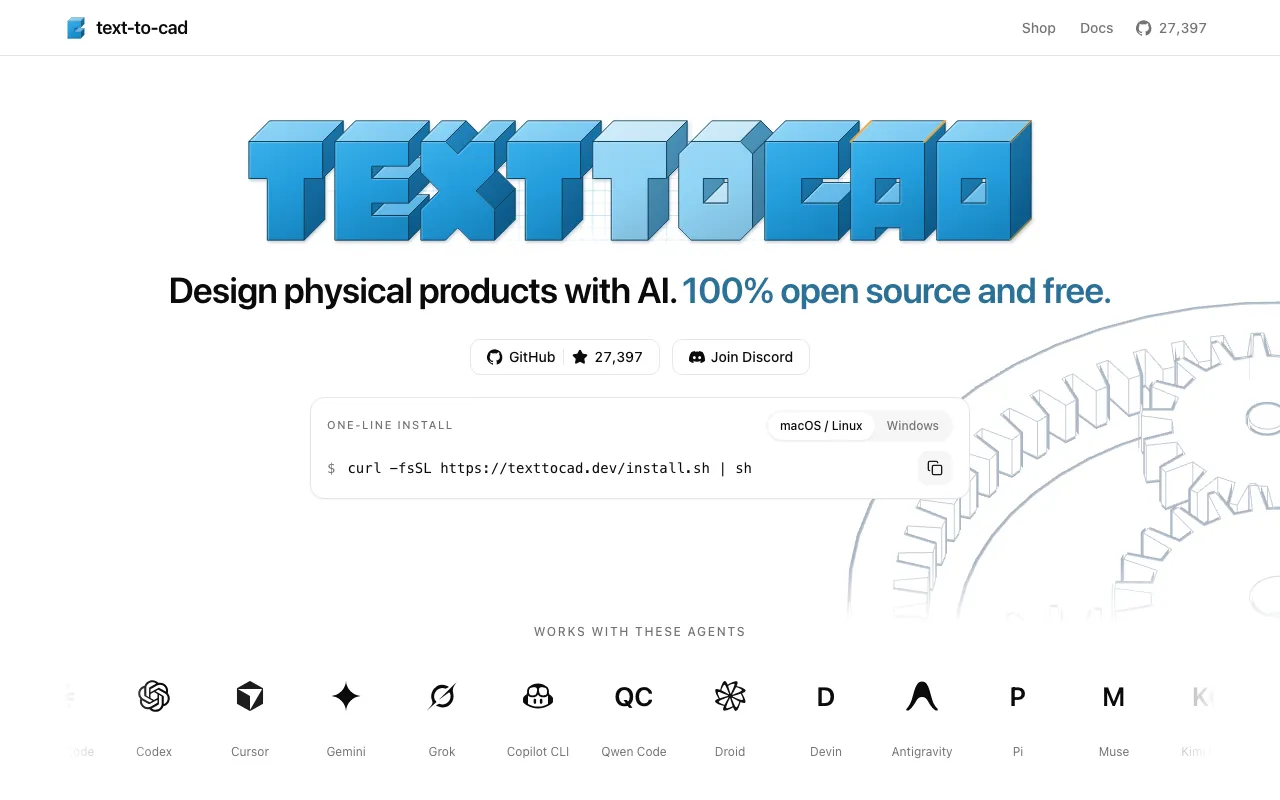
text-to-cad adds local CAD skills to coding agents. It installs a cad command, writes models as Python scripts, and opens them in a viewer.
Overview
text-to-cad targets teams that already use AI coding assistants and want hardware output without leaving that workflow. A one-line installer sets up the cad CLI, hooks into supported agent applications when present, and enables automatic updates.
Agents can request parts or assemblies; the tool generates Python modeling code, executes it, and displays geometry. Export paths include STEP, GLB, STL, and 3MF, with DXF flat patterns for cutting processes.
Beyond solid modeling, bundled skills cover KiCad board design with ERC and DRC checks, design-for-manufacturing reviews, CalculiX stress analysis, dimensioned PDF drawings, and Blender-based renders. Fabrication helpers validate files for SendCutSend and prepare sliced prints for Bambu tooling.
Robot descriptions can be emitted as URDF, SRDF, or MJCF for simulation stacks. The plugin model is meant to work wherever an agent host supports plugins or skills, spanning many named CLI and IDE integrations in the project documentation.
Key features
- Python build123d models with live viewer
- STEP, STL, 3MF, GLB, and DXF export
- KiCad schematic and board workflows
- Manufacturing feasibility checks per process
- CalculiX stress and deflection plots
- Dimensioned PDF drawing sheets
- Blender GPU renders and turntables
- URDF, SRDF, and MJCF robot exports
Use cases
- Generating bracket geometry from agent chat
- Checking parts before CNC or sheet cutting
- Preparing PCB orders from agent-driven layouts
- Stress screening assemblies under load
- Building simulation-ready robot descriptions



 Base44