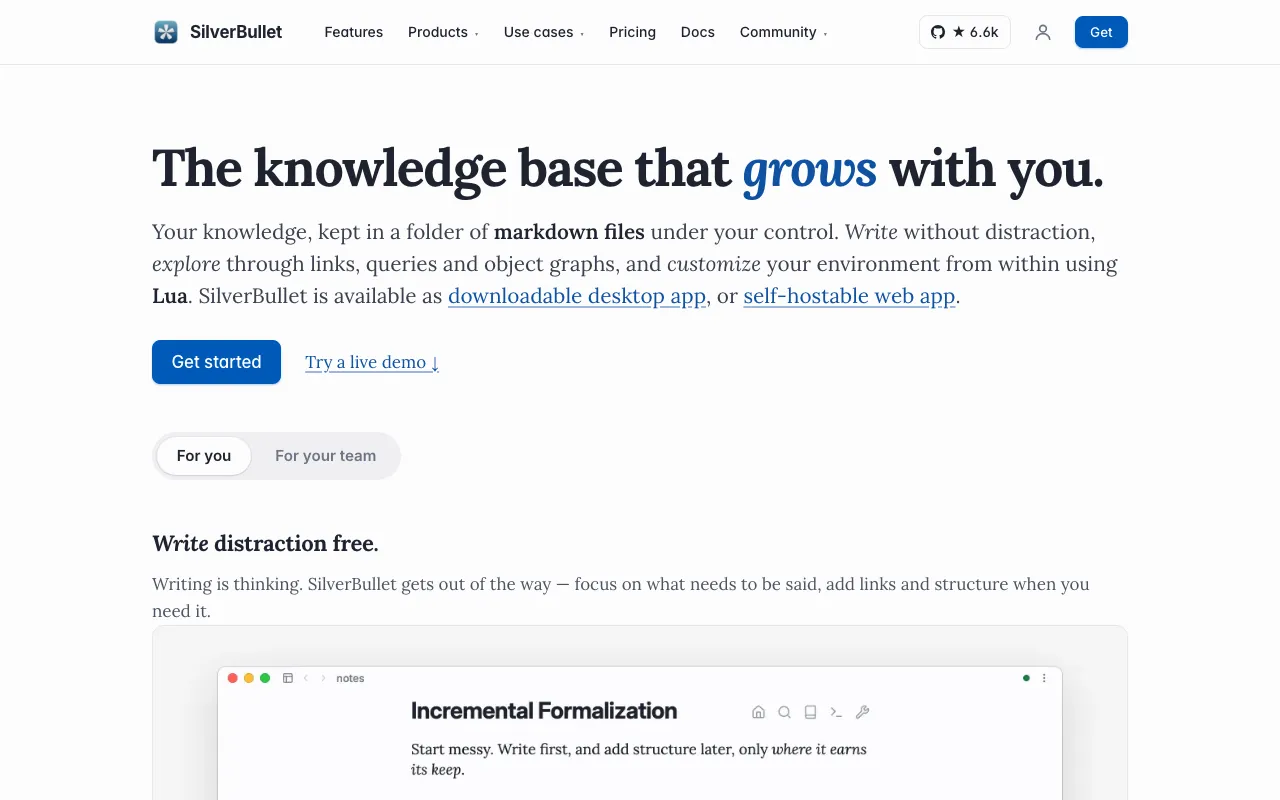
SilverBullet stores notes as markdown files in a folder you control. It supports personal wikis, team spaces, links, queries, and Space Lua extensions via desktop or self-hosted server.
Overview
SilverBullet is a knowledge base that scales from personal notes to team wikis and product documentation. Content lives as markdown files in an ordinary folder, versioned with git if you choose, alongside images and other assets.
Writing happens in a distraction-focused editor built on CodeMirror. You link pages as you write, browse back-links and related pages, and inspect an object graph of how content connects. Space Lua lets you add queries, custom commands, widgets, and templates so tagged notes become structured data.
SilverBullet Server is a Rust backend that serves the web client, handles file and space APIs, authentication, and server-side Lua. You can run it as a single container and reach it from any browser, including phones. SilverBullet Desktop is a native app for macOS, Windows, and Linux that opens local folders as spaces; desktop and server can sync together.
Single-user and multi-player editing are supported, which suits personal journals, family planning boards, meeting notes, and live team wikis. Because notes are plain markdown on disk, they remain readable outside the application if you change tools later.
Key features
- Markdown files in local folders
- Links, back-links, and object graph
- Space Lua queries and widgets
- Single and multi-user editing
- Self-hostable server container
- Native desktop app
- Related pages discovery
- Custom themes and frontmatter
Use cases
- Personal knowledge and journaling
- Team wikis with shared meeting notes
- Product documentation alongside code repos
- Family shared lists and chores
- Docs-as-code in git repositories


 Asana
 Coda

 Miro

 Evernote