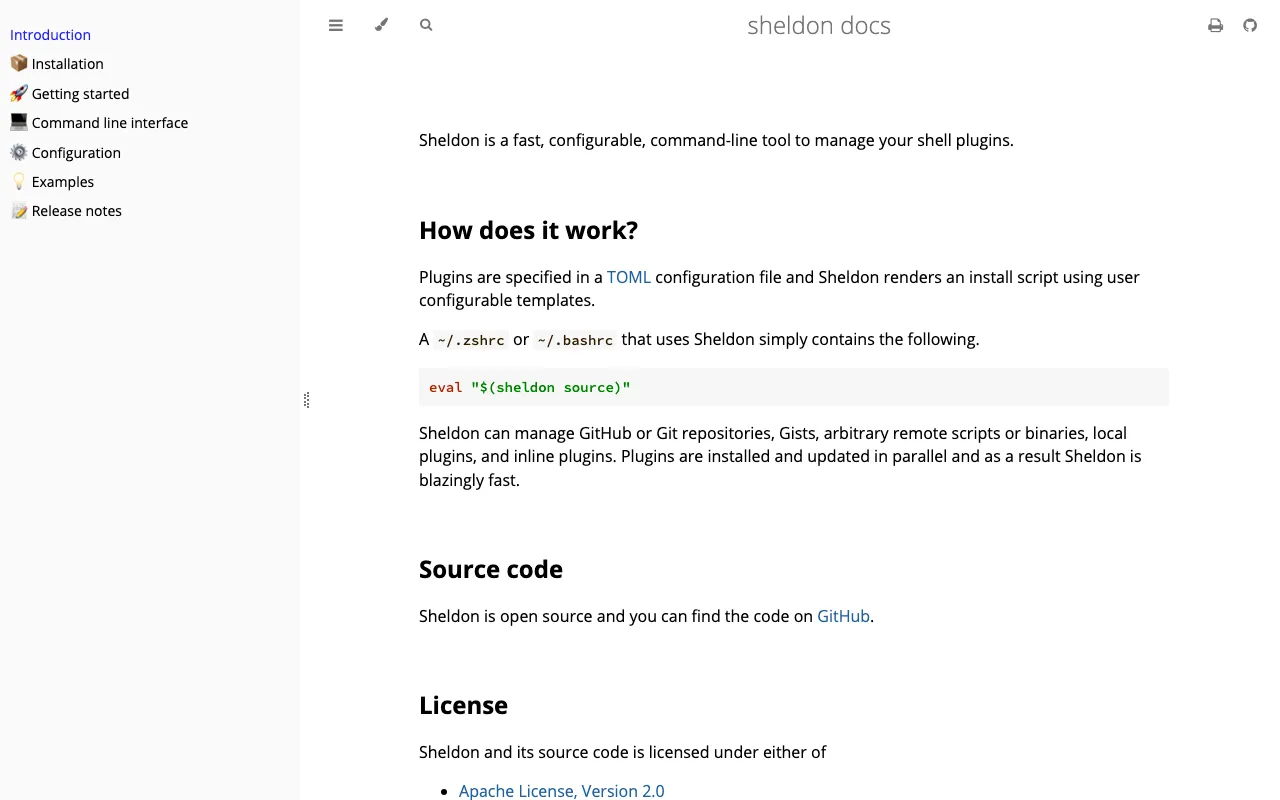
Manages Bash and Zsh plugins from a TOML config file, installs sources in parallel, and emits shell code via templated render steps.
Overview
Sheldon is a command-line tool that installs and loads shell plugins for Bash or Zsh from a single TOML configuration file. A typical shell startup evaluates generated source output so dotfiles stay to one line instead of many manual plugin blocks.
Plugins can come from Git repositories (including first-class GitHub and Gist sources), arbitrary remote scripts or binaries, local directories, or inline snippets. Git sources support branches, tags, commits, HTTPS or SSH cloning, and submodule workflows. Install behavior is controlled through configurable templates that decide how each plugin updates PATH, fpath, or sources files.
Commands cover initializing config, locking and verifying plugin installs, rendering source scripts, and adding or removing entries. Profiles limit which plugins load; hooks run around installation. Parallel downloads aim for fast installs and updates.
Sheldon can be installed via Nix, Homebrew, Cargo, cargo-binstall, or prebuilt Linux and macOS binaries. Shell completion scripts are available for Bash and Zsh.
Key features
- TOML plugin configuration
- GitHub, Gist, and Git sources
- Remote, local, and inline plugins
- Custom install templates
- Parallel plugin installation
- Bash and Zsh support
- Profile-based plugin selection
- Lock file for reproducible installs
Use cases
- Managing Zsh or Bash dotfile plugins
- Pinning shell tooling from GitHub
- Replacing manual oh-my-zsh-style setup




 ChatGPT