qmetrics.net

Rift

Tiling window manager for macOS with multiple layouts

AutomationDesktop/CLI app
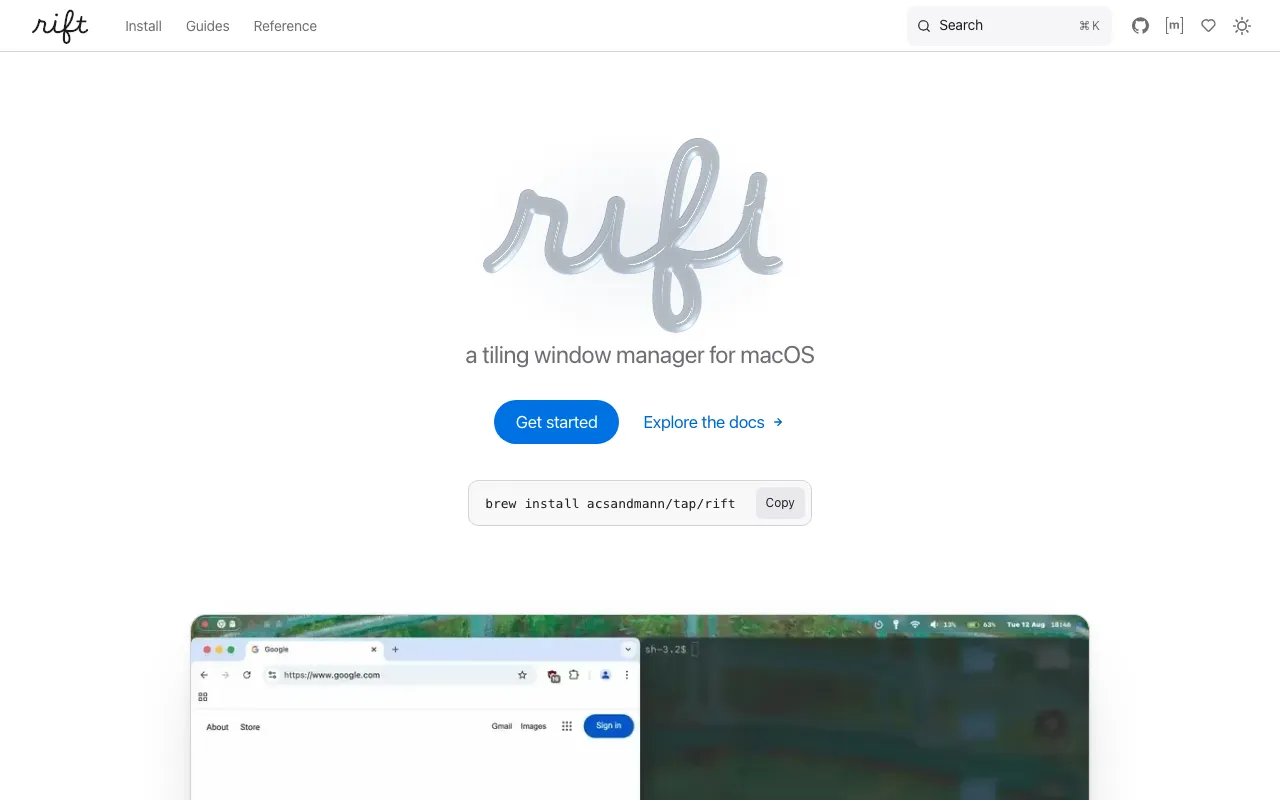
Rift screenshot

Rift arranges macOS windows with tiling layouts, virtual workspaces, and keyboard or trackpad controls. It targets performance and daily usability without disabling SIP.

Overview

Rift is a tiling window manager for macOS focused on performance and usability. It offers several layout modes, including i3-style tiling, binary space partitioning, floating frames with optional stacks, dwm-like master-stack, niri-style scrolling columns, and accordion stacks.

Windows can be grouped into workspaces, moved between them, and viewed with a niri-style mission control interface. Focus can follow the mouse with auto-raise. Layouts can be saved and restored from the menu bar or CLI, with reusable layouts stored in a configurable folder. A menu bar icon provides workspace switching, layout changes, and quick controls.

Keyboard shortcuts focus, move, and resize windows; trackpad gestures switch workspaces like native macOS. Configuration is hot-reloadable, including TOML-based settings and app rules in Settings. Rift supports native macOS window tabs and works with separate Spaces per display.

Mach port IPC allows external tools such as sketchybar to talk to Rift. Installation is documented via project docs and Homebrew tap formulas.

Key features

  • Multiple tiling and stack layout modes
  • Virtual workspaces and mission control view
  • Menu bar controls and layout save/restore
  • Focus-follows-mouse with auto-raise
  • Trackpad workspace gestures
  • Hot-reloadable TOML configuration
  • Native macOS tabs and separate Spaces
  • Mach port IPC for third-party tools

Use cases

  • Keyboard-driven window layout on macOS
  • Multi-monitor workflows with per-display Spaces
  • i3- or bspwm-style tiling on Mac hardware
  • Integrating window state with status bar tools
  • Switching layouts per task or project

Tags

Similar software

OpenClaw

Open-source personal AI assistant running on your devices and chat apps

Open-source AI assistant that runs on your own computer and answers in chat apps such as WhatsApp, Telegram, Slack and Discord. State, memory and credentials stay on your hardware.

★ 395.3k⟳ todayMIT
Open Source Alternative to:ChatGPTChatGPT Plus+3

n8n

Fair-code AI workflow and agent automation platform

n8n is a fair-code platform for building AI agents and automated workflows. It pairs a visual editor with custom code and links to many integrations.

★ 212.4k⟳ todaySource-available
Alternative to:IFTTTMake+2

MoneyPrinterTurbo

AI workflow toolkit for automated short-form video

MoneyPrinterTurbo turns a topic or keyword into an HD short video using AI for script, footage, voice, subtitles, and music.

★ 146k⟳ yesterdayMIT
Photo & Video EditorsDesktop/CLI app

PowerToys

Open-source Windows desktop utility collection

Microsoft PowerToys bundles many small utilities for customizing Windows and streamlining common desktop tasks. Users install it on Windows through several package channels.

★ 141.5k⟳ todayMIT

Browser Use

Open-source Python browser agent with hosted stealth cloud browsers

Open-source browser agent that completes tasks in a real browser by writing Python against Chrome DevTools Protocol. Runs on any LLM, locally or on Browser Use Cloud, adding stealth browsers and a hosted agent API

★ 122.2k⟳ yesterdayMIT

Home Assistant

Local-first open home automation platform

Home Assistant connects smart home devices and services for local control and privacy. It suits Raspberry Pi or a server at home, with companion apps for phones and watches.

★ 92.6k⟳ todayApache-2.0
Open Source Alternative to:Google HomeHomey+3